Preparations 2-23
Chapter 2 Preparations
Audio settings page 1-1
Using the sub LCD menu, you can
make channel settings and adjust the
input and output characteristics of
video and audio signals.
2-7 Input and Output Settings for Video
and Audio Signals (Sub LCD Menu)
For more information about basic sub
LCD menu operations, see section 2-
6-2 “Sub LCD Menu Basic
Operations”.
2-7-1 Making Settings in the Audio Settings Pages
The audio settings pages are divided
into four groups, AU-1 to AU-4. To
call up one of the settings pages in a
group, select the group from the home
page. Each settings page has a number
that indicates its group and its position
within the group. For example, audio
settings page 1-1 is the first page in
group AU-1.
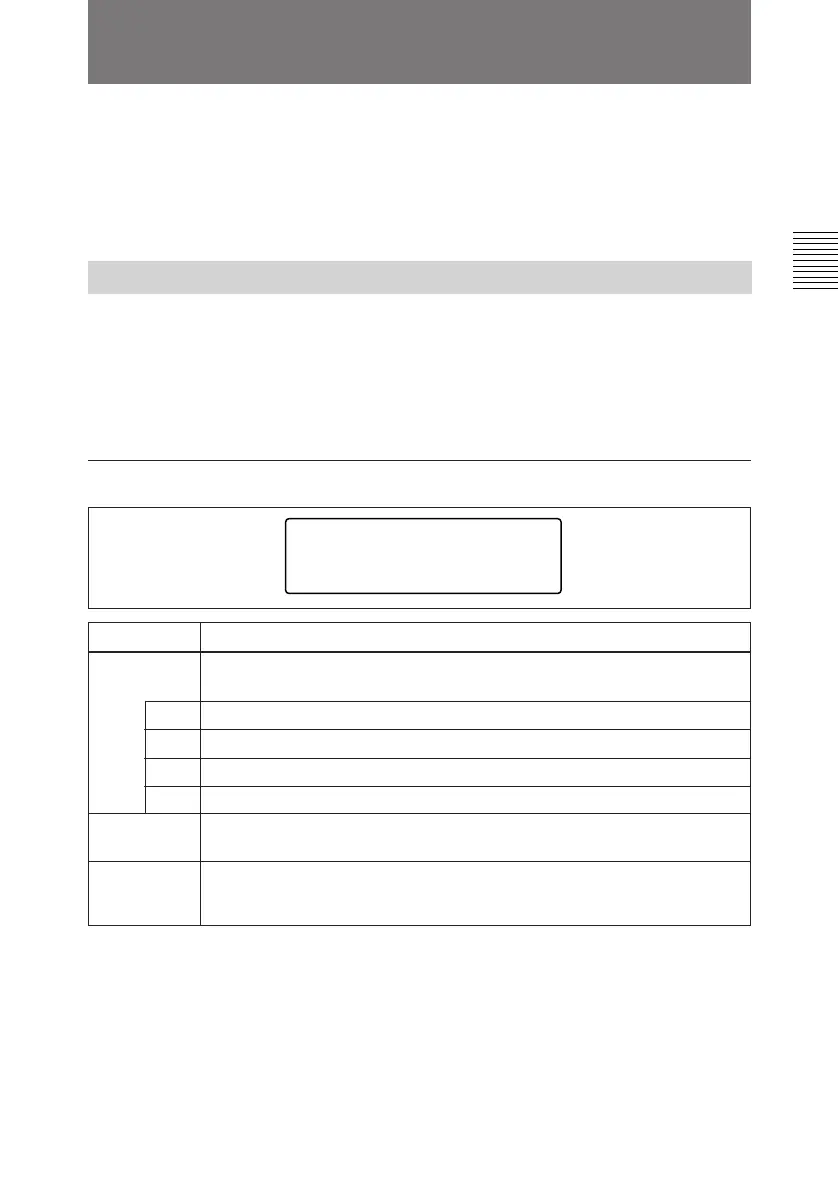
AUDIO INPUT
IN-1
SDI-1
AGC
OFF
LIMITER
OFF
[AU-1-1]
IN-4
SDI-4
IN-2
SDI-2
IN-3
SDI-3
Item Setting
AGC Turn the audio input AGC circuits ON and OFF (enabled when the AUDIO
INPUT PRESET/VARIABLE switch of the control panel is set to PRESET).
LIMITER Turn the audio input limiter circuits ON and OFF (enabled when the AUDIO
INPUT PRESET/VARIABLE switch of the control panel is set to
VARIABLE).
AUDIO
INPUT
Select the signals of audio input channels 1 to 4
IN-1 SDI-1 or ANALOG 1
IN-2 SDI-2 or ANALOG 2
IN-3 SDI-3 or ANALOG 1
IN-4 SDI-4 or ANALOG 2
To switch to audio settings page
1-2
Press the PAGE button.



 To Next Page