Preparations 2-31
Chapter 2 Preparations
1 SUPER (superimpose) setting
Set to either of ALL, LCDMENU, or
CPSTALL to specify output of
superimposed text.
When set to ALL
When set to CPSTALL
2-8 General Settings Page of the Sub
LCD Menus
Output to
LCD monitor
Output to
VIDEO OUT
2 (SUPER)
connector
Yes YesTime data
Menus Yes Yes
Error
messages/
Shot Mark
list
Yes Yes
The general settings page contains the
items shown below.
Output to
LCD monitor
Output to
VIDEO OUT
2 (SUPER)
connector
No YesTime data
Menus No Yes
Error
messages/
Shot Mark
list
No Yes
When set to LCDMENU
Output to
LCD monitor
Output to
VIDEO OUT
2 (SUPER)
connector
Time data No
No
Menus
Yes
No
Error
messages/
Shot Mark
list
Yes
No
For details about the information
displayed, see “To display
superimposed text information” (page
A-11).
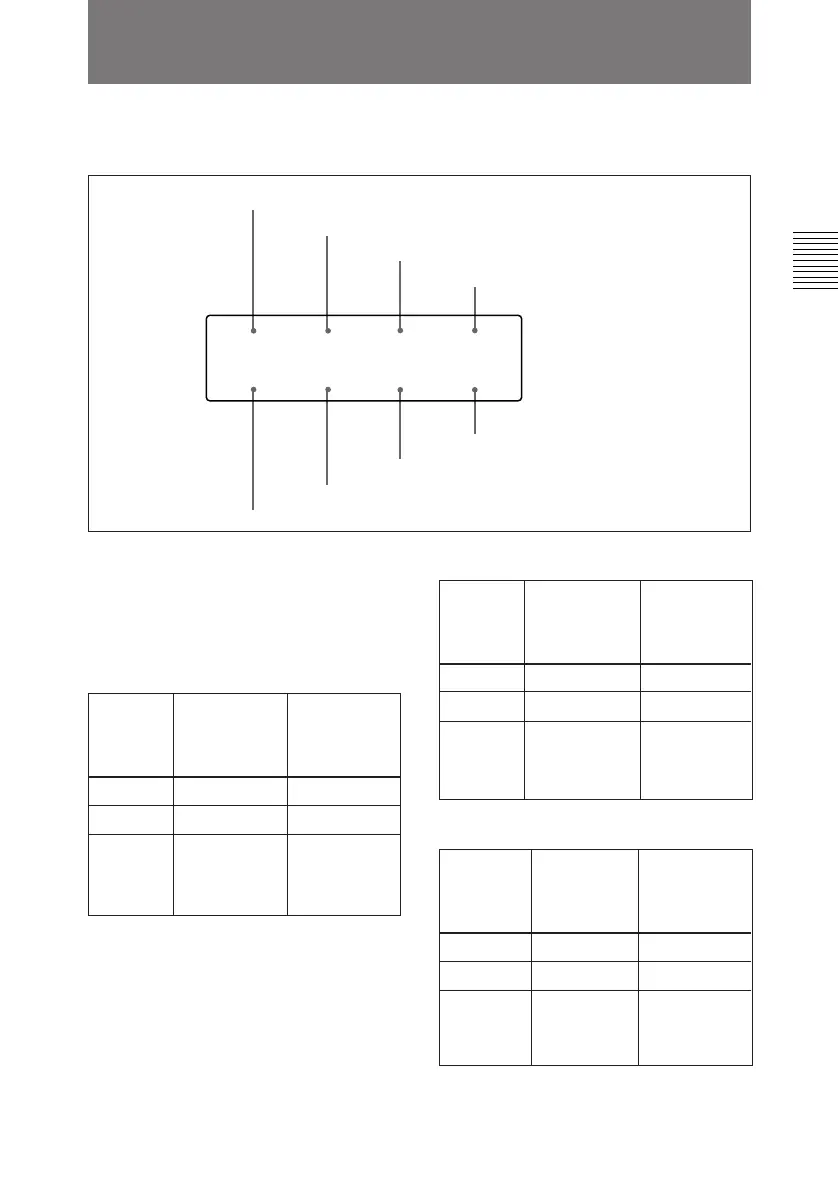
1 SUPER setting
2 CAPSTAN setting
3 DF/NDF setting (in 525 mode)
4 BACKLGT setting
5 KEY INH setting
6 BAT-END setting
7 BAT-NE setting
8 LIGHTSW setting
CAPSTAN
4F
KEY INH
OFF
DF
DF
LIGHTSW
SUB
SUPER
ALL
BAT–END
10.5
BAT–NE
11.0
BACKLGT
NORMAL



 To Next Page