Input and Output Settings for Video and Audio Signals
(Sub LCD Menu)
2-28 Preparations
Chapter 2 Preparations
2-7-3 Making Settings in the Video Settings Pages
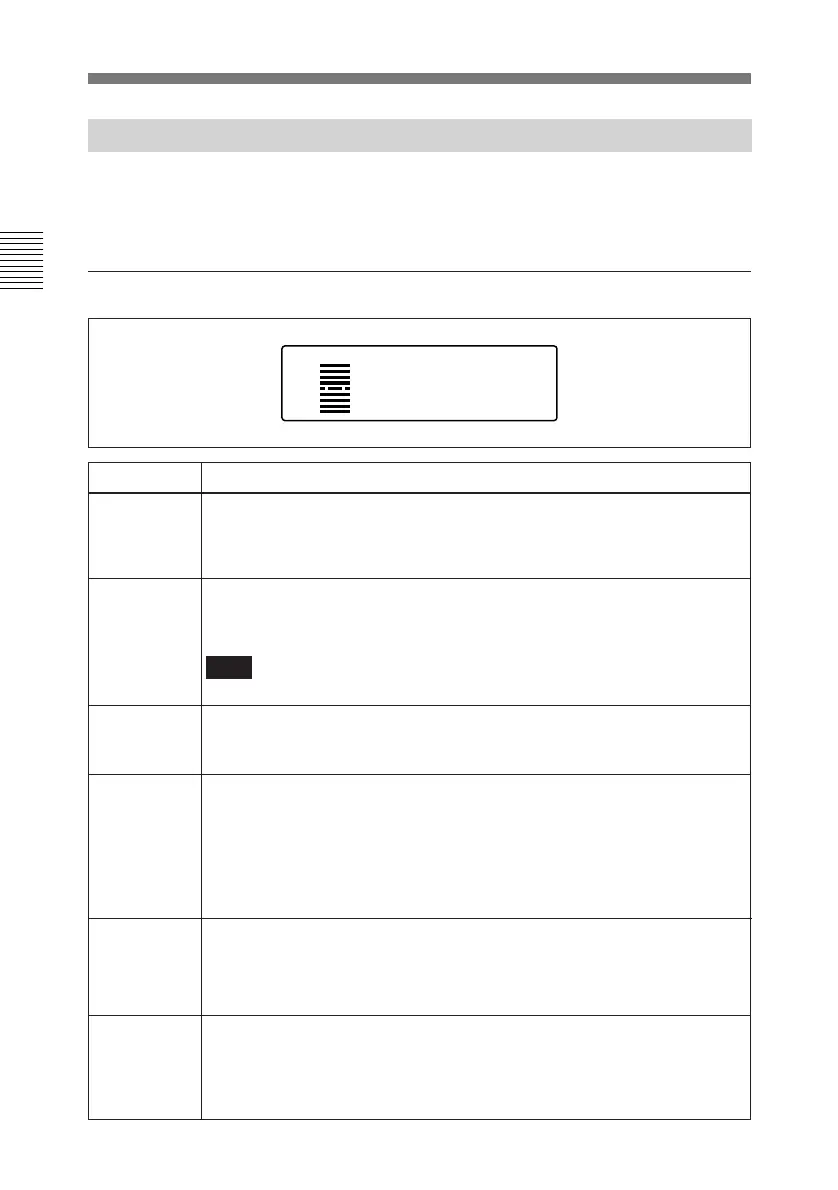
The following tables show the items
that can be set in the video settings
pages.
VIN TRIGPREREADCONFI
VIDEO
80
PRESET
OUT REF
INPUT
ZEBRA
OFF
VIDEO
Item
Setting
VIN TRIG Select whether or not to output a GPI signal from pin 5 of the AUX
connector at the IN points of a video auto-edit (excluding audio split editing).
OFF: Do not output a GPI signal.
ON: Output a GPI signal.
CONFI
PREREAD Select whether or not to carry out preread editing.
OFF: No preread editing
ON: preread editing
VIDEO IN
OUT REF
(See page
2-10 for
details.)
Select the signal to which the internal reference video signal generator is
synchronized.
REF: Synchronize with the signal input to the REF. INPUT connector.
INPUT: Synchronize with the signal selected in the home page (composite
video signal or SDI signal).
Video settings page 1/2
Select whether or not to carry out CONFI playback during crash recording.
OFF: No CONFI playback
ON: CONFI playback
Note
In insert or assemble editing, CONFI playback is not possible.
Set the input level of composite video input signals.
PRESET: Fixed at factory default level.
VAR: Adjustable as desired.
To adjust
The current input level is displayed when you select VAR. Press the MARK/
UP or LIST/DOWN button to change the displayed value. Adjust so that the
input video level display bar is close to the center.
ZEBRA
Set the zebra pattern to be displayed in the LCD monitor.
OFF: Do not display.
50%: Display zebra pattern with 50% or more video level.
80%: Display zebra pattern with 80% or more video level.
100%: Display zebra pattern with 100% or more video level.



 To Next Page