Basic Menu
6-4 Setup Menu
Chapter 6 Setup Menu
013
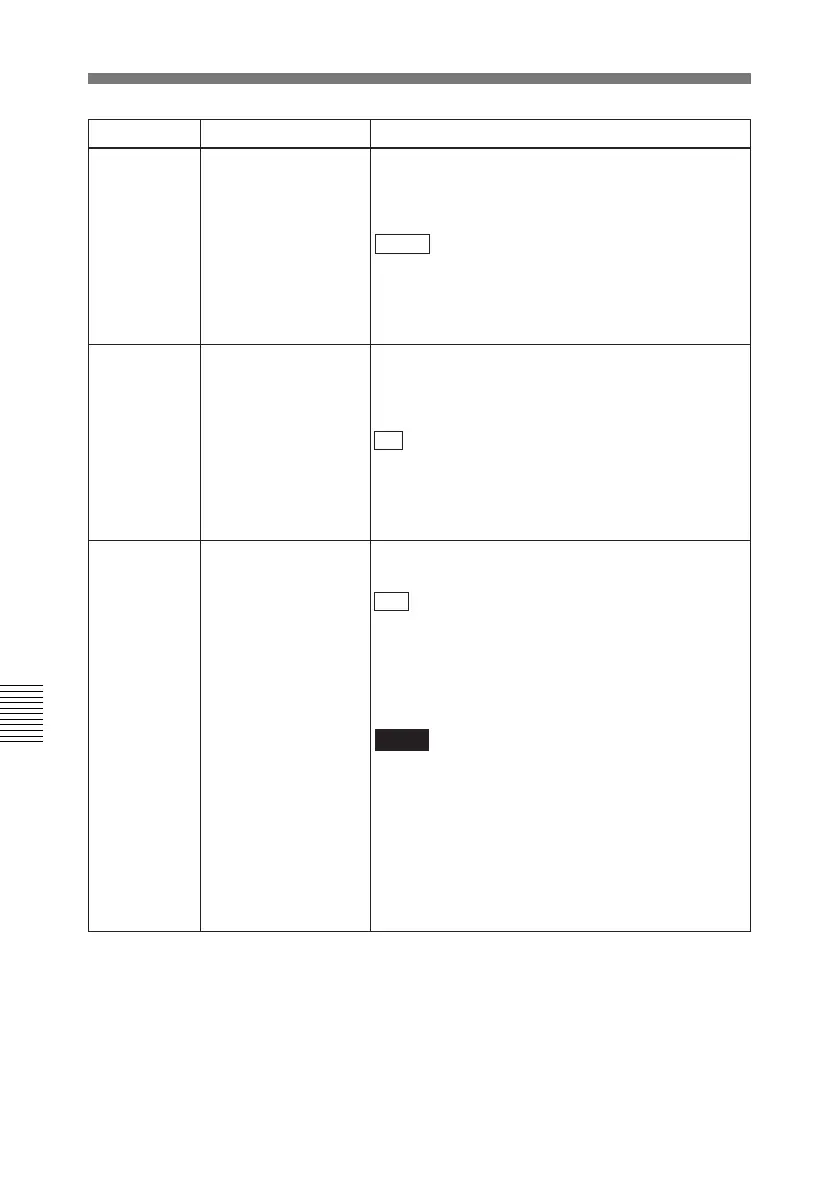
CHARACTER V-SIZE011
a)
Determines the vertical size of character
information (timecode, etc) which is superimposed
on output from the VIDEO OUTPUT 2(SUPER)
connector and display on the LCD monitor.
× 1 : Standard size
× 2: 2 times standard size
× 3: 3 times standard size
× 4: 4 times standard size
009
a)
CHARACTER TYPE
Determines the type of character information
(timecode, etc) which is superimposed on output
from the VIDEO OUTPUT 2(SUPER) connector and
display on the LCD monitor.
WHITE : White letters on a black background.
BLACK: Black letters on a white background.
W/OUT: White outline letters.
B/OUT: Black outline letters.
525/625 SYSTEM
SELECT
Specify whether to enable switching between the
525 (NTSC) and 625 (PAL) systems.
OFF : Do not enable system switching.
ON: Enable system switching.
Setting this item to ON and switching the system
enables the unit to operate in the system switched
to.
Notes
• All items in the setup menu are set to the current
values for the system switched to (different from
the values for the original system).
• For Betacam/Betacam SP cassettes, only simple
viewing is possible.
For details about switching procedure, see
“Switching between 525/625 line systems (menu
item 013)” on page 6-8.
Item number Item name Settings
a) When setting items 002, 003, 009, and 011, watch the monitor screen, and adjust to the required
state.



 To Next Page