A-4 Appendixes
Appendixes
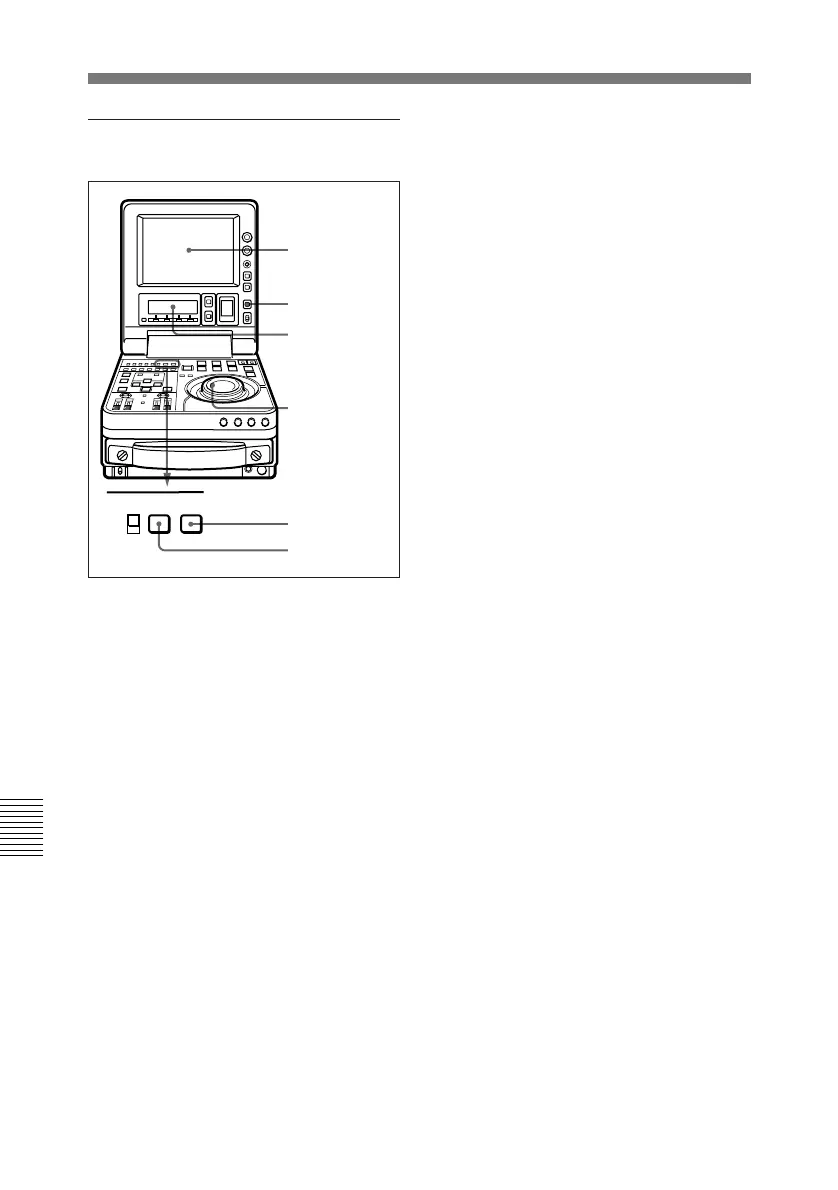
Displaying the hours meter
PB MENU
PB/EE
SET
To display the hours meter
Press the MENU button, then turn the
jog or shuttle dial to display the
required item in the LCD monitor and
sub LCD.
To access menu item H01
quickly
Press the MENU button, then the
CTL/TC/U-BIT button.
Every time you press the CTL/TC/U-
BIT button, menu item H01 or B01 is
recalled alternately.
To exit from the hours meter
Press the MENU button or SET
button.
Digital Hours Meter
sub LCD
Jog and
shuttle dials
MENU button
SET button
CTL/TC/U-BIT
button
LCD monitor



 To Next Page