Locations and Functions of Parts
1-14 Overview
Chapter 1 Overview
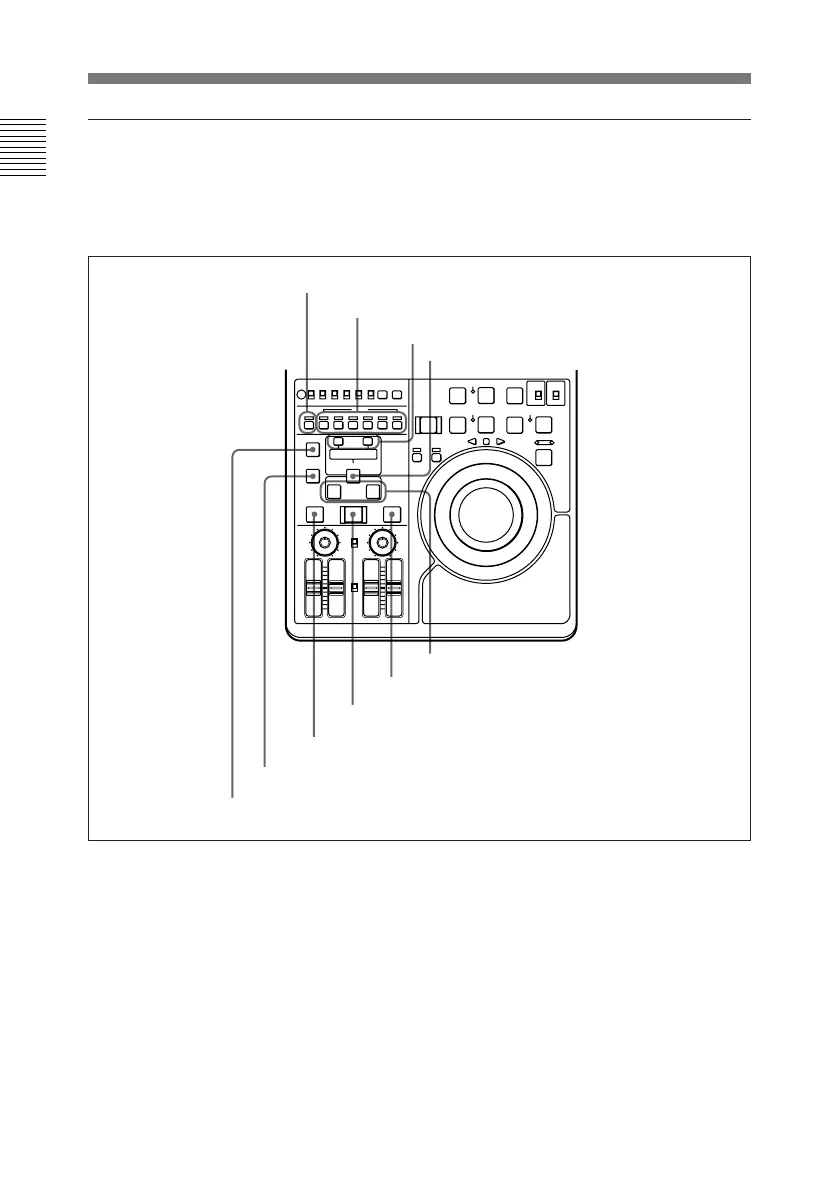
Editing section
1 ASSEMBLE button and
indicator
Press this button, lighting the
indicator, to carry out assemble
editing. Press the button again, turning
the indicator off, to leave assemble
edit mode.
2 INSERT buttons and indicators
Press these buttons, turning the
indicators on, to select signals for
insert editing. Press the buttons again,
turning the indicators off, to cancel the
selection.
VIDEO button: Selects the video
signal.
For editing, use two DNW-A25/A25P
units or one DNW-A25/A25P unit and
an editing player.
4 ENTRY/SHIFT button
3 TRIM/GOOD SHOT buttons
2 INSERT buttons and indicators
5 IN/OUT buttons
8 PREVIEW button
9 DELETE button
0 AUDIO IN button
6 REVIEW button
7 AUTO EDIT button
1 ASSEMBLE button and indicator



 To Next Page