Input and Output Settings for Video and Audio Signals
(Sub LCD Menu)
2-26 Preparations
Chapter 2 Preparations
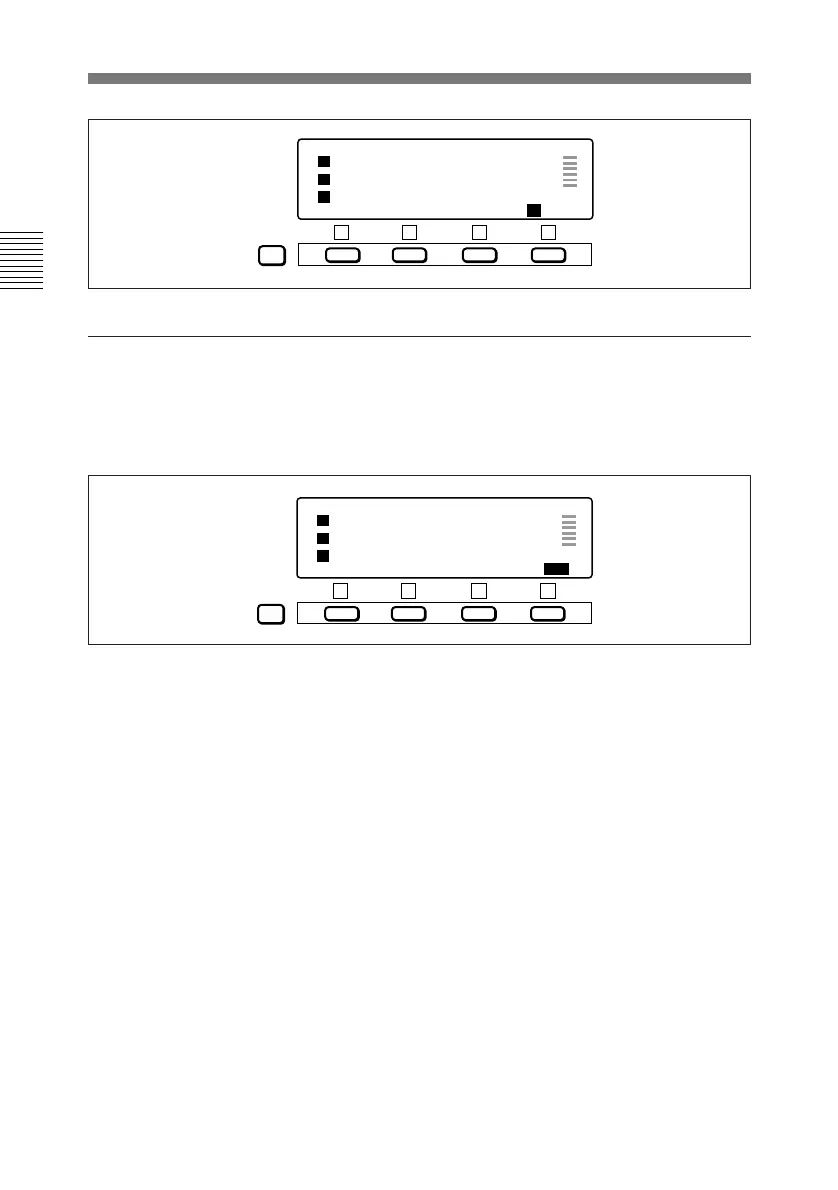
Press the F4 button.
An output monitor settings page like
the one below appears.
To switch pages
01 : 23 : 45 : 01
COND
MIX OFF 1+2m1 1+2m2 IN /OUT
TC VITC LTC 525 SX 50 BATT
PAGE
F1 F2 F3 F4
01 : 23 : 45 : 01
COND
L/R=1/2 1˜2 1+2 IN/ OUT
TC VITC LTC 525 SX 50 BATT
PAGE
F1 F2 F3 F4
Each press of the F4 button switches
between the input mixing settings
page and the output monitor settings
page.
To return to the home page
Press the PAGE button.



 To Next Page