2-8
DXC-D30 (UC)
DXC-D30P (CE)
2-4-2. Connection Connector
Connections made with the connector panels during installa-
tion or service, should be made with the connectors or
complete cable assemblies specified in the following list, or
equivalent parts.
Connector Name
REMOTE
(10P, FEMALE)
VIDEO OUT
(BNC)
VF
(8P, FEMALE)
LENS
(12P, FEMALE)
MIC
(3P, FEMALE)
VF
(20P, FEMALE)
Parts No. and name of connector
with cable
1-506-522-11
CONNECTOR, ROUND 10P, MALE
HIROSE HR 10A-10P-10P equality
or CCA-7-20 Cable assembly (optional)
1-560-661-11
PLUG, BNC
9-994-797-01
CABLE, VF
1-564-360-11
CONNECTOR, 12P, MALE
HIROSE HR 10-10PA-12P equality
1-508-084-31
CONNECTOR, 3P, MALE
CANNON XLA-3-12C equality
1-778-661-11
CONNECTOR, 20P, MALE
HIROSE HR 12-14PA-20PC equality
2-5. HOW TO HANDLE OF AT-110 BOARD
2-5-1. How to Attach of the Extension Board
EX-591
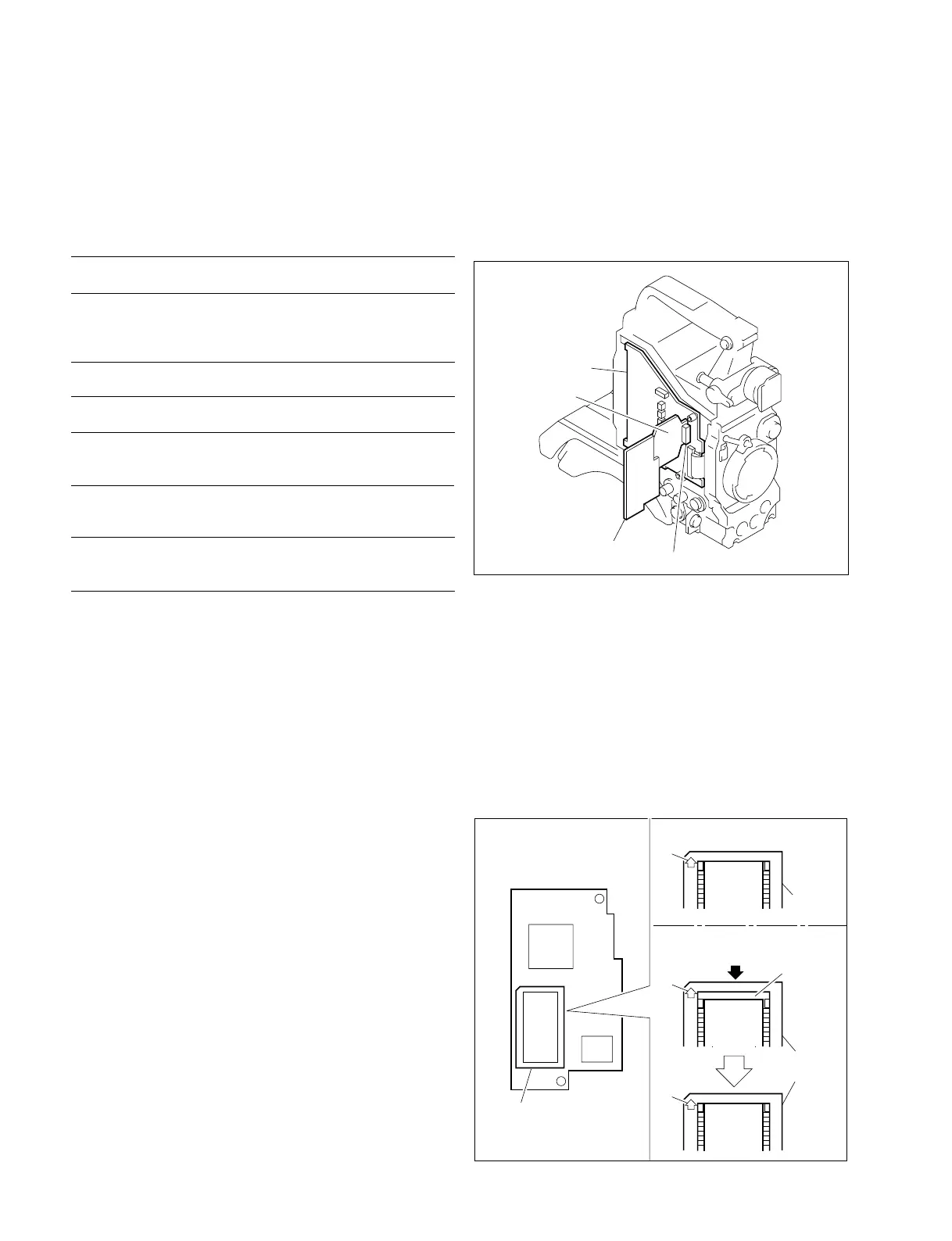
When using the extension board EX-591, attach as follows.
MB-629 board
AT-110 board
EX-591 board
CN2
2-5-2. Replacement Way of ROM(IC102)
1. Slide the IC Socket cover in the A-arrow direction until the
click is heard. Remove the IC socket cover and the former
ROM.
2. Attach the new ROM on the IC socket.
3. Place the IC socket cover to have the clearance between
ROM and A-arrow side of IC socket cover. (Refer to
Fig.1.)
4. Slide the IC Socket cover in the opposite A-arrow direc-
tion with holding the ROM.
ROM
IC
ROM
IC
ROM
IC
– With ROM mounted –
– How to attach (Fig.1) –
A
A
A
Push
Clearance
IC socket
cover
AT-110 board
IC108
IC102
IC socket
cover



 To Next Page