EasyManua.ls Logo

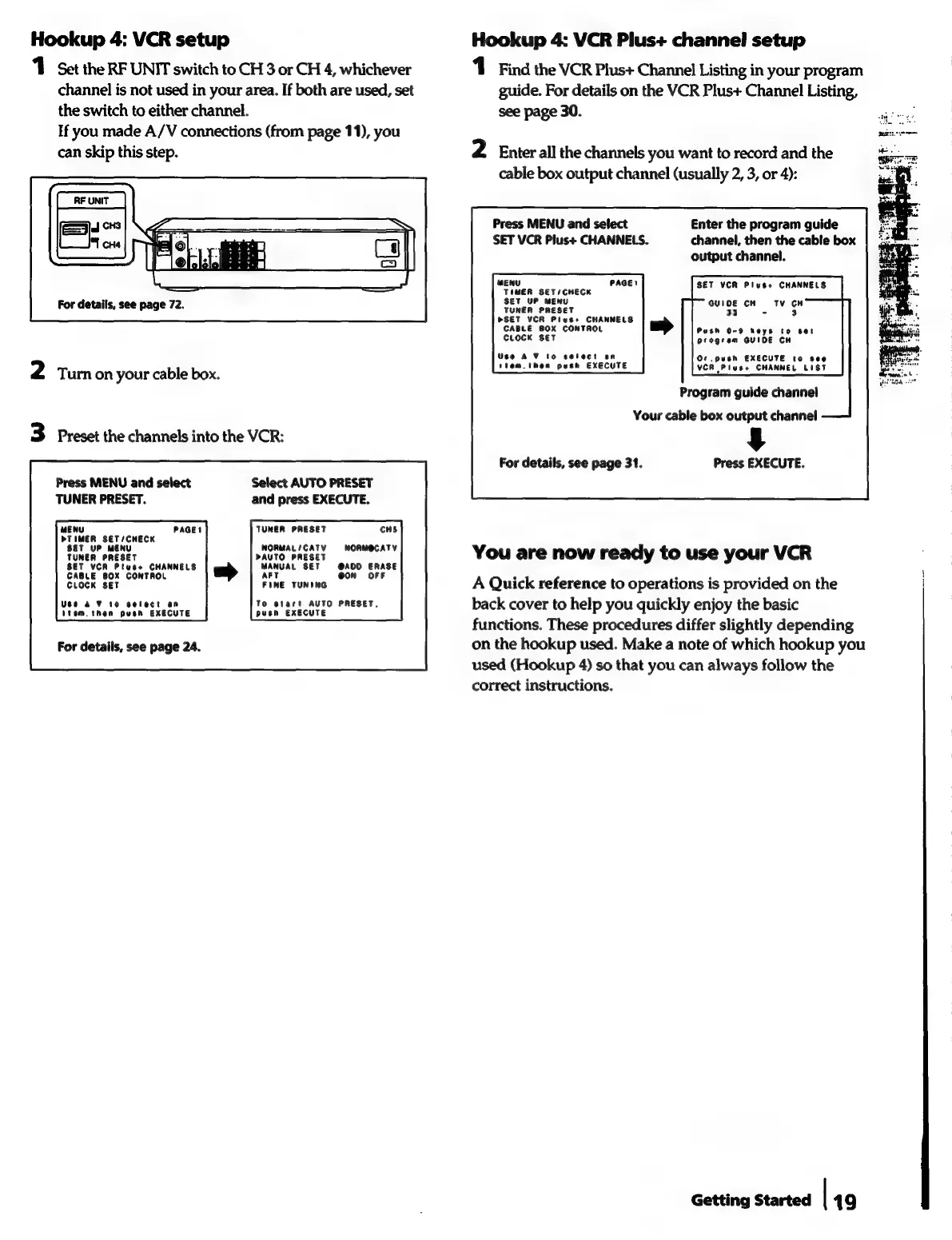
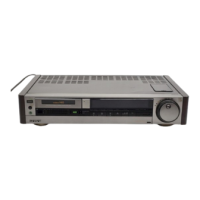
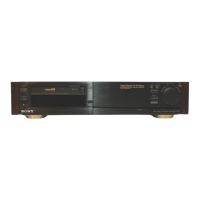
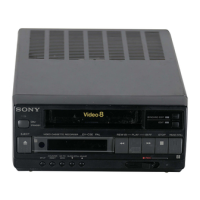
Sony EV-S7000 - Hookup 4: VCR setup; Hookup 4: VCR Plus+ channel setup

Sony EV-S7000
84 pages
Print Icon
To Next Page IconTo Next Page
To Previous Page IconTo Previous Page
Loading...
Hookup
4:
VCR
setup
Hookup
4:
VCR
Plus+
channel
setup
1
Set
the
RF
UNIT
switch
to
CH
3
or
CH
4,
whichever
1
Find
the
VCR
Plus+
Channel
Listing
in
your
program
channel
is
not
used
in
your
area.
If
both
are
used,
set
guide.
For
details
on
the
VCR
Plus+
Channel
Listing,
the
switch
to
either
channel.
see
page
30.
If
you
made
A/V
connections
(from
page
11),
you
can
skip
this
step.
2
Enter
all
the
channels
you
want
to
record
and
the
cable
box
output
channel
(usually
2, 3,
or
4):
RF
UNIT
J
CHS
Press
MENU
and
select
Enter
the
program
guide
SET
VCR
Plus+
CHANNELS.
channel,
then
the
cable
box
output
channel.
SET
VCR
Pluses
CHANNELS
MENU
TIMER
SET/CHECK
For
details,
see
page
72.
GUIOE
CH
Tv
CH
33
=
3
CABLE
BOX
CONTROL
Push
0-9
keys
to
set
CLOCK
SET
program
GUIDE
CH
Use
AV
to
select
an
Ot
push
EXECUTE
to
see
ttem.then
push
EXECUTE
VCR
Plus+
CHANNEL
LIST
2
Turon
your
cable
box.
Program
guide
channel
Your
cable
box
output
channel
3
Preset
the
channels
into
the
VCR:
§
For
details,
see
page
31.
Press
EXECUTE.
Press
MENU
and
select
Select
AUTO
PRESET
TUNER
PRESET.
and
press
EXECUTE.
MENU
TUNER
PRESET
CHS
DTIMER
SET/CHECK
Wy
TUNER
PRESET
rauTo
PRESET,
nee
You
are
now
ready
to
use
your
VCR
scneeto’ssnsaet™e'*
|
am
|
aie
SET
le
say
!
CLOCK
SET
FINE
TUNING
A
Quick
reference
to
operations
is
provided
on
the
Vita!
nen
oStn*fuedire
poet
Eedeotes
“MESET
Pacis)
torep
youauicsly
cupy
te
basic
functions.
These
procedures
differ
slightly
depending
For
details,
see
page
24.
on
the
hookup
used.
Make
a
note
of
which
hookup
you
used
(Hookup
4)
so
that
you
can
always
follow
the
correct
instructions.
Getting
Started
|
49