EasyManua.ls Logo

Sony EV-S7000 - Page 39

Sony EV-S7000
84 pages
Print Icon
To Next Page IconTo Next Page
To Previous Page IconTo Previous Page
Loading...
Tip
¢
For
information
on
how
the
VCR
records
sound,
see
“How
sound
is
recorded
on
a
video
tape”
on
page
36.
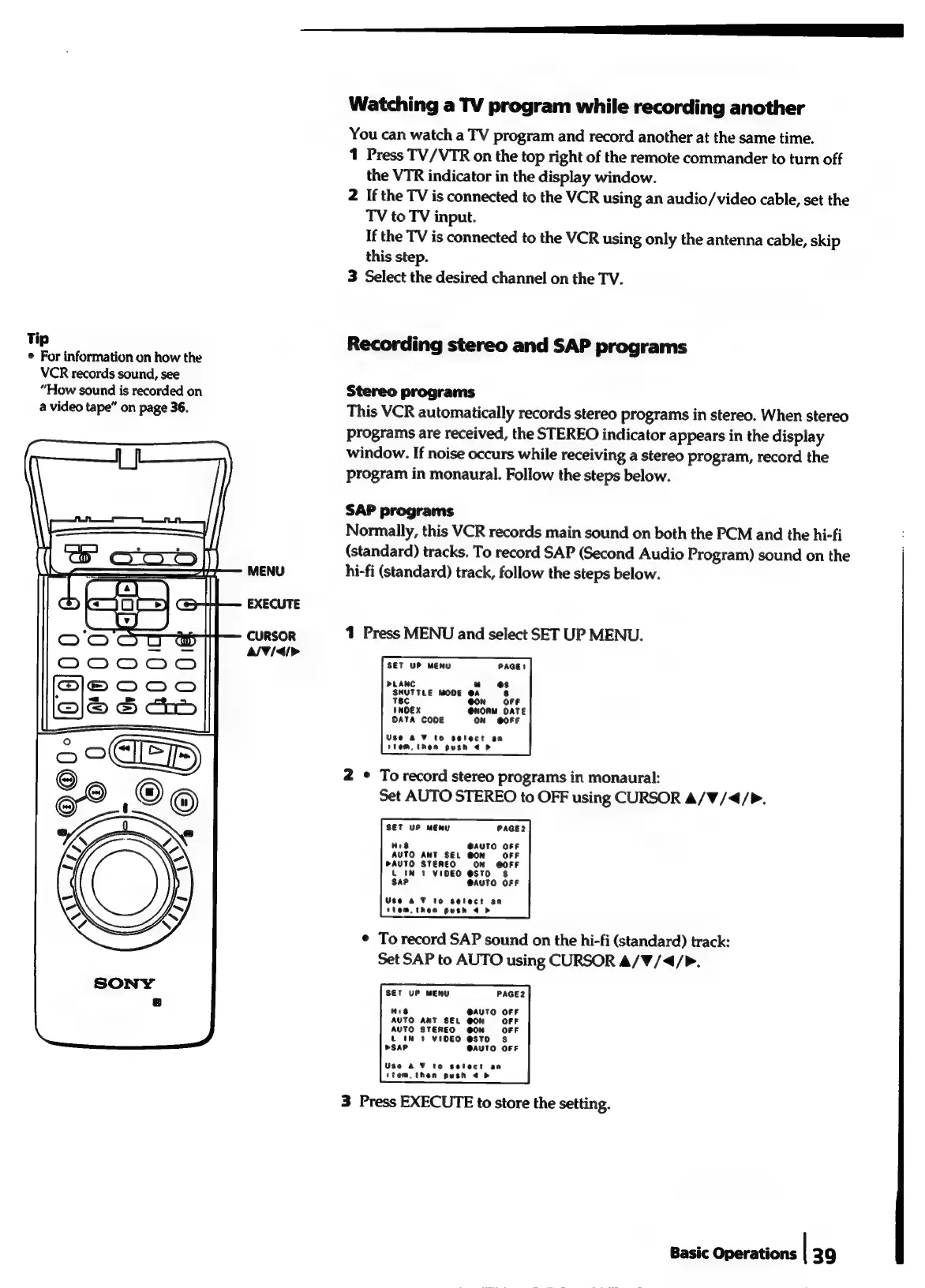
MENU
EXECUTE
CURSOR
a/¥/<4/>
Watching
a
TV
program
while
recording
another
You
can
watch
a
TV
program
and
record
another
at
the
same
time.
1
Press
TV/VTR
on
the
top
right
of
the
remote
commander
to
turn
off
the
VTR
indicator
in
the
display
window.
2
If
the
TV
is
connected
to
the
VCR
using
an
audio/video
cable,
set
the
TV
to
TV
input.
If
the
TV
is
connected
to
the
VCR
using
only
the
antenna
cable,
skip
this
step.
3
Select
the
desired
channel
on
the
TV.
Recording
stereo
and
SAP
programs
Stereo
programs
This
VCR
automatically
records
stereo
programs
in
stereo.
When
stereo
programs
are
received,
the
STEREO
indicator
appears
in
the
display
window.
If
noise
occurs
while
receiving
a
stereo
program,
record
the
program
in
monaural.
Follow
the
steps
below.
SAP
programs
Normally,
this
VCR
records
main
sound
on
both
the
PCM
and
the
hi-fi
(standard)
tracks.
To
record
SAP
(Second
Audio
Program)
sound
on
the
hi-fi
(standard)
track,
follow
the
steps
below.
1
Press
MENU
and
select
SET
UP
MENU.
SET
UP
MENU
PLANC
u
es
SHUTTLE
MODE
@A
8
Tec
@on
OFF
INDEX
@NORM
DATE
DATA
CODE
ON
@OFF
Use
&
to
setect
an
item,
then
push
<>
2
*
To
record
stereo
programs
in
monaural:
Set
AUTO
STEREO
to
OFF
using
CURSOR
A/W/<4/>.
SET
UP
MENU
PAGE2
His
@AUTO
OFF
AUTO
ANT
SEL
@ON
OFF
PAUTO
STEREO
ON
@OFF
4
IN
1
VIDEO
@STO
$
Sap
@AUTO
OFF
Use
a
¥
to
select
an
stem,
then
push
4
b>
¢
To
record
SAP
sound
on
the
hi-fi
(standard)
track:
Set
SAP
to
AUTO
using
CURSOR
A/W/<4/P.
SET
UP
MENU
PAGE2
H18
@AUTO
OFF
AUTO
ANT
SEL
@ON
OFF
AUTO
STEREO
@ON
OFF
Lt
IN
1
VIDEO
@STO
Ss
>SAP
@AUTO
OFF
Use
&
¥
to
select
an
ttem,then
push
@
b>
3
Press
EXECUTE
to
store
the
setting.
Basic
Operations
|
39