EasyManua.ls Logo

Sony EV-S800 - Various Playback Modes

Sony EV-S800
44 pages
Print Icon
To Next Page IconTo Next Page
To Previous Page IconTo Previous Page
Loading...
To
advance
or
rewind
the
tape
rapidly
Press
bP
FF
or
<q
REW
respectively
in
the
stop
mode.
To
stop
the
tape,
press
m
STOP.
Auto
play
To
play
back
a
tape
from
the
beginning
of
the
tape
after
rewinding
Press
pm
PLAY
keeping
<@
REW
depressed,
or
press
AUTO
PB
on
the
Remote
Commander.
After
the
tape
is
completely
rewound,
it
will
automatically
be
played
back.
VARIOUS
PLAYBACK
MODES
Use
the
buttons
on
the
recorder
or
on
the
Remote
Commander.
Picture
search
viewing
the
picture
at
a
fast
speed
to
find
a
particular
scene
Keep
pressing
pB&
FF
or
<<
REW
during
playback.
When
you
release
the
button,
the
normal
playback
will
be
resumed.
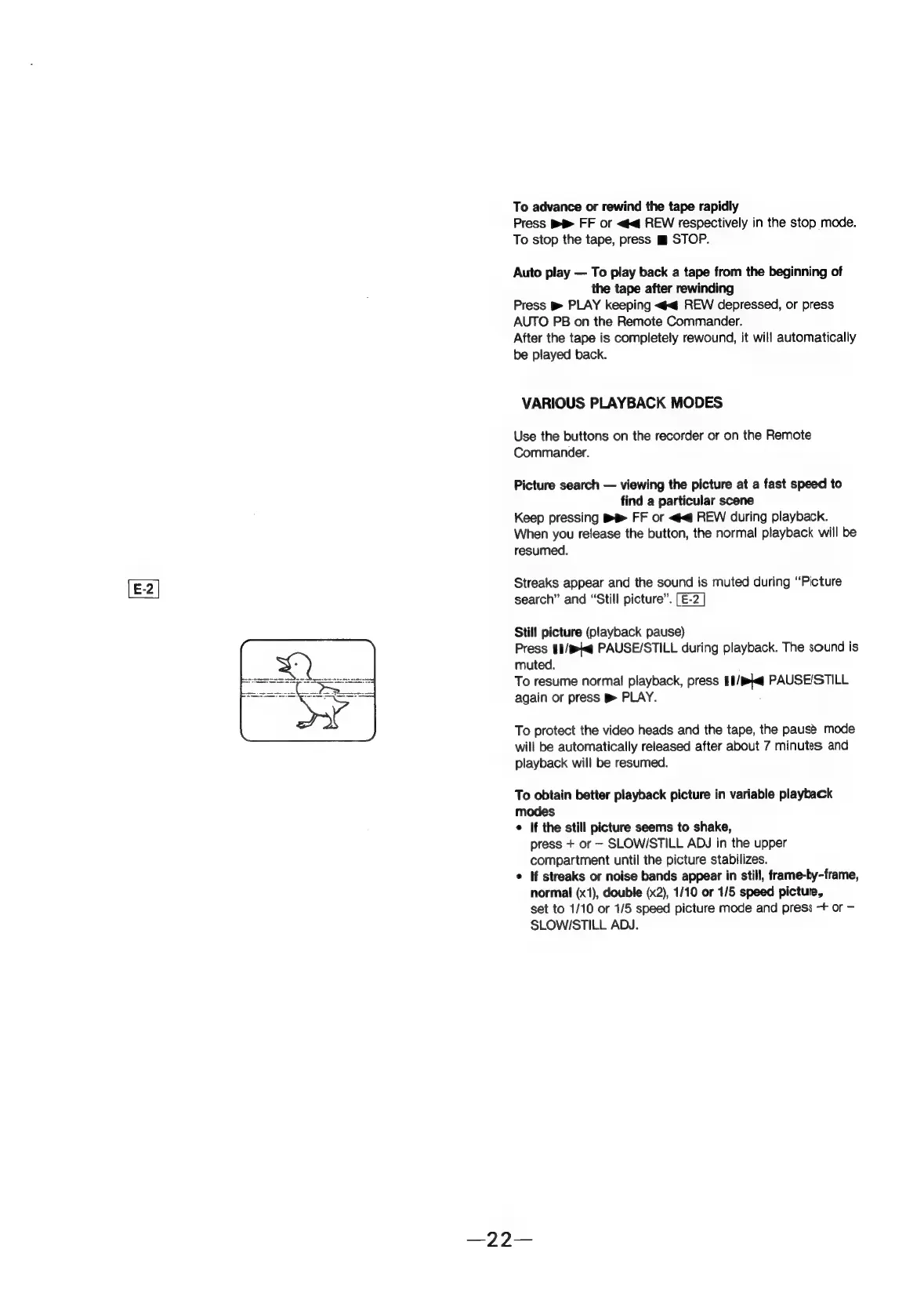
Streaks
appear
and
the
sound
is
muted
during
“Picture
search”
and
“Still
picture”.
[E-2
Still
picture
(playback
pause)
Press
#1/@
PAUSE/STILL
during
playback.
The
sound
is
muted.
To
resume
normal
playback,
press
1p
PAUSE/STILL
again
or
press
»
PLAY.
To
protect
the
video
heads
and
the
tape,
the
pause
mode
will
be
automatically
released
after
about
7
minutes
and
playback
will
be
resumed.
To
obtain
better
playback
picture
in
variable
playback
modes
¢
If
the
still
picture
seems
to
shake,
press
+
or
-
SLOW/STILL
ADJ
in
the
upper
compartment
until
the
picture
stabilizes.
*
If
streaks
or
noise
bands
appear
in
still,
frame-by-frame,
normal
(x1),
double
(x2),
1/10
or
1/5
speed
picture,
set
to
1/10
or
1/5
speed
picture
mode
and
press
-+
or
SLOW/STILL
ADJ.