13
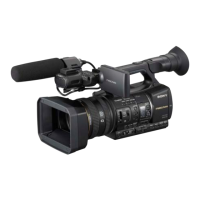
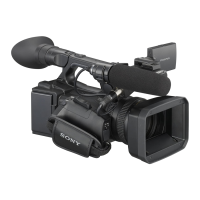
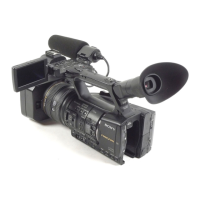
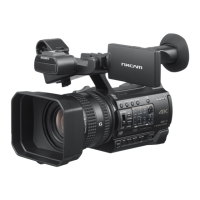
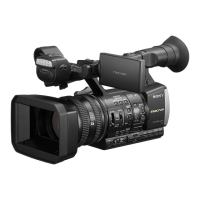
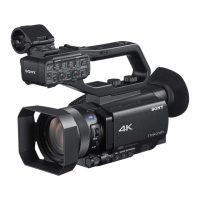
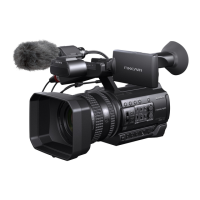
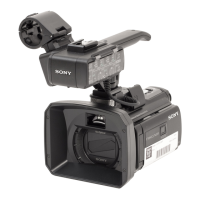
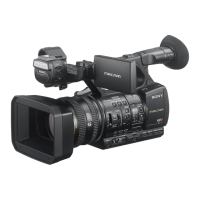
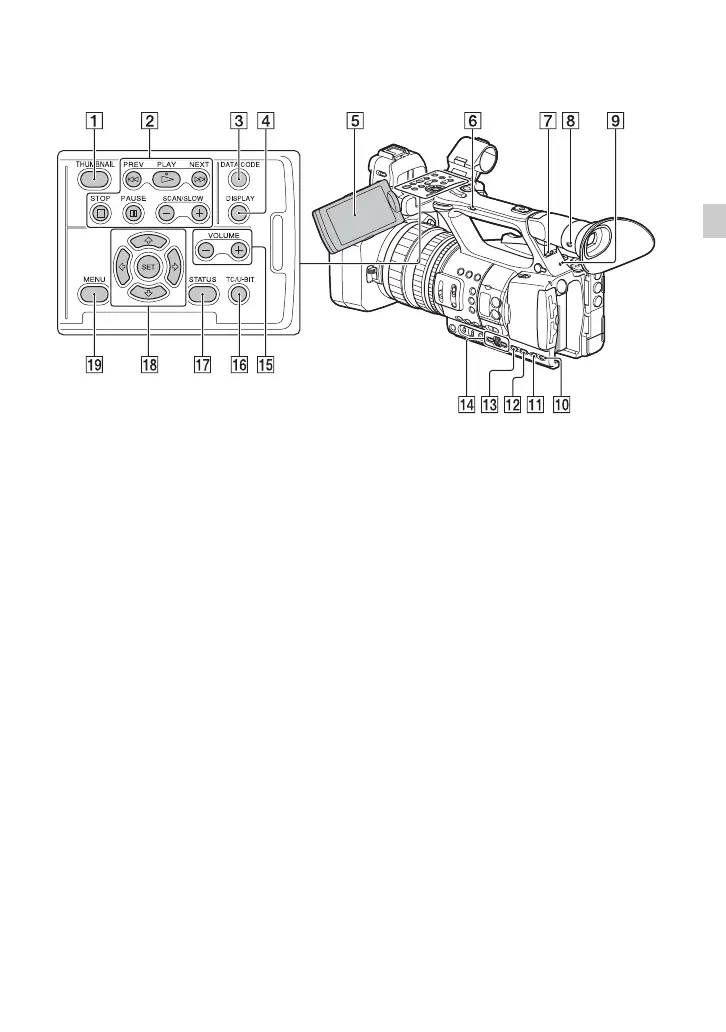
Identifying Parts and Controls
A THUMBNAIL button (p. 55)
B Playback buttons (PREV, PLAY*,
NEXT, STOP, PAUSE, SCAN/SLOW)
C DATA CODE button (p. 58)
D DISPLAY button (p. 58)
E LCD screen (p. 27)
F Handle zoom switch (p. 34)
G HEADPHONE MONITOR switch
(p. 48)
H VF/LCD PANEL button (p. 28)
I Rear recording lamp (p. 106)
Flashes when remaining capacity of the
memory card or battery becomes low.
J STATUS button (p. 59)
K P PROFILE button (p. 51)
L DISPLAY button (p. 58)
M MENU button** (p. 85)
N SEL/SET dial, B/b buttons (p. 85)
O VOLUME buttons* (p. 56)
P TC/U-BIT button
Switches the LCD screen between time
code and user bits display.
Q STATUS button (p. 59)
R V/v/B/b/SET buttons (p. 85)
S MENU button (p. 85)
* The VOLUME “+” button and PLAY button
each have a notch (protrusion) to aid finger
placement during operation.
**The MENU button has a notch bar (protrusion)
to aid finger placement during operation.
Continued ,


 To Next Page
 Loading...