ILCE-9
4-692-676-11 (2)
C:\4692676112\4692676112ILCE9UC2\01GB-ILCE9UC2\050PLY.indd
2017/03/15 14:08
GB
156
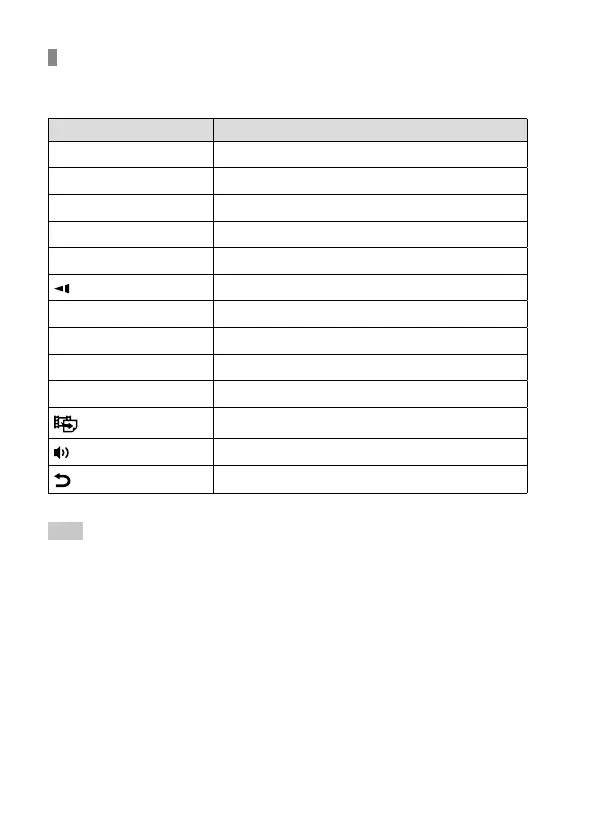
Available operations during movie playback
You can perform slow playback and sound volume adjustment, etc. by
pressing the down side of the control wheel.
Operation panel Available operation
Playback
Pause
Fast-forward
Fast-rewind
Forward slow playback
Reverse slow playback
Next movie file
Previous movie file
Displays the next frame
Displays the previous frame
Photo Capture
Sound volume adjustment
Closes the operation panel
Hint
• “Forward slow playback,” “Reverse slow playback,” “Displays the next frame”
and “Displays the previous frame” are available during pause.
• Movie files recorded using other products may not be able to be playable on
this camera.



 To Next Page