C:\4692676112\4692676112ILCE9UC2\01GB-ILCE9UC2\030BAS.indd
2017/03/15 14:08
ILCE-9
4-692-676-11 (2)
GB
97
Shooting
( Intelligent Auto)
The camera shoots with automatic scene recognition.
1
Set the mode dial to (Auto Mode).
• The shooting mode will be set to (Intelligent Auto).
2
Point the camera at the
subject.
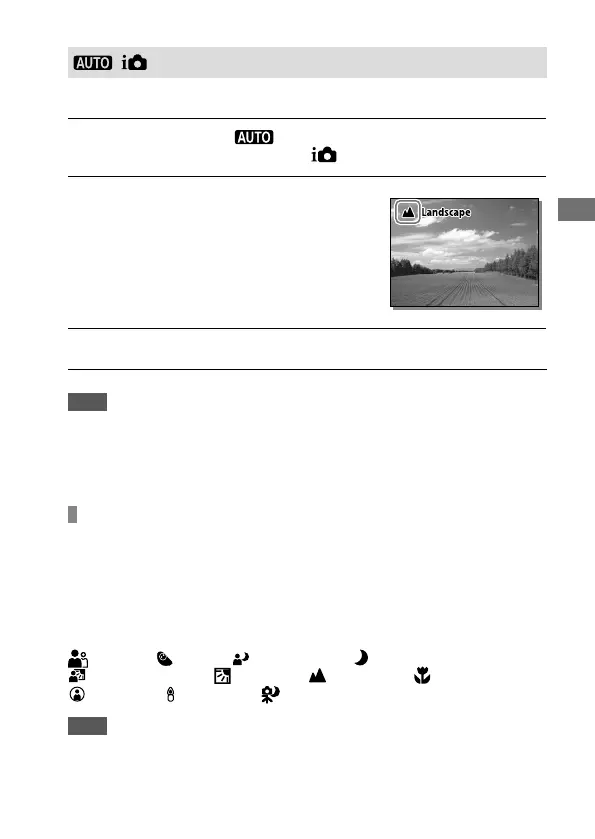
When the camera recognized the
scene, the icon for the recognized
scene appears on the screen.
3
Adjust the focus and shoot the image.
Note
• The product will not recognize the scene when you shoot images with zoom
functions other than optical zoom.
• The product may not properly recognize the scene under certain shooting
conditions.
About Scene Recognition
Scene Recognition operates in [Intelligent Auto] mode. This function
allows the product to automatically recognize the shooting conditions and
shoot the image.
Scene Recognition
When the product recognizes certain scenes, the following icons and
guides are displayed on the first line:
(Portrait), (Infant), (Night Portrait), (Night Scene),
(Backlight Portrait), (Backlight), (Landscape), (Macro),
(Spotlight), (Low Light), (Night Scene using a tripod)
Note
• When [Face Detection] is set to [Off], the [Portrait], [Backlight Portrait],
[Night Portrait] and [Infant] scenes are not recognized.



 To Next Page