ILCE-9
4-692-676-11 (2)
C:\4692676112\4692676112ILCE9UC2\01GB-ILCE9UC2\070WRL.indd
2017/03/15 14:08
GB
192
Connecting the camera and a smartphone
Using a smartphone as a remote control for the camera
With PlayMemories Mobile, you can shoot images while checking the
shooting range of the camera on the monitor of a smartphone.
1
MENU (Network) [Ctrl w/ Smartphone]
[Ctrl w/ Smartphone], then select [On].
2
Set up the camera and smartphone by following the procedure
below.
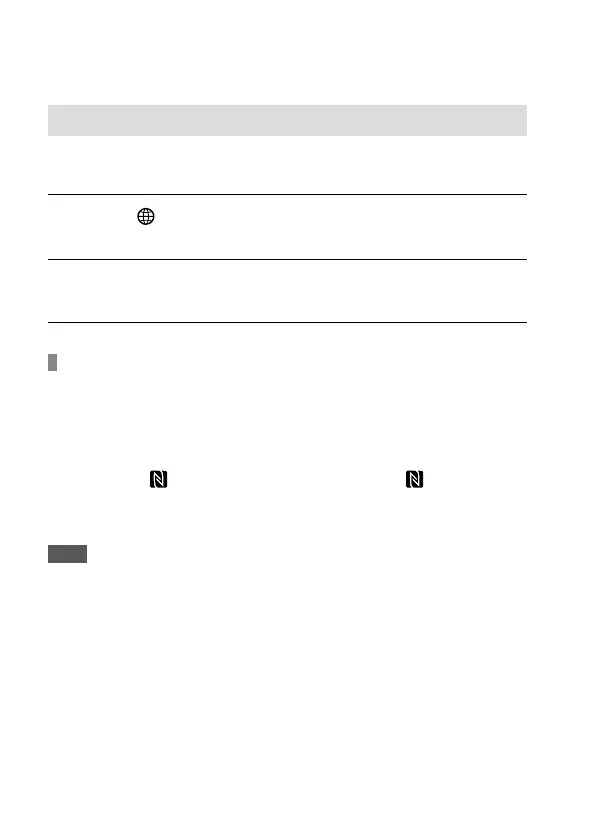
To establish a one-touch connection with an NFC-enabled
Android smartphone
Activate the NFC function of the smartphone.
Switch the camera to the shooting mode.
Touch the
(N mark) on the camera to the (N mark) on
the smartphone for 1-2 seconds until PlayMemories Mobile
launches.
Note
• If you cannot connect the camera to the smartphone using the NFC
function, follow the procedure under “To establish a Wi-Fi connection
with a smartphone using a QR code.”



 To Next Page