ILCE-9
4-692-676-11 (2)
C:\4692676112\4692676112ILCE9UC2\01GB-ILCE9UC2\110TBS.indd
2017/03/15 14:08
GB
226
If you have problems
Troubleshooting
If you experience trouble with the product, try the following solutions.
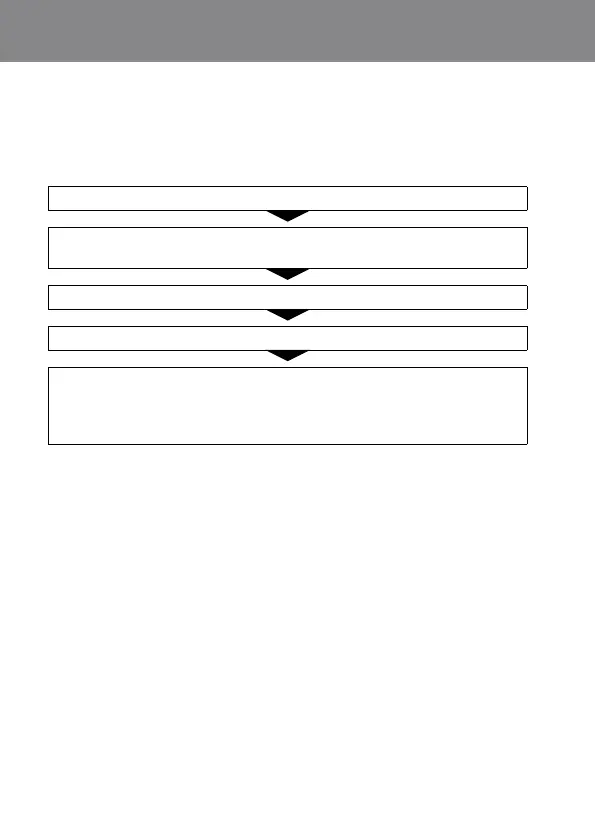
Refer to the items on pages 227–233 and check the camera.
Remove the battery pack, wait for about one minute, re-insert the
battery pack, then turn on the power.
Refer to the “Help Guide” (page2).
Initialize the settings (page189).
Consult your dealer or local authorized service facility. Additional
information on this product and answers to frequently asked
questions can be found at our Customer Support Website.
http://www.sony.net/



 To Next Page