ILCE-9
4-692-676-11 (2)
C:\4692676112\4692676112ILCE9UC2\01GB-ILCE9UC2\070WRL.indd
2017/03/15 14:08
GB
190
Using network functions
Using the Wi-Fi/One-touch (NFC)/
Bluetooth/wired LAN functions
You can perform the following operations using the camera’s Wi-Fi, NFC
One-touch, and Bluetooth functions.
• Saving images to a computer
• Transferring images from the camera to a smartphone
• Using a smartphone as a remote control for the camera
• Viewing still images on a TV
• Recording location information from a smartphone to images
For details, refer to the “Help Guide” (page 2).
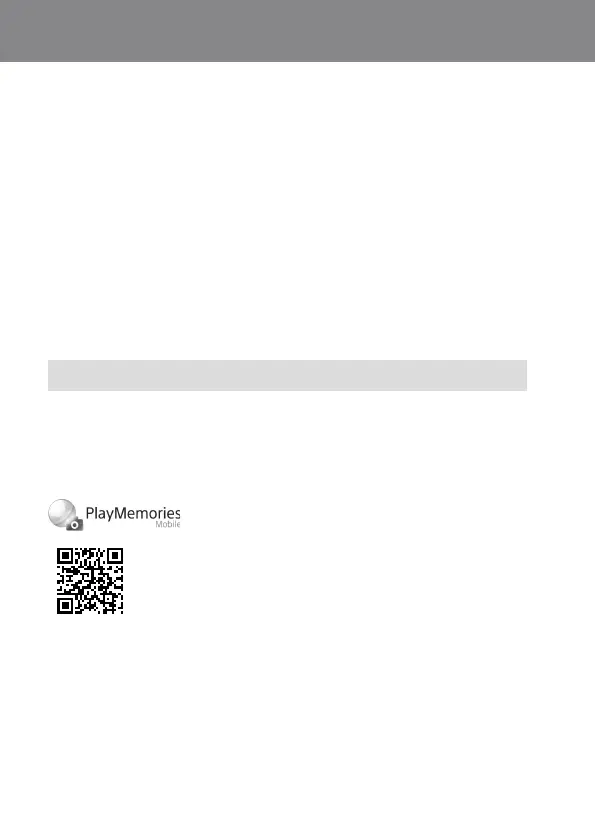
Installing PlayMemories Mobile
PlayMemories Mobile is required to connect the camera and a
smartphone. If PlayMemories Mobile is already installed on your
smartphone, be sure to update it to the latest version.
For details on PlayMemories Mobile, refer to the support page
(http://www.sony.net/pmm/).



 To Next Page