ILCE-9
4-692-676-11 (2)
C:\4692676112\4692676112ILCE9UC2\01GB-ILCE9UC2\020PRE.indd
2017/03/15 14:08
GB
46
Step 5: Setting the language and the clock
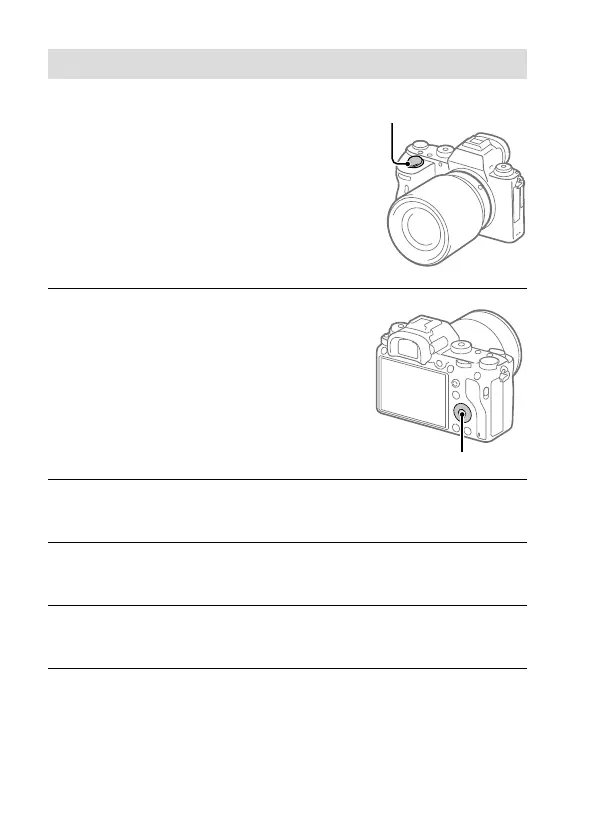
1
Set the ON/OFF (Power) switch
to “ON” to turn on the camera.
ON/OFF (Power) switch
2
Select the desired language
and then press the center of
the control wheel.
Control wheel
3
Make sure that [Enter] is selected on the screen and then press
the center.
4
Select the desired geographic location and then press the
center.
5
Select [Date/Time] using the top/bottom of the control wheel or
by turning the control wheel, and then press the center.
6
Select the desired item by pressing the top/bottom/left/right
side of the control wheel, and then press the center.



 To Next Page