C:\4692676112\4692676112ILCE9UC2\01GB-ILCE9UC2\090COM.indd
2017/03/15 14:08
ILCE-9
4-692-676-11 (2)
GB
201
Using a computer
Connecting to a computer
1
Insert a fully charged battery pack into the camera.
2
Turn on the camera and the computer.
3
Check that [USB Connection] under (Setup) is set to
[Mass Storage].
4
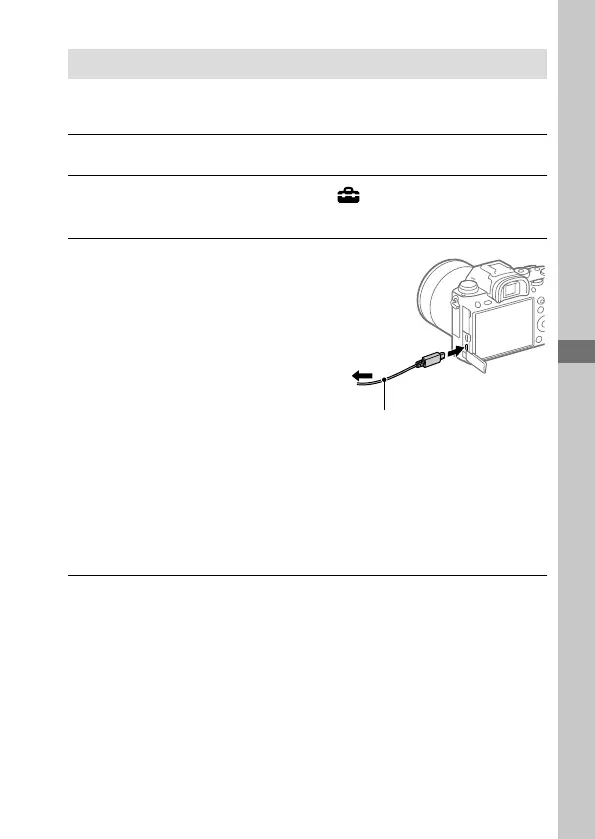
Connect the camera to the
computer using the micro USB
cable (supplied).
• When you connect the
camera to the computer for
the first time, the procedure
for recognizing the camera
may start automatically on
the computer. Wait until the
procedure is finished.
• If you connect the product
to your computer using
the micro USB cable when
[USB Power Supply] is set to
[On], power is supplied from
your computer. (Default setting:
[On])
To the Multi/Micro
USB Terminal
Micro USB cable (supplied)
To a USB
terminal



 To Next Page