ILCE-9
4-692-676-11 (2)
C:\4692676112\4692676112ILCE9UC2\01GB-ILCE9UC2\050PLY.indd
2017/03/15 14:08
GB
164
Viewing images on a TV
Viewing images on a TV using an HDMI cable
To view images stored on this product using a TV, an HDMI cable
(sold separately) and an HD TV equipped with an HDMI jack are required.
1
Turn off both this product and the TV.
2
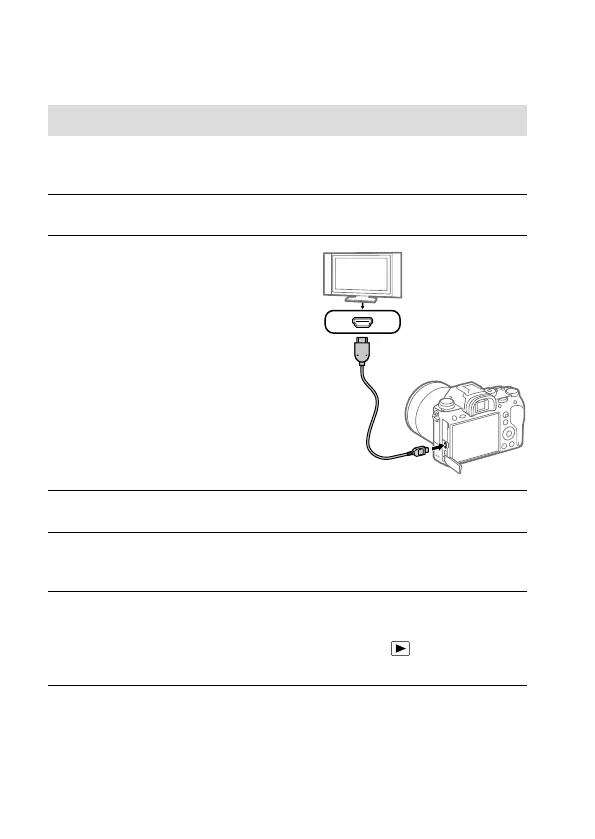
Connect the HDMI micro
terminal of this product to the
HDMI jack of the TV using an
HDMI cable (sold separately).
3
Turn on the TV and switch the input.
4
Turn on this product.
Images shot with the product appear on the TV screen.
5
Select an image using the right/left sides of the control wheel.
• The monitor of this camera is not lit up on the playback screen.
• If the playback screen is not displayed, press the
(Playback)
button.



 To Next Page