ILCE-9
4-692-676-11 (2)
C:\4692676112\4692676112ILCE9UC2\01GB-ILCE9UC2\030BAS.indd
2017/03/15 14:08
GB
62
2
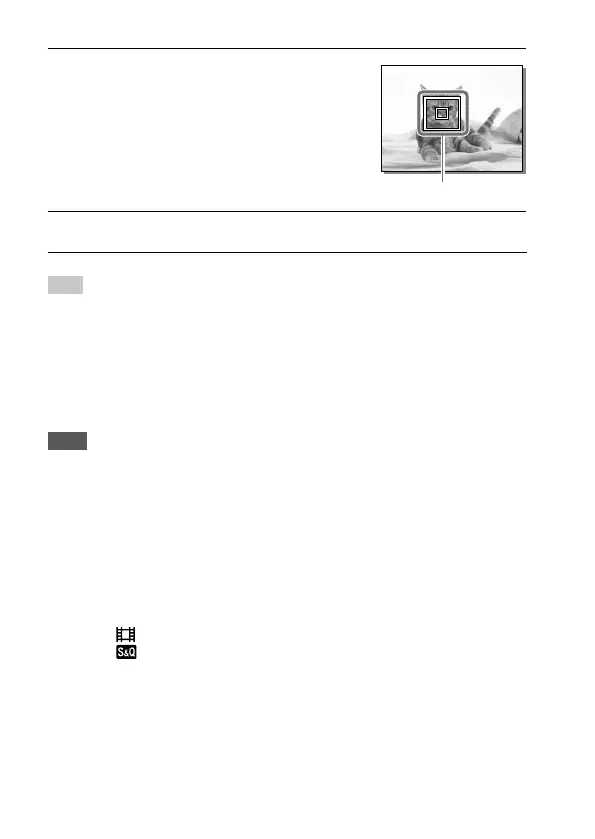
Align the target frame over
the subject and press the
center of the control wheel.
• Press the center again to stop
tracking.
Target frame
3
Press the shutter button fully down to shoot the image.
Hint
• If you assign the [Focus Standard] function to the desired key using
[Custom Key (Shoot.)], you can activate [Center Lock-on AF] by pressing the
key when [Center Lock-on AF] is set to [On] and [Focus Area] is set to [Wide]
or [Center]. You can also detect the subject again by pressing the key to which
[Focus Standard] is assigned.
• You can select the subject to be tracked by touch operation when shooting
using the monitor. Set [Touch Operation] to [On].
Note
• The [Center Lock-on AF] function may not function very well in the following
situations:
– The subject is moving too quickly.
– The subject is too small, or too large.
– The contrast between the subject and the background is poor.
– It is dark.
– The ambient light changes.
• Lock-on AF does not work in the following situations:
– When shooting in Manual Focus mode.
– When using the digital zoom
– When [
Record Setting] is set to [120p]/[100p].
– When [
Frame Rate] is set to [120fps]/[100fps].



 To Next Page