Setting the Status Display on the Viewfinder Screen and the LCD Monitor
151
Chapter 6 Menu Displays and Detailed Settings
2 Select the desired item, and press the
MENU knob.
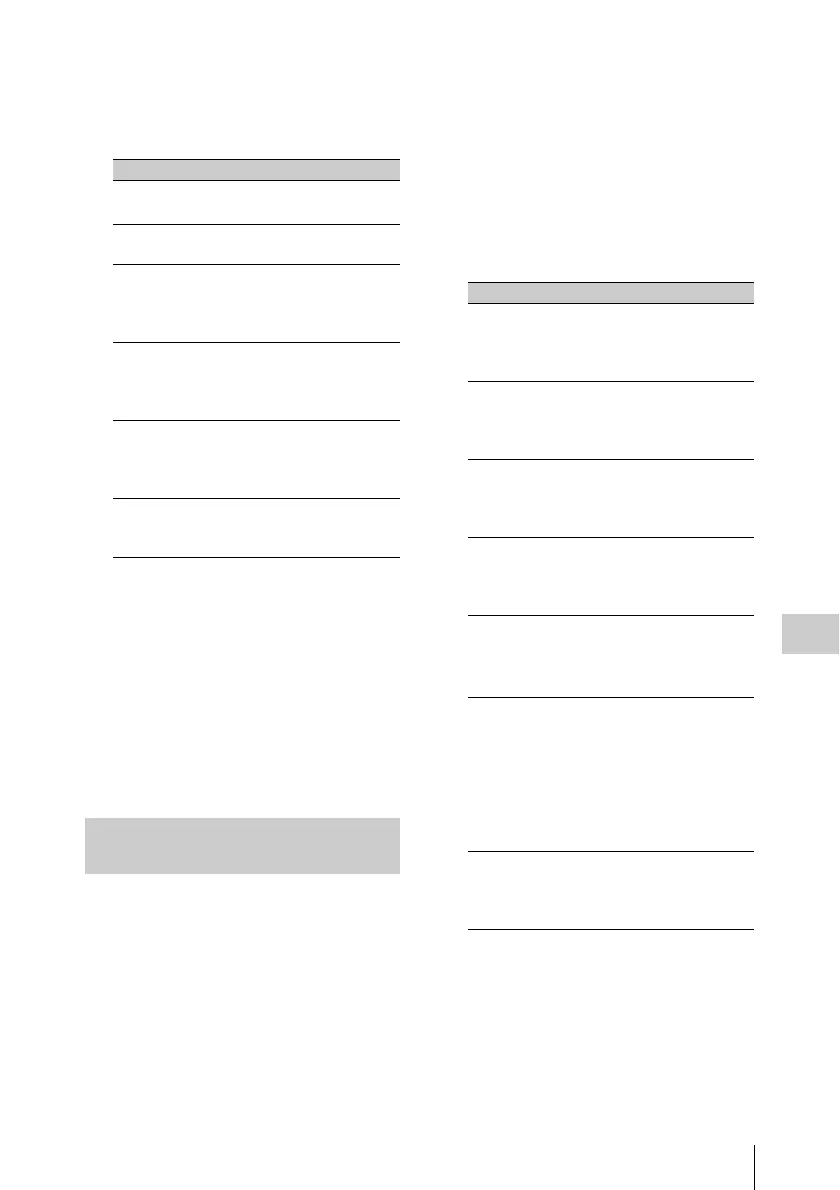
You can set the following items on the VF
SETTING page.
a) When you use the viewfinder which is not
equipped with the ZEBRA switch, turns the
display on or off using this item. When you use
the viewfinder with the ZEBRA switch, the most
recent operation of the ZEBRA switch and this
menu operation is effective.
3 Turn the MENU knob to change the
setting, and press the MENU knob.
4 Repeat steps 2 and 3 until you have set
all of the desired items.
In the SHOT DISP page of the USER menu, you
can select which shot data is recorded
superimposed on the color bars. You can also
select which of the shot IDs (1 to 4) set in the
SHOT DATA page is recorded superimposed on
the picture.
(How to select an item in the menu screen: Turn
the MENU knob to move b to the desired item.)
1 Display the SHOT DISP page of the
OPERATION menu on the screen, and
press the MENU knob.
For details on menu operations, see “Basic
menu operations” on page 140.
2 Select the desired item, and press the
MENU knob.
You can set the following items on the SHOT
DISP page.
a) To carry out superimposed recording, select the
SHOT ID number (1 to 4). Not to carry out
superimposed recording, select “OFF”.
3 Turn the MENU knob to select whether
or not to record the selected item
superimposed on the color bars or the
SHOT ID number, and press the
MENU knob.
Item Description
ZEBRA Turns the zebra
display on or off.
a)
ZEBRA SELECT Selects ZEBRA 1,
ZEBRA 2 or BOTH.
ZEBRA 1 DET. LVL Adjusts the level of
the zebra 1 (20% to
70% to 107%)
display.
ZEBRA 1 APT. LVL Adjusts the aperture
level of the zebra 1
display. (1% to 10%
to 20%)
ZEBRA 2 DET. LVL Adjusts the level of
the zebra 2 (52% to
100% to 109%)
display.
VF DETAIL LEVEL Adjusts the sharpness
of the viewfinder (–99
to 99).
Recording shot data
superimposed on the color bars
Item Description
SHOT DATE Selects whether or not
the shot data is
superimposed (ON or
OFF).
SHOT TIME Selects whether or not
shot time is
superimposed (ON or
OFF).
SHOT MODEL
NAME
Selects whether or not
the model name is
superimposed (ON or
OFF).
SHOT SERIAL NO. Selects whether or not
the serial number is
superimposed (ON or
OFF).
SHOT ID SEL Selects whether or not
the shot ID set on the
SHOT ID page is
superimposed.
a)
SHOT 16:9 CHARA Turns the following
function on and off:
When displaying
aspect ratio 4:3 video,
record superimposed
“16:9” in the locations
where 16:9 video is
cut.
SHOT BLINK
CHARA
Selects whether or not
the blinking * is
superimposed (ON or
OFF).



 To Next Page