Locations and Functions of Parts and Controls
23
Chapter 1 Overview
b Video format
Indicates the format of video being currently
played back or recorded.
HD422 50: MPEG HD422 format (video bit rate:
50 Mbps)
c Frame frequency
Indicates the frame frequency of video being
currently played back or recorded.
• If NTSC AREA is selected
1)
59.9i: 59.94 fields per second, interlace scan
mode
• If PAL AREA is selected
1)
50i: 50 fields per second, interlace scan mode
1) Selected by COUNTRY setting on the FORMAT page
of the OPERATION menu (see page 116).
Note
There may be no indication displayed when this unit
cannot identify the frame frequency, for example, when
playing back a disc recorded with other equipment.
d Audio format
Indicates the format of audio being currently
played back or recorded.
24bit: 24 bits/48 kHz
e Audio level indicators
Indicates the audio recording or playback levels
of channels 1 to 4.
f Status display
PB: Appears during playback.
NDF: Appears when non-drop-frame timecode is
selected.
EXT-LK: Appears when the internal timecode
generator is locked to an external signal input
to the TC IN (timecode input) connector.
HOLD: Appears when the internal timecode
generator is stopped.
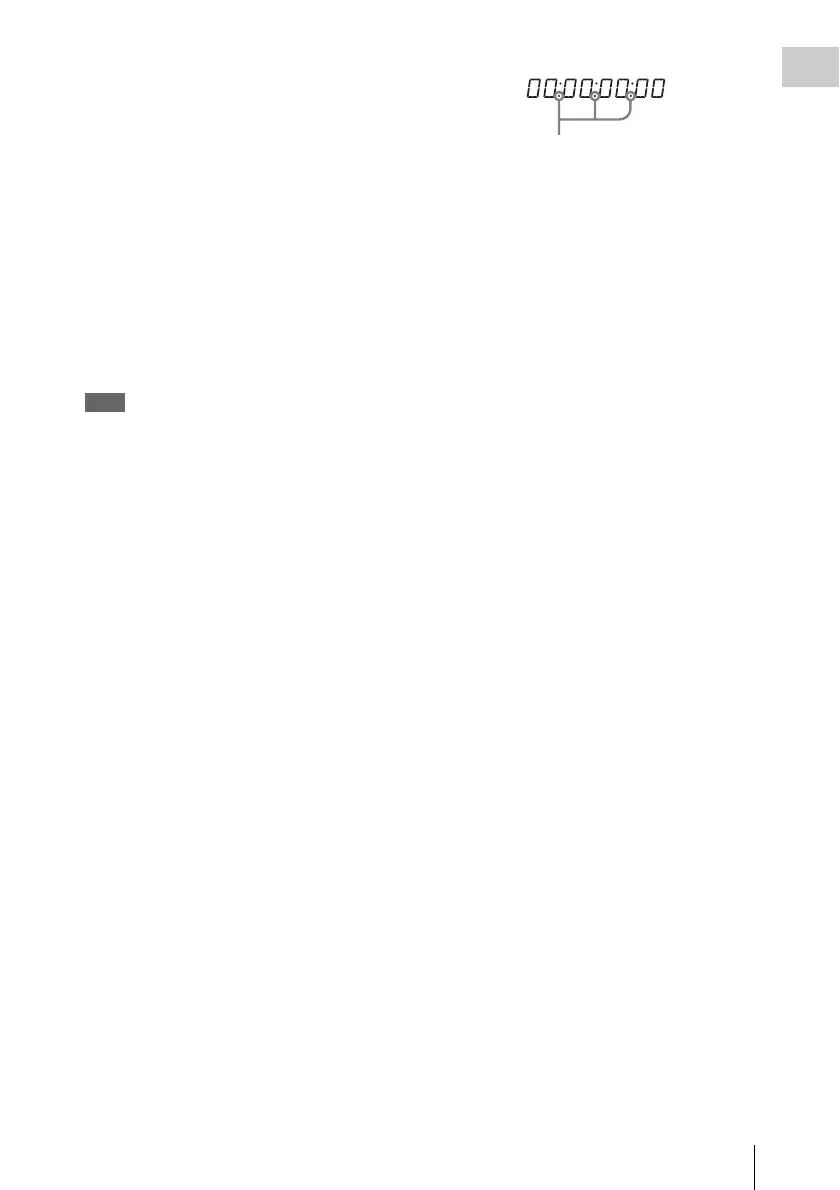
g Time counter display
Switches displays of time counter, timecode, and
user bits, depending on the position of the
DISPLAY switch.
When the HOLD/CHAPTER button is pressed to
hold the time code value, the time code is
displayed in the format shown below. When the
HOLD/CHAPTER button is pressed again to
release the hold, the time code is displayed in the
normal format.
h Warning indicator area
Displays warnings when trouble with recording
or moisture condensation occurs.
For details, see “Operation Warnings” on page 190.
Lights when the HOLD/CHAPTER button
is pressed.



 To Next Page