Advanced Operations for Shooting
83
Chapter 4 Shooting
To check clip names
Press the THUMBNAIL button to display the
thumbnail screen, and select the clip whose name
you want to check.
The name of the selected clip appears in the upper
left of the screen.
See “Clip thumbnail screen” (page 85) for more
information.
Note
The item at the upper left of the screen is displayed
according to the following order of priority.
Title > user-defined clip name > standard format clip
name
Therefore, the display of this item changes as follows,
depending on whether or not there is a title.
• When a title has been set as a clip name on this unit,
the title is displayed for clips recorded on this unit.
• The user-defined name or standard format name is
displayed for clips without a title.
To check clip information (name, title, etc.)
For details, see “Checking clip properties” (page
96).
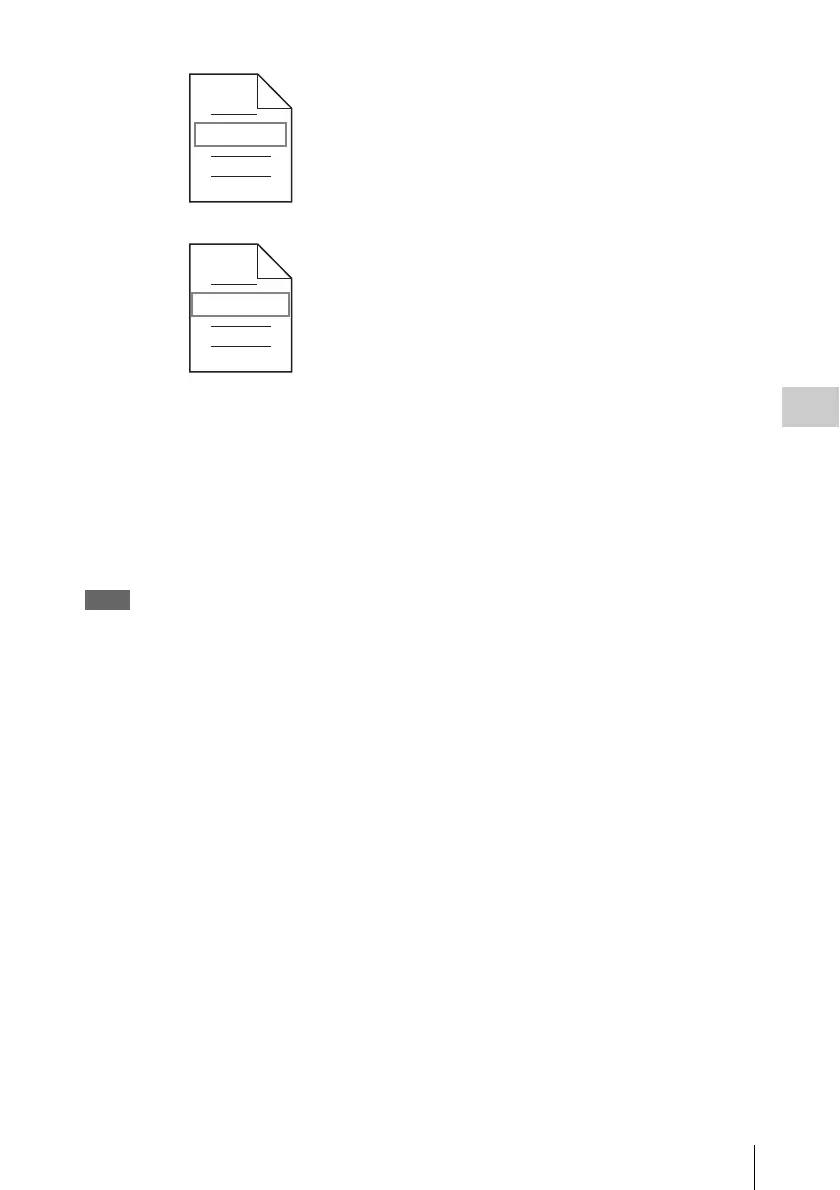
Fuji.MXF
Sakura.SMI
User-defined clip names can be used by FAM
and FTP
User-defined clip list names can be used by FAM
and FTP


 To Next Page