Clip Operations
37
Playback
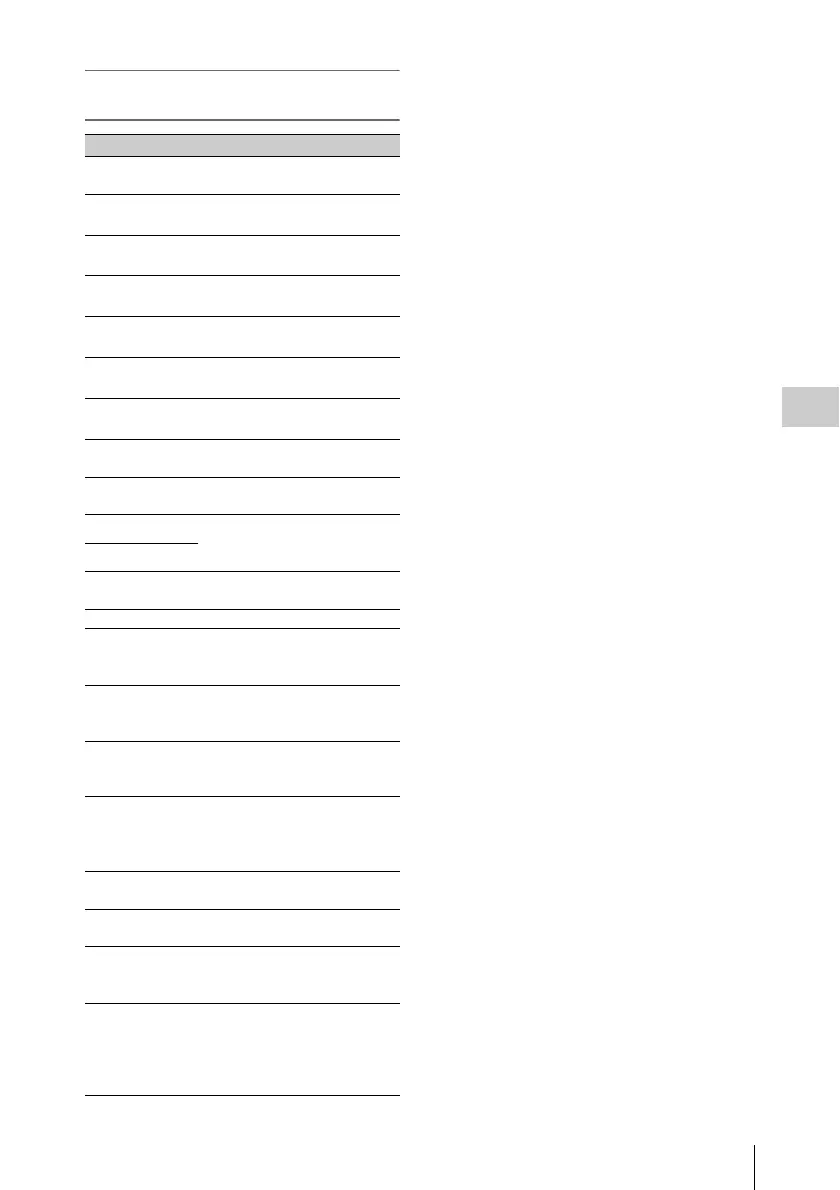
Clip Operation menu on the thumbnail
screen
1) Effective with FAT HD Mode only.
2) Effective with UDF and exFAT Mode only.
3) Effective with UDF, exFAT and FAT HD Mode.
Item Function
DISP CLIP INFO Displays the clip’s information
screen (page 38).
OK MARK
ADD
1)
Adds an OK mark (page 39).
OK MARK
DELETE
1)
Deletes the OK mark (page 39).
OK FLAG
ADD
2)
Adds an OK flag (page 38).
NG FLAG
ADD
2)
Adds a NG flag (page 38).
KEEP FLAG
ADD
2)
Adds a KP flag (page 38).
CLIP FLAG
DELETE
2)
Deletes the flag (page 38).
LOCK CLIP
2)
Locks and protects a clip (page
38).
UNLOCK CLIP
2)
Unlocks a protected clip (page
38).
COPY CLIP(A) Copies the selected clips to the
SxS memory card in slot A or slot
B (page 39).
COPY CLIP(B)
COPY CLIP
(USB)
Copies the selected clips to USB
media (page 39).
DELETE CLIP Deletes the clip (page 39).
ALL MARKS
3)
Displays thumbnails of all frames
with an essence mark recorded
(page 41).
SHOT MARK1
3)
Displays only thumbnails of
frames with shot mark 1 recorded
(page 41).
SHOT MARK2
3)
Displays only thumbnails of
frames with shot mark 2 recorded
(page 41).
REC START
MARK
Displays thumbnails of frames
with a Recording Start mark and
the first frames of clips without
Recording Start marks (page 41).
EXPAND CLIP Didplays the EXPAND CLIP
screen (page 39).
CLIP REPEAT Plays the selected clip repeatedly
(page 35).
PARTIA L
PLAYBACK
Plays back the clip between the
In-point and Out-point (page 35).
(OK-clip thumbnail screen only)
P-PLAY & SDI
REC
Plays back between the In-point
and Out-point and simultaneously
outputs a REC trigger signal (page
35). (OK-clip thumbnail screen
only)



 To Next Page