Connecting via i.LINK
68
Connecting External Devices
Signals can be input/output on the i.LINK
connector when an HDV-compatible video
format (SP 1440/59.94i, SP 1440/50i) or when
DVCAM in SD mode is selected.
In FAT mode, set “SDI/HDMI/i.LINK I/O
Select” to “HD & HDV,” “SD & HDV,” “SD P &
HDV,” or “SD & DVCAM” in the VIDEO SET
menu. In UDF/SD, set it to “SD.”
You can record the same images as those
recorded in this recorder on an external device
connected to the i.LINK connector, or record
playback pictures from the external device on the
recorder.
For playback, DVCAM streams of 16-bit 2-
channel lock audio are acceptable.
Nonlinear editing conforming to the HDV format
is also enabled.
Notes
• Use the i.LINK connector only for one-to-one i.LINK
connection.
• When you change a setting which affects output
signals from the i.LINK connector, such as “System”
in the OTHERS menu or “SDI/HDMI/i.LINK I/O
Select” and “Down Converter” in the VIDEO SET
menu, disconnect the i.LINK cable then change the
setting. Changing such a setting with the i.LINK cable
connected may cause improper operation of the
connected i.LINK device.
• An i.LINK connection and USB wireless LAN module
cannot be used at the same time. Do not connect an
IFU-WLM3 to the external device connector during
i.LINK connections.
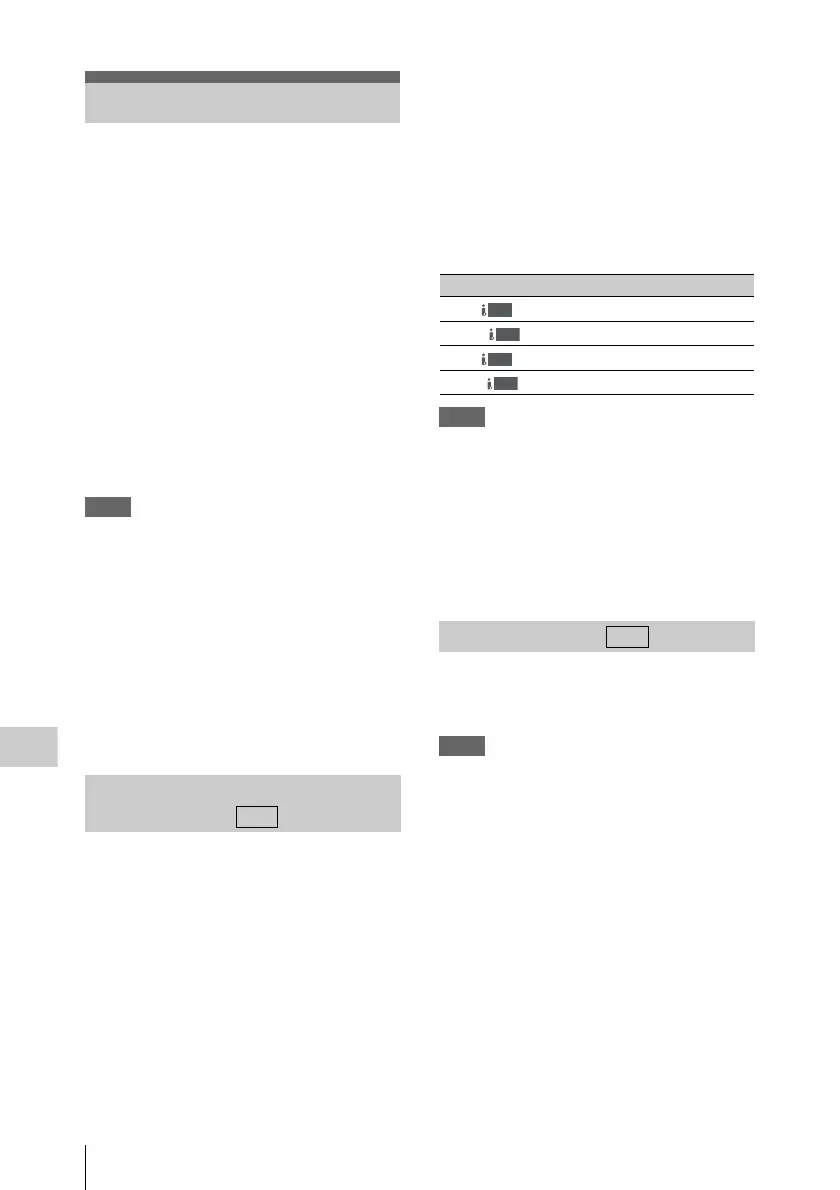
While recording or in standby mode, the image
being recorded with this recorder is output as an
HDV or DVCAM stream via the i.LINK
connector. It can be recorded on a connected
HDV or DVCAM recorder in synchronization
with the recording operation on this recorder.
1 Perform the preparatory settings of the
recorder.
• “SDI/HDMI/i.LINK I/O Select” (page 50)
in the VIDEO SET menu
•“Trigger Mode” (page 57) in the OTHERS
menu
2 Set the external device to recording
standby status.
3 Start recording with the recorder.
The external device starts recording in
synchronization.
The status of the external device is displayed in
the i.LINK status indication area (page 9) on the
LCD monitor.
Notes
• Operation may be different depending on the type of
external device.
• There is some time lag from when you start recording
until the i.LINK status indication changes. Recording
does not start on the connected i.LINK device before it
enters synchronization even if [Trigger Mode] is set to
[Both].
• While you can insert shot marks on the memory card
during recording, they are not added to the pictures
recorded on the external device.
When the recorder is in playback mode, you can
transfer an HDV stream to a nonlinear editing
system connected via the i.LINK connector.
Notes
• The i.LINK connector of this recorder is a 4-pin
connector. Check the number of pins of the i.LINK
connector on your computer and use an appropriate
i.LINK cable.
• In searching pictures of this recorder on the computer,
it may take some time until the display is reflected on
the computer.
• If the playback clip is short or the playback starting
point is near the end of the clip, the i.LINK signal may
be interrupted between the clip and the next clip. When
you try to capture such a signal using the nonlinear
editing system, a malfunction may occur, depending
on the nonlinear editing software in use.
• If you specify a search speed other than 4, 15, or 24
times normal with the nonlinear editing system, no
i.LINK signal is fed out. In such a case, the picture on
the LCD monitor may stay frozen.
• High-speed playback picture may not be displayed on
the computer screen, depending on the nonlinear
editing software in use.
Connecting via i.LINK
Recording the Image on an
External Device
FAT
Indication Status of the external device
STBY
In HDV recording standby
z
REC
In HDV recording
STBY
In DV recording standby
z
REC
In DV recording
Nonlinear Editing
HDV
HDV
DV
DV
FAT



 To Next Page