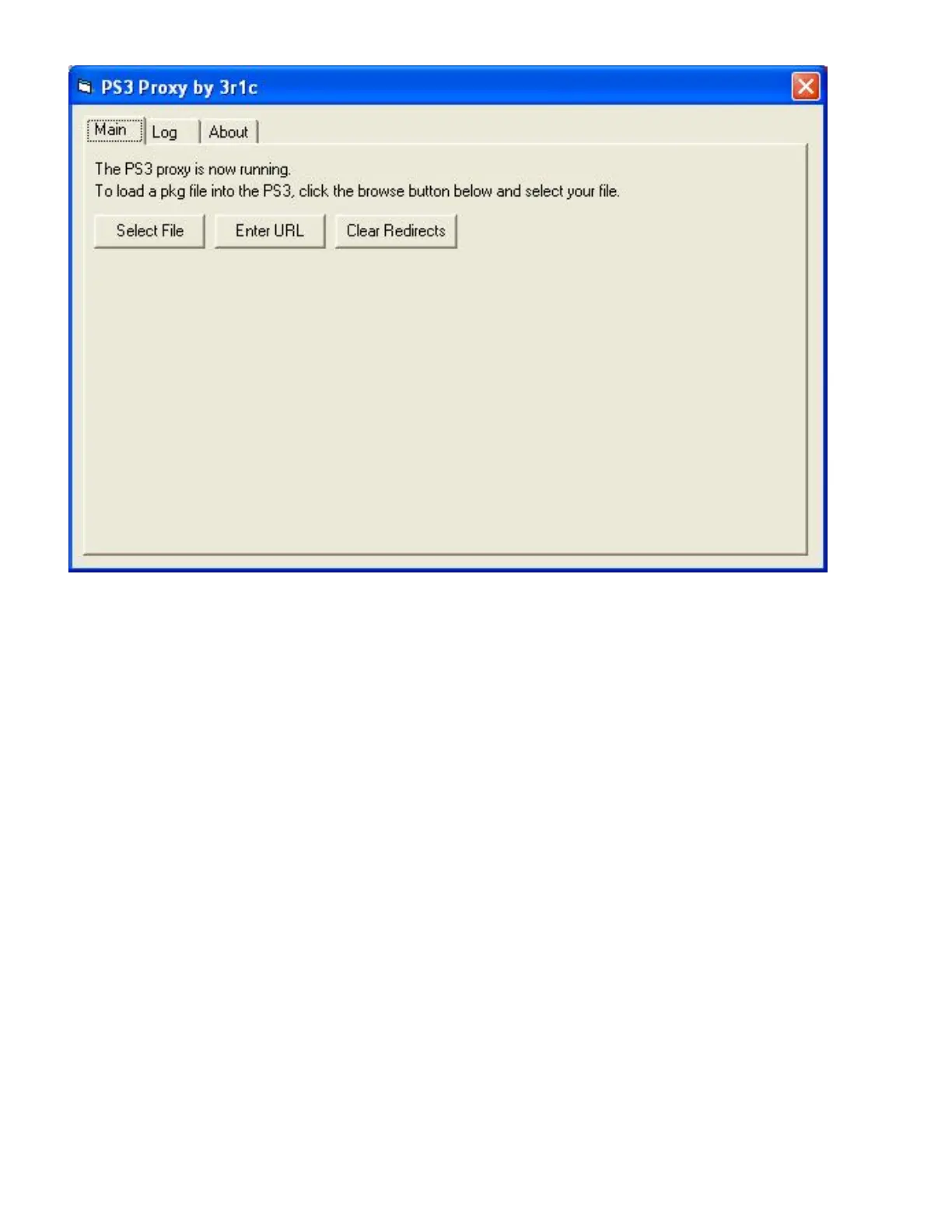
10. Click ok then then you will see this:
You will see 3 options select file, Enter URL and Clear Redirects they mean:
Select file - Select file means that you have to browser your computer to where you saved your .
PKG to (Demos, game updates etc).
Enter URL - Enter URL means that you know the URL of the PS Store thing you wish to install
useing proxy. All you have to do is copy the URL of the PS Store thing you wish to install and
click ok.
Clear Redirects - This will clear the game file or the URL you selected.
11. Now ever browser and select the PS store file you want to install or copy and paste the URL of
the PS store file you wish to install on your ps3 into enter URL. After you have ever Selected the
file or you enter URL of the file you wish to install to your ps3 you will see one of the following:
If you selected file it will look something like this:



 To Next Page