you plan to load and unload games manually you only need 1 3-way switch and can disregard
anything I've said about extra switches. The foot long wire you solder earlier to pins 4 and 1 now
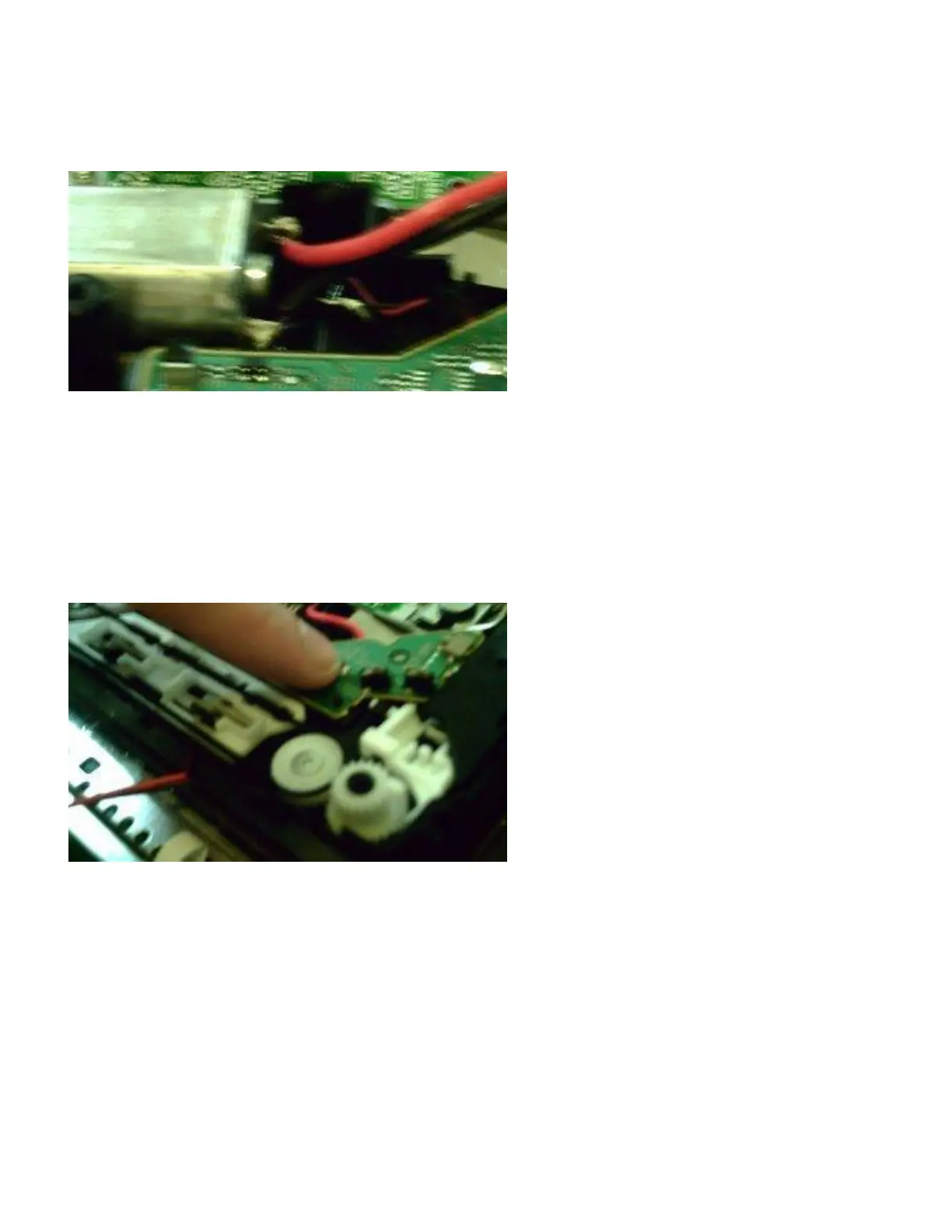
need to be soldered to the RED and BLACK terminals of your motor. I just touched my
soldering iron to the terminals and removed the factory wires, tucked them away and soldered the
ones from my switch to it.
8. Now what i did was remove 3 small screws from a small circuit board and ran my wires
underneath it. Under the circuit board there is a small hole that allows you to run the wire
underneath and out the bottom front of the Blu-ray drive. The board I'm pointing to is the one
that needs to be unscrewed. It doesn't come off all the way but does enough for you to run wire
under it. When you put the screws back in make sure not to tighten them down too much. just
make them snug and make sure the small switch on the right side of the board is in the proper
place.
9. And that's pretty much it. Where you plan to mount the switch or switches is up to you. The way
I have mine set up is when the switch is up the motor is sucking in. I start to put a game in and it
sucks it in. When the game is in and the drive engaged I turn the switch to the middle position or
off. Turn on the PS3 and the original game or Swap Magic will register with the XMB.
No need to actually boot the original game or swap magic because as long as the game is recognized by
the system, it has passed any media checks. Next, I flip my switch down and the drive disengages and
spits my game out. I then flip the switch back up and insert my backup and turn the switch off. The
whole time you do the swap, the PS3 will still say you have a game inserted. So if you choose to try
this, you don't need anything special. 1-3 switches and an original PS2 game. Enjoy!



 To Next Page