• Other factors
The following may cause poor reception.
- Materials or structures. such
as
walls and
floors
- The location where
an
S-AIR product
is
placed
When using S-AJR products. place them
as
far
as
possible from the above electronic
equipment
or place where S-AIR reception
is
stable.
Setting
up
an
S-AIR
product
Before using
an
S-AIR product.
be
sure
to
perform the following settings
to
establish the
sound transmission.
• Inserting the wireless transmitter/
transceiver (page
31).
• Establishing sound transmission between
the S-AIR mail1unit and S-AJR sub unit (lO
setting) (page 6\
).
•
Pairing
the
S-AIR
main
unit
with
a
specific
S-AIR
sub
unit
(Pairing
operation)
(page
62).
AMP
.-+-t+-
MEN
U
~
\D!
+1+/
..
/.
(MENu)
EstatiUshing:s~uOdtran'llIission
b,etVl8tJlJ:tlie
S~Alll,mainuoitand
S·AIR
,sulJunUtIDsetting)
When you match the 10 of the S-AIR main
unit and the S-AIR sub unit, you can establish
sound transmission. You can use multiple
S-AIR main unit
by
setting a different
10
for
each unit.
To set the
10
of the S-AIR main
unit
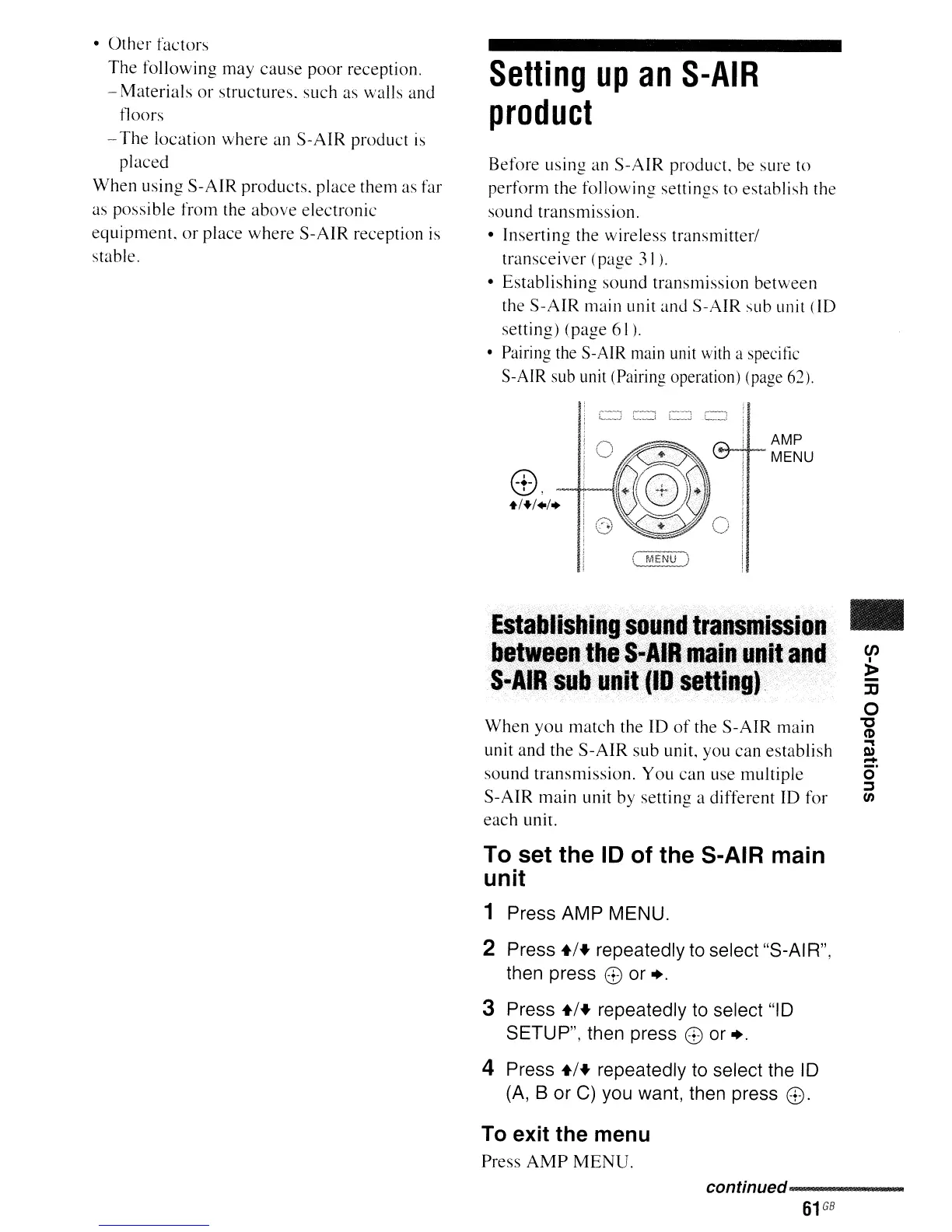
1 Press AMP MENU.
2 Press
+1+
repeatedly to select "S-AIR",
then press
8 or
+.
3 Press
+1+
repeatedly to select
"10
SETUP", then press 8 or +.
4 Press
+1+
repeatedly to select the
10
(A,
B or
C)
you want, then press
8.
To exit the menu
Press AMP MENU.
•
en
I
»
]J
o
'0
(1)
"'"
l»
-
o
~
en
continued-----
61
GB



 To Next Page