CRANEX
®
Novus e 7. Replacing parts
Service manual 95
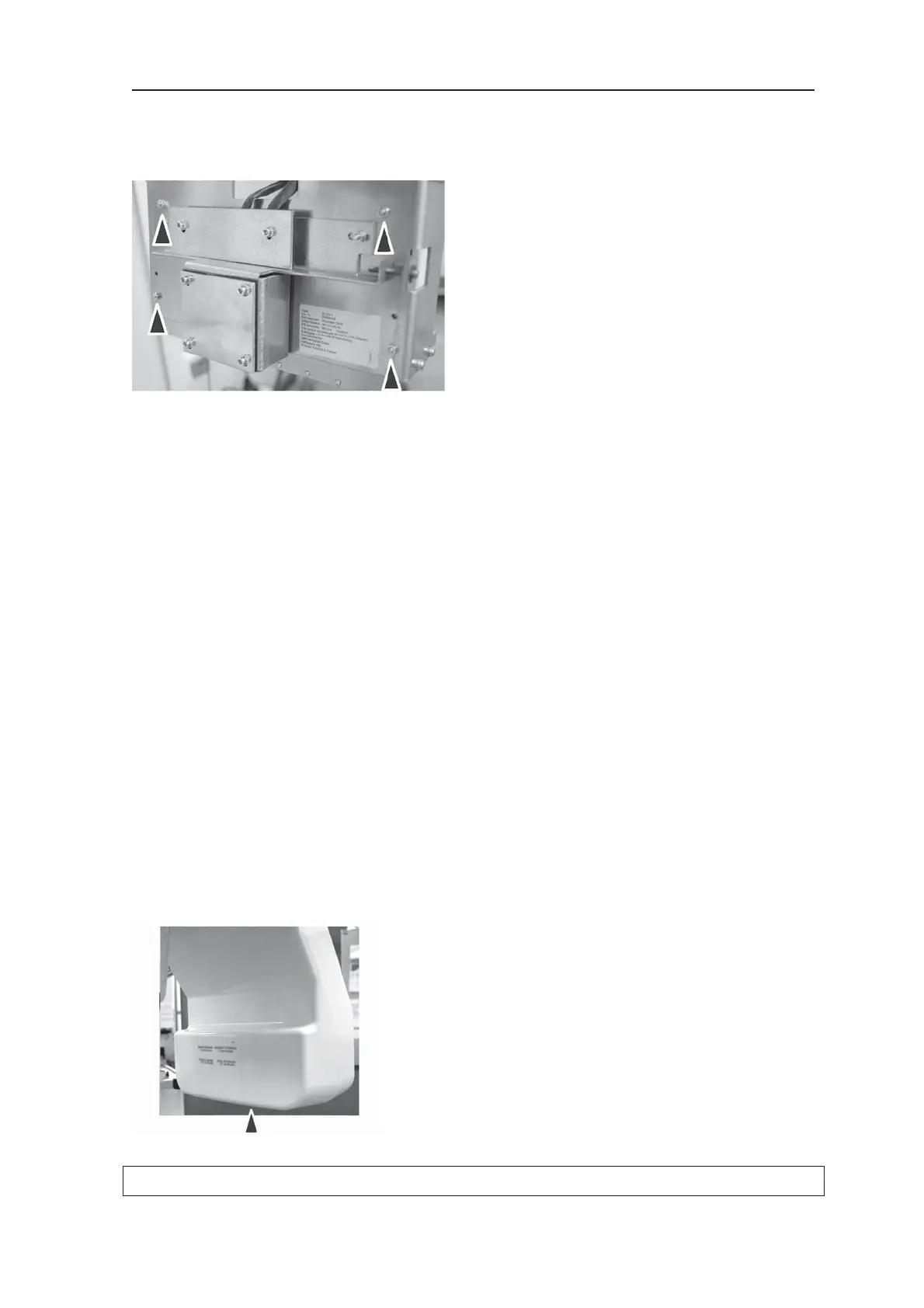
5. Remove the four (4) nuts that hold the tube-
head to the rotating unit frame and remove
the tubehead.
6. Attach the new tubehead to the rotating unit
frame with the four (4) nuts.
6. Reconnect all the cables.
Calibrating the tube head and checking the alignment
1. Reconnect the unit to the power supply and
then switch the unit on.
2. Open the service assistant.
Carry out the calib procedure.
Also set the exposure counter to zero (expcnt
clear).
3. Realign the unit (refer to section 8. Aligning
the unit).
4. Carry out the image calibration. See the instal-
lation manual for details.
5. Replace the covers.
6. Attach the new tubehead label to the under-
side of the tubehead side of the rotating unit.



 To Next Page