CRANEX
®
Novus e 8. Aligning the unit
Service manual 113
8.6 Recheck the alignment
1. Take a ball-pin exposure to confi rm that the
unit is now correctly aligned. Refer to the
Installation Manual section 5. Checking the
alignment.
If the unit needs realigning, adjust accordingly.
8.7 Calibrating the CCD sensor
1. PC: Enable image capture.
2. PC: Select the imagecalib, refer to the instal-
lation manual for information on how to do this.
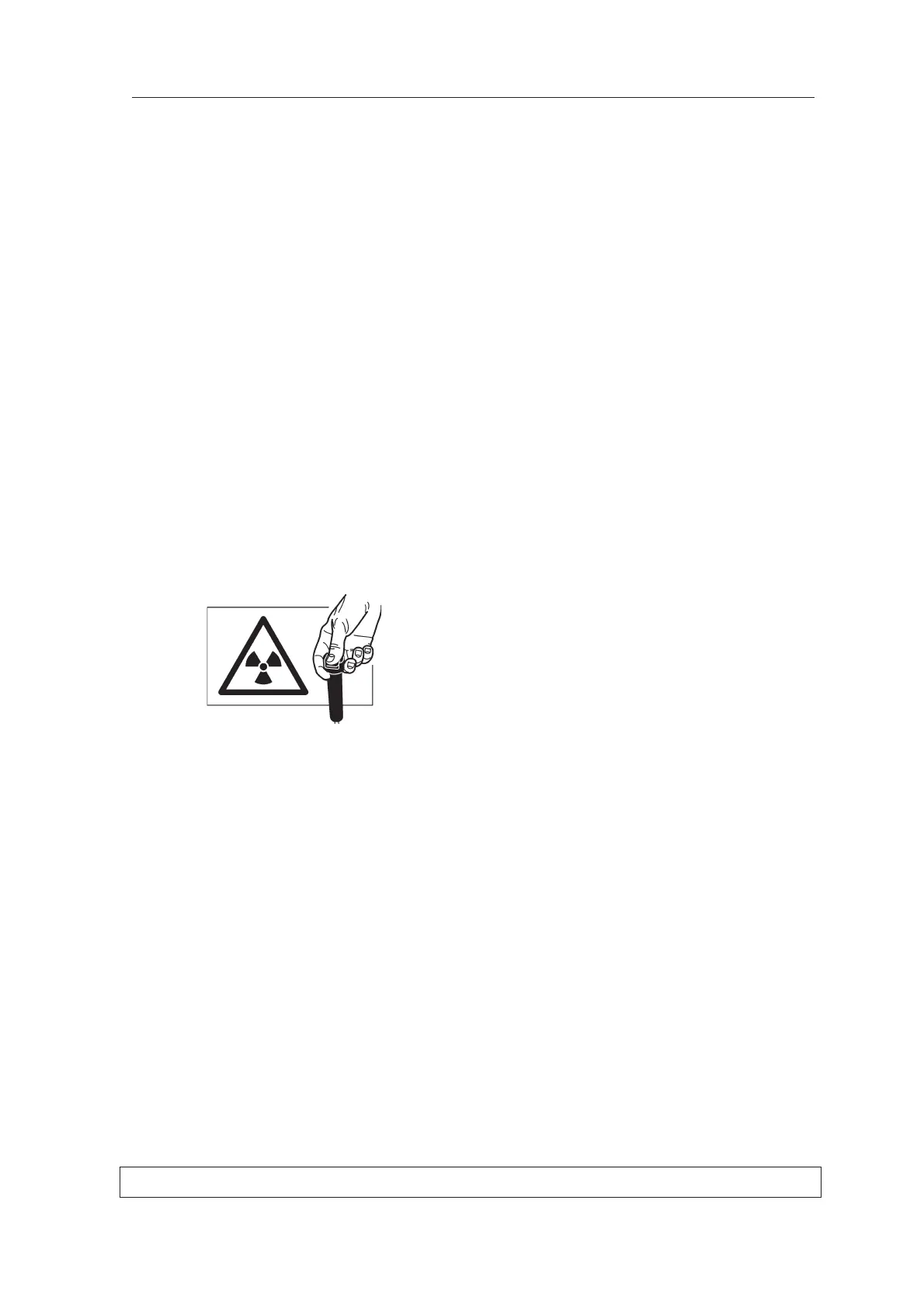
3. Protect yourself from radiation, and take an
exposure.
4. Examine the image. It should be evenly grey
all over with no granularity nor horizontal lines/
stripes. If the image is not evenly grey repeat
the calibration until it is.



 To Previous Page