8. Aligning the unit CRANEX
®
Novus e
106 Service manual
8.3 Checking and adjusting the position of the collimator
Checking and Adjusting the Center of Rotation
The centre of rotation is correct when the beam
strikes the alignment plate at the same point (not
necessarily the center) when the tubehead is po-
sitioned fi rst on the left-hand side of the the beam
alignment tool and then on the right.
Checking the position of the collimator
1. Pull the Front Panel from the Upper Shelf and
then remove the screws (2) that hold the Top
Cover Plate in position, and slide it off.
2. Drive the unit up until you are able to see the
beam alignment tool from beneath the tube-
head.
3. From the CRANEX
®
Novus e service termi-
nal select the exp (exposure, no rotation, CCD
sensor not active) function.
4. Place the alignment plate into the two holes at
the back of the ball/pin phantom.
5. Manually rotate the Rotating Unit so that it is
parallel to the front of the upper shelf and the
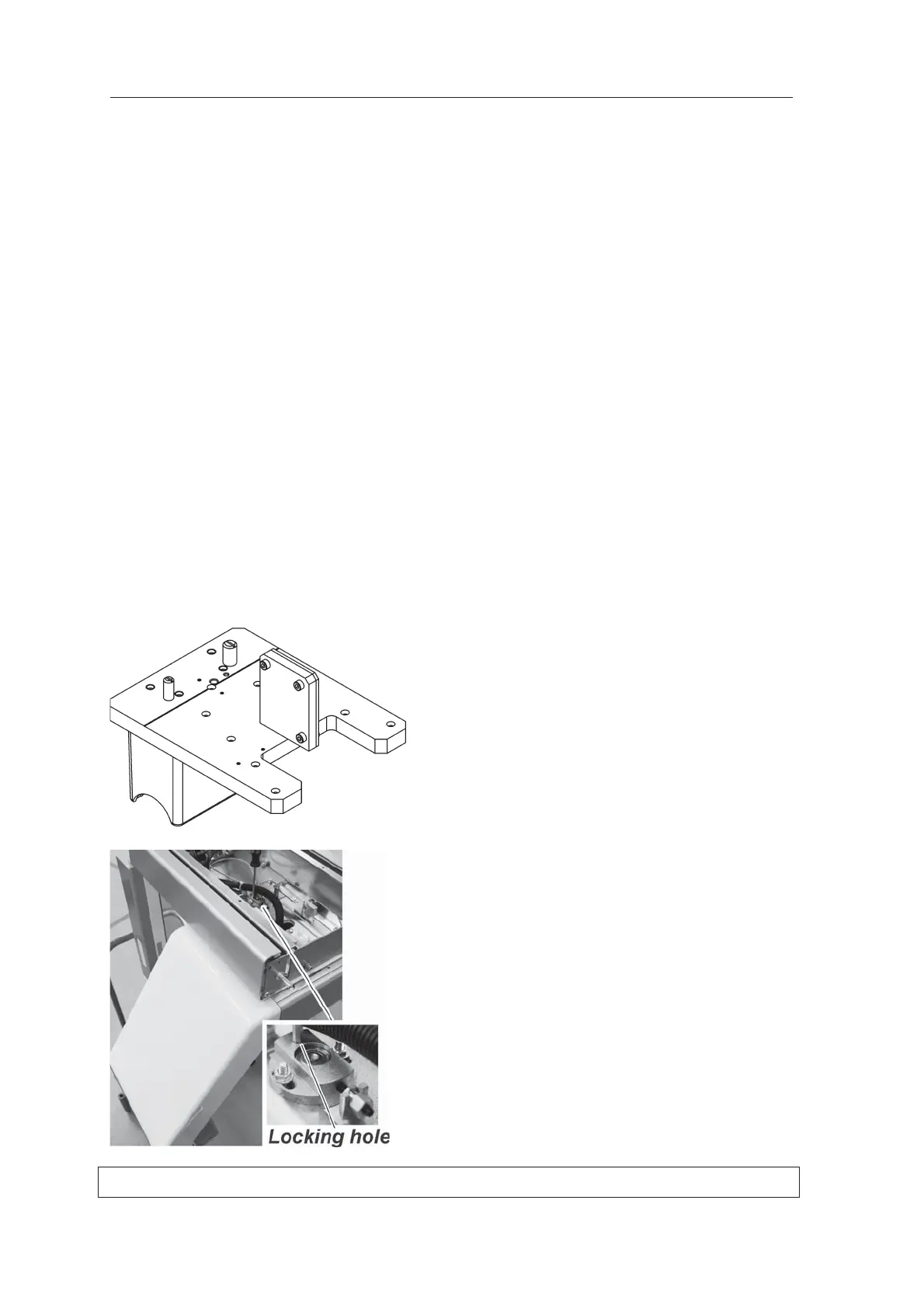
tubehead is on the left. Insert a 4 mm hexa-
gon socket wrench into the locking hole in the
Rotation Bearing to hold the Rotating Unit in
position.



 To Next Page