CRANEX
®
Novus e 8. Aligning the unit
Service manual 105
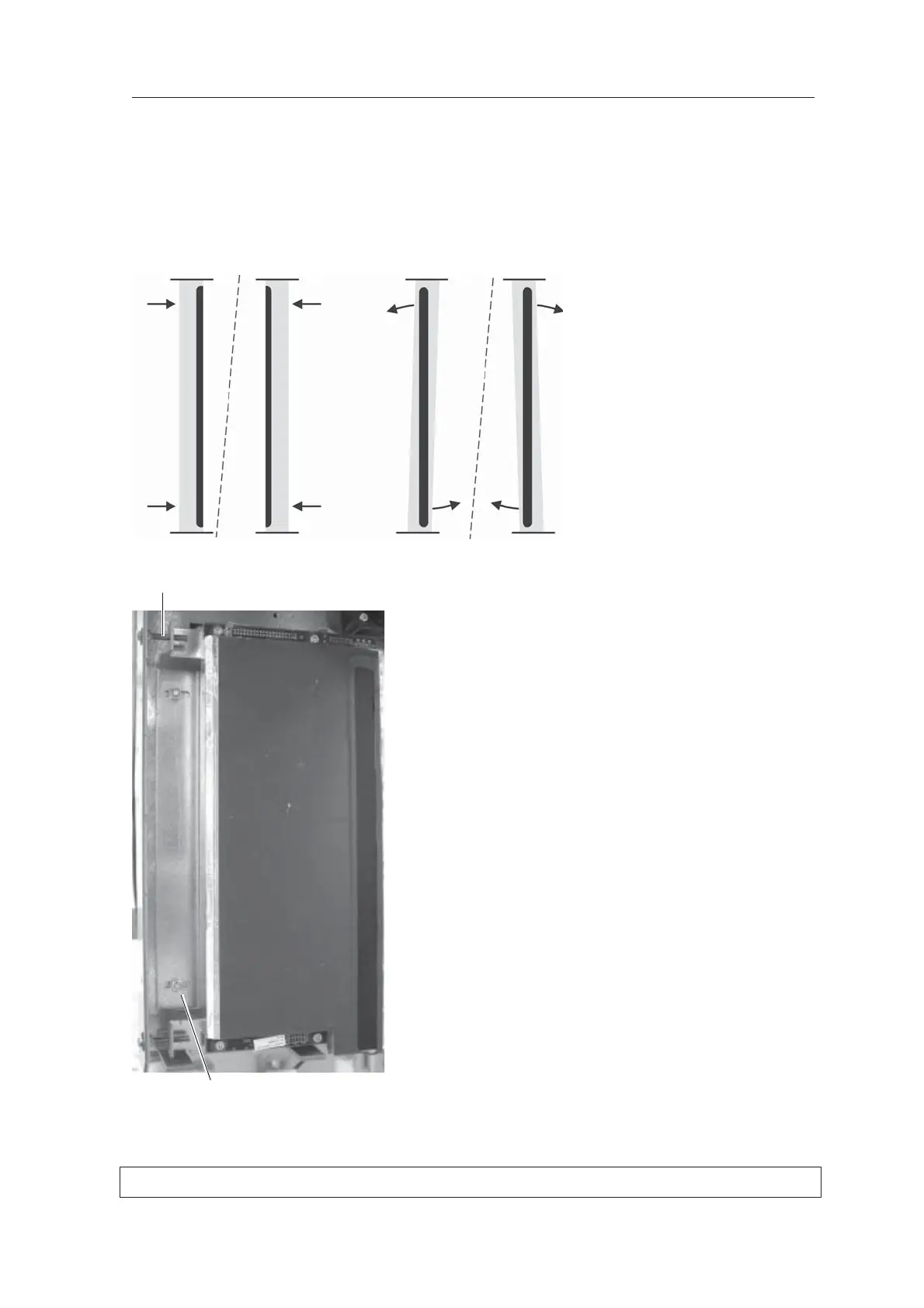
If the beam (black line) is not in the middle of
the CCD aperture (the gray area), the position
of the CCD Sensor must be adjusted to the
right or left.
If the CCD aperture (gray area) is not vertical,
the CCD sensor must be rotated slightly until it
is vertical.
7. Loosen the nuts (4) that hold the CCD sensor
in place and then adjust its position with the
screws (2) on the left-hand side.
Adjust and recheck the position of the CCD
sensor until the beam is vertical and centered
in the middle of the CCD aperture.
Screws
Nuts



 To Next Page