Know your Machine
14
4. EMERGENCY STOP BUTTON (20)
The emergency stop button which is yellow-backgrounded and red is located on the rear
top of the machine. It is used for emergency stop of the machine. Upon pressing it, the
machine will initiate the stop function, causing the drive wheel and brush motor to cease
operation. If the emergency stop button is pressed while the machine is performing a
cleaning task, the vacuum motor will briefly run before coming to a stop to minimize
residual water on the floor.
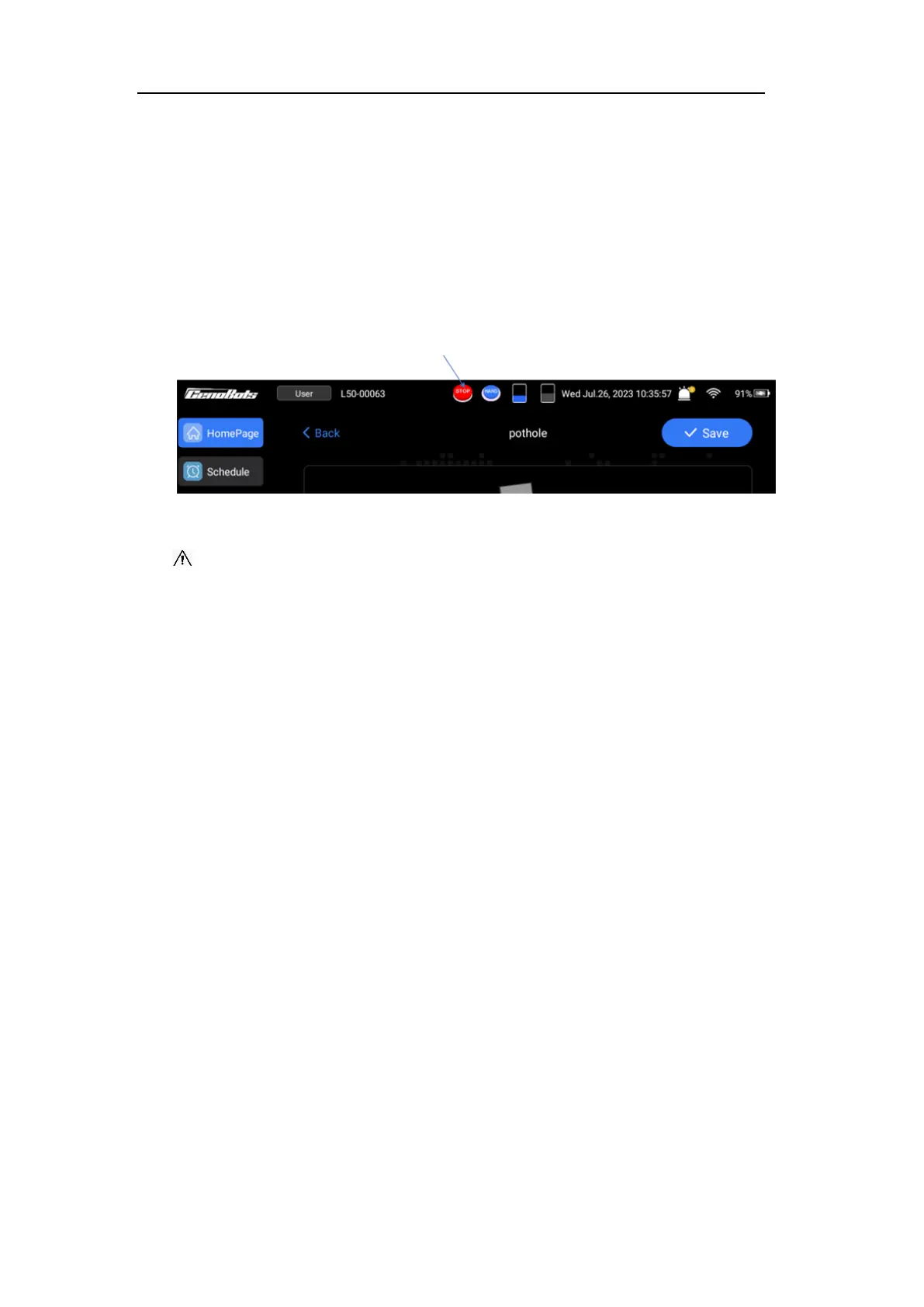
When the emergency stop button is pressed, the 'STOP' icon will be displayed on the
screen. To release the emergency stop button, rotate it clockwise.
FIG.10
CAUTION: If the machine is in auto mode or the emergency stop button is pressed,
do not push the machine forcefully to avoid the possibility of machine damage.
5. KEY SWITCH (21)
The key switch that controls the power of the machine is located at the rear top of the
machine. When the switch is turned to the “ON” position, the machine will power on
(make sure the load-break switch is also in the “ON” position). When the switch is turned
to the “OFF” position, the machine will power off after a delay of about 30 seconds.
Notice: After the operator leaves the machine, please remove the key and keep it in a
safe place to avoid loss.
6. AUTO/MANAUL SWITCH BUTTON (22)
This machine has two operating modes:
⚫ Autonomous Mode: The autonomous mode is used to automatically scrub the
floor. The machine will perform tasks at scheduled times and can also be called
upon to perform temporary cleaning tasks by setting up temporary tasks.
⚫ Manual Operation Mode: The operator can manually operator this machine to
scrub the floor in this mode.
These modes can be switched by pressing the A/M button. If the button displays a blue
light or the ‘HAND’ icon is displayed on the touch screen, it indicates that the machine is
in the manual mode.



 To Next Page