Page. 70 of 87
Once the user validates the data acquisition, by pressing the OK key as marked in the
picture above, the KTerm_USB.exe internal database will be properly updated and as
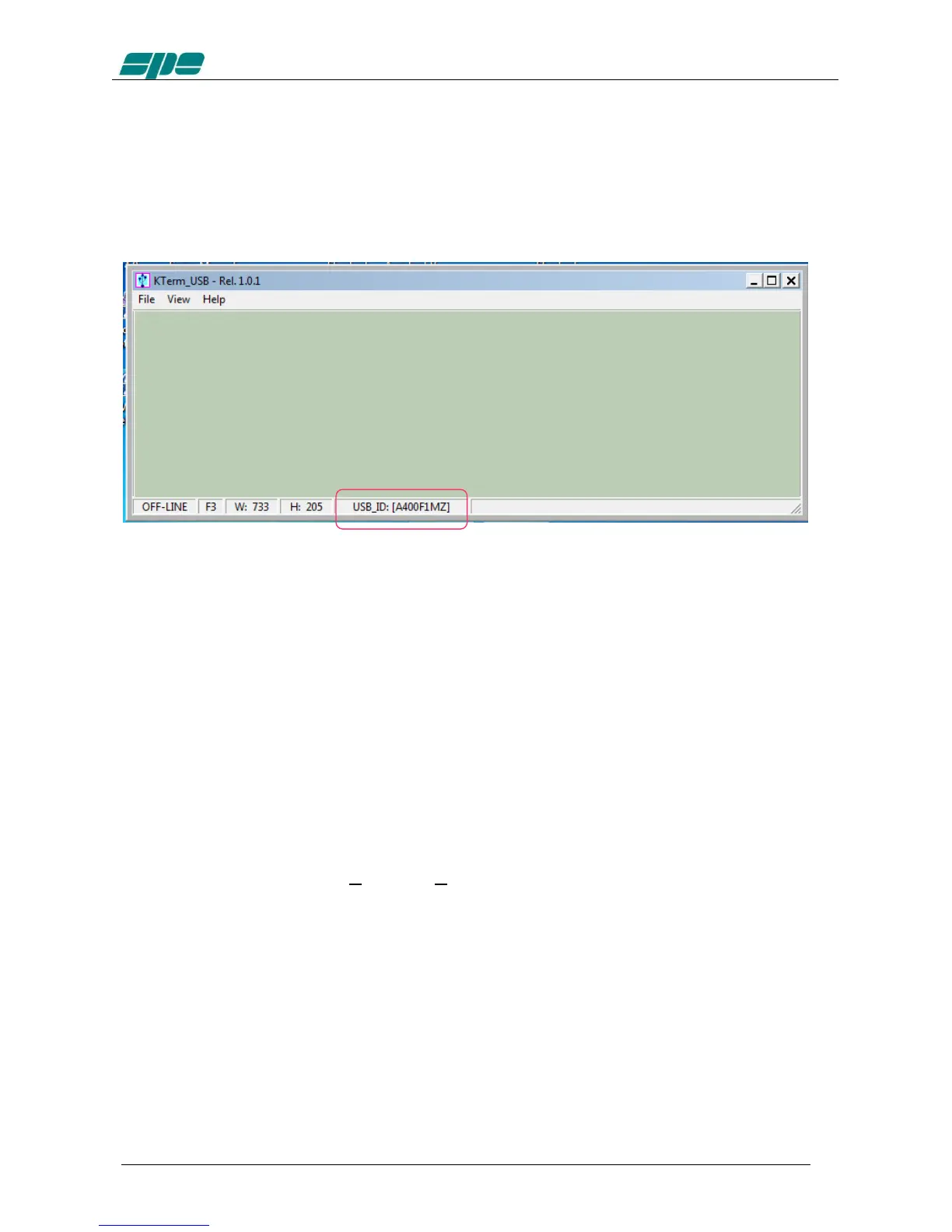
confirmation, the application status bar will be updated, as shown in the following
picture:
When the above described steps are completed, KTerm_USB,exe will only be able to
recognize and address the EXPERT linear amplifier whose unique ID String matches
the one written after the USB_ID: label of the picture above.
As explained earlier, this setting is permanent. So there is absolutely no need to repeat
the acquisition procedure described as long as the user connects to that specific unit.
Of course the acquisition procedure must be restarted again in case another EXPERT
linear amplifier would require to be addressed in the same selective way; that is
because a different device has acquired, by force of circumstances, another ID String
parameter to be reconsidered.
After having carried out all the setting and configuration steps listed in the earlier pages,
you should be all set for using the FT232RL selective addressing features as described
so far.
All the operations tied to the Connect / Disconnect menu items are still the same as in
the case of the non-selective addressing procedure.


 To Next Page
 Loading...


