Page. 71 of 87
A last note.
If, for whatever reason, all the selective addressing capabilities are no longer needed, to
open a connection to an EXPERT linear thru its USB link, they can be temporarily
disabled.
The next operation is quite easy to perform.
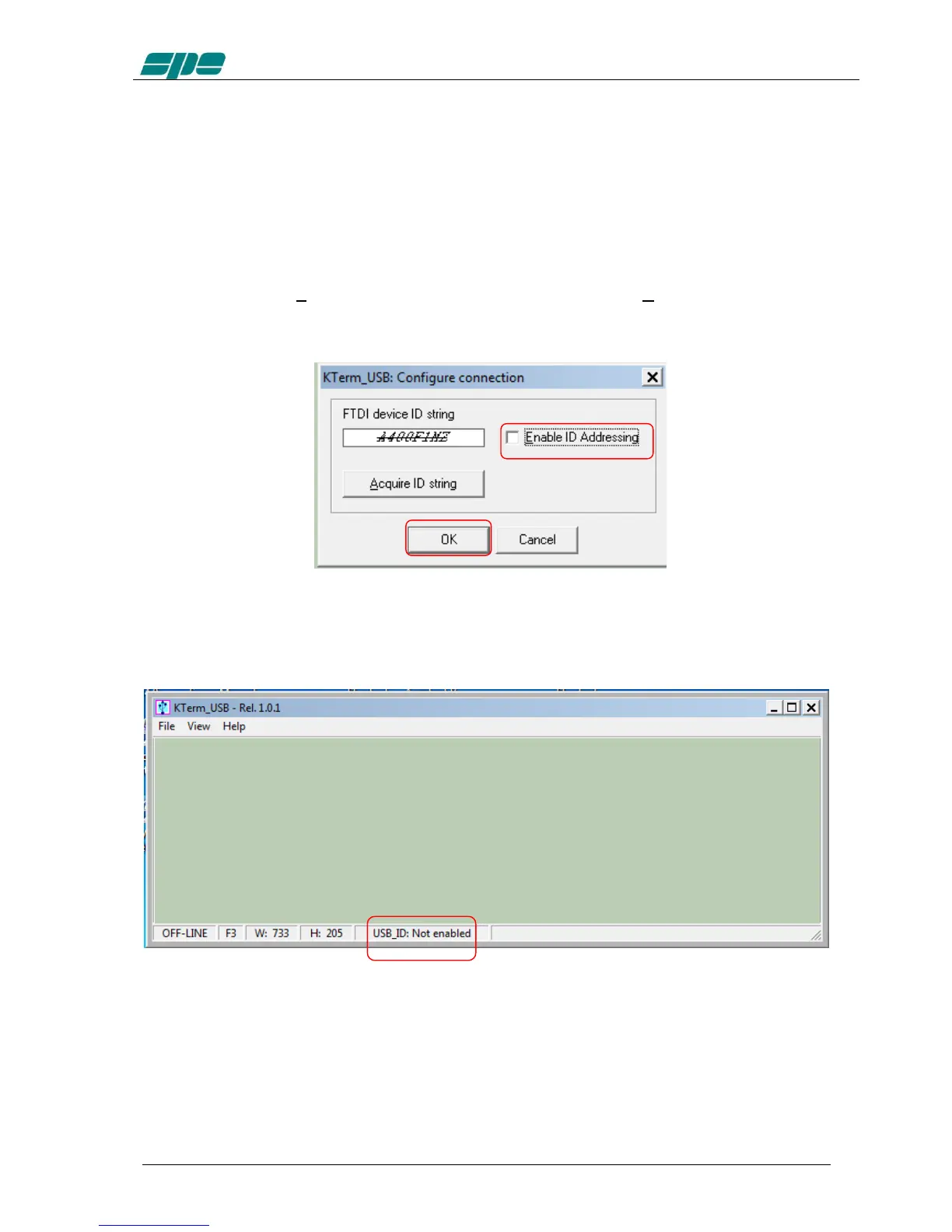
After having recalled the Configure USB connection dialog box, using its specific item
contained into the File menu, using your mouse click on the Enable ID Addressing
option, as shown in the following picture, and confirm this entry using the OK button.
You will see this new setting in the application status bar with the “Not enabled”
attribute following the USB_ID: label, as shown below:



 To Next Page