Select this option to start EZ Copy Wizard.
Manual Record button. Click this button to enable manual
recording.
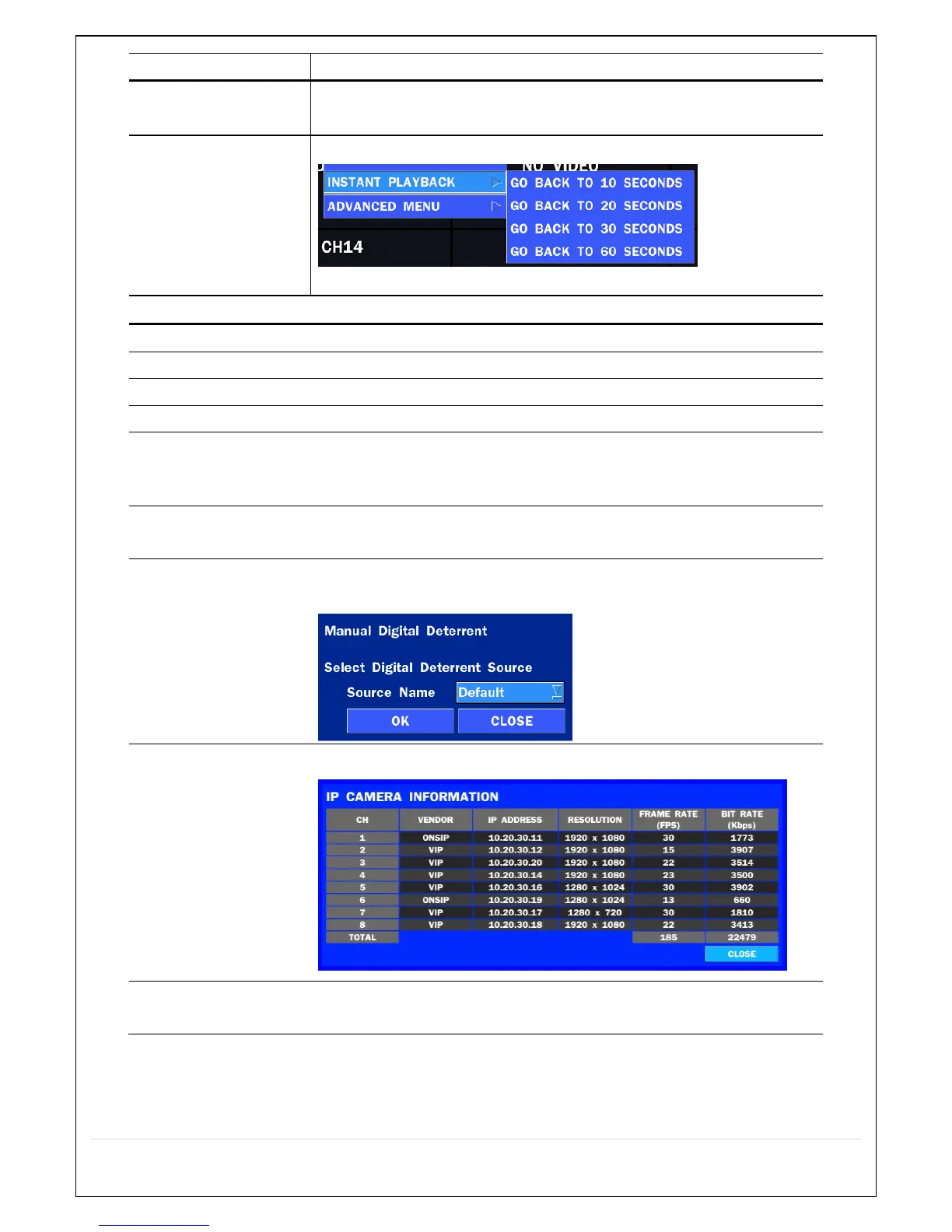
Instantly playback 10 to 60 seconds of recorded data.
Recommended to be used with record mode set to CONTINUOUS.
Select this option to start EZ Setup Wizard.
Select this option to disconnect/connect from IP Camera.
Select this option to mute audio on all channels.
Pop up the PTZ user interface.
ENABLE MAIN
MONITOR
SEQUENCE
Sequence button. Click this button to use a sequence function.
Click this button to enable/disable Alarm outputs
Select this option to manually trigger any of the saved Digital
Deterrent messages.
Press the button to view the record setting of a selected channel.
Press the button to view the system information.



 To Next Page