EasyManua.ls Logo

SPECTRO SPECTROLAB - User Manual

SPECTRO SPECTROLAB
46 pages
Print Icon
To Next Page IconTo Next Page
Loading...
Das verknüpfte Bild kann nicht angezeigt werden. Möglicherweise wurde die Datei verschoben, umbenannt oder gelöscht. Stellen Sie sicher, dass die Verk nüp fung au f die
korrek te Datei und den ko rrek ten Speic herort zeig t.
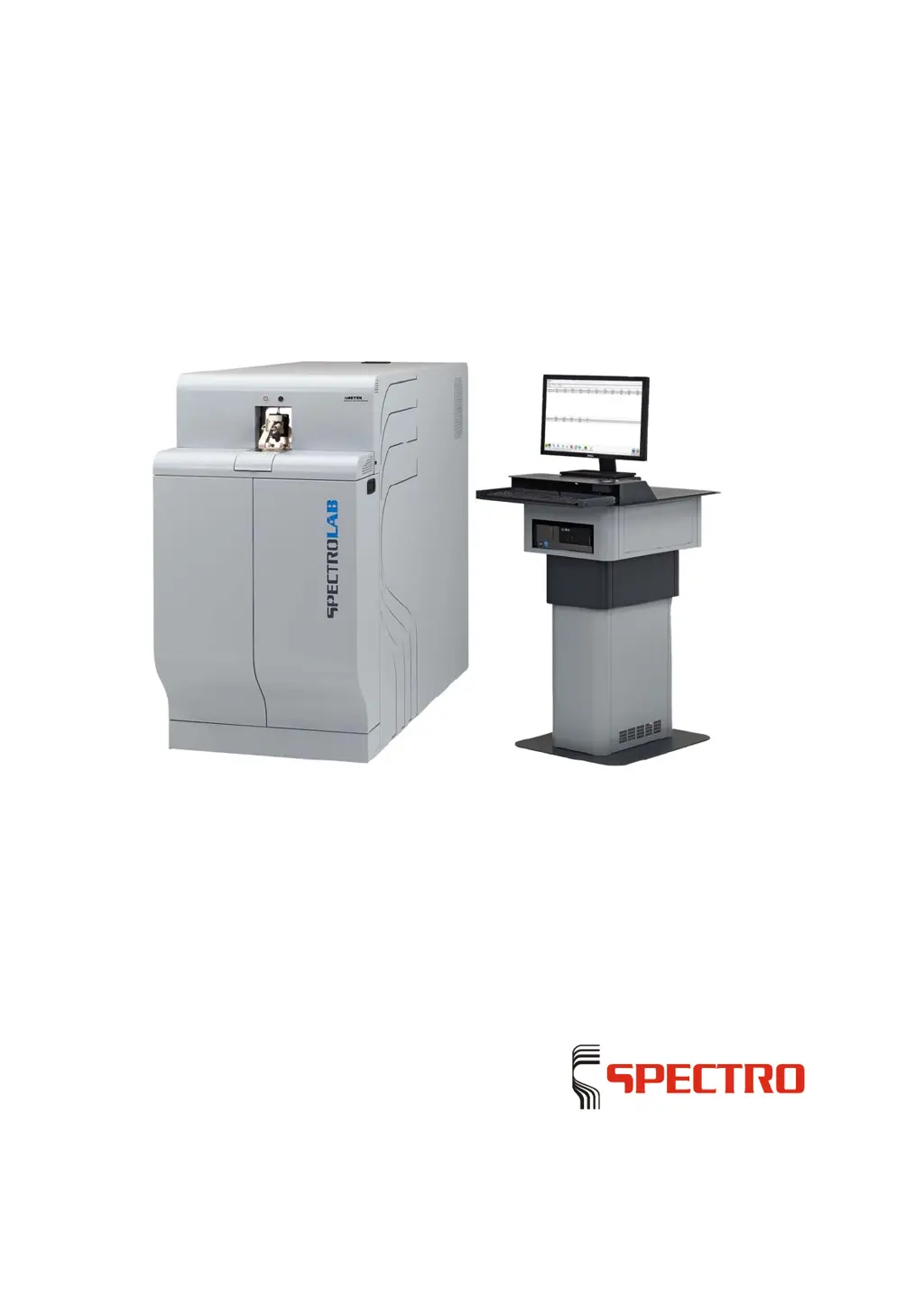
SPECTROLAB
Stationary metal analyzer
Original operating instructions

Questions and Answers

Summary

Description of instrument

Instrument Description

Details the designation, model, and type of the SPECTROLAB.

Instrument Functionality

Explains how the SPECTROLAB analyzes and identifies metals using spark discharge and optical sensors.

Instrument Overview and Components

Provides visual and descriptive information on the front, back, and spark stand components of the instrument.

Safety

Safety Symbols Explanation

Explains the meaning of safety symbols used in the manual and on the instrument.

User Safety Information

Provides critical safety instructions and warnings for users operating the instrument.

Intended Use of Instrument

Defines the specific purpose and application for which the SPECTROLAB instrument is designed.

Prohibited Operating Conditions

Lists conditions under which the instrument must not be operated to ensure safety and prevent damage.

Residual Risks and Hazards

Highlights potential residual risks and health hazards associated with instrument operation, including injury and toxicity.

Technical data

Transportation;Setting-up

Instrument Space Requirements

Specifies the physical dimensions and clearance needed for the SPECTROLAB instrument installation.

Instrument Storage Conditions

Details the required environmental conditions for storing the SPECTROLAB instrument safely.

Argon Gas Supply Requirements

Outlines the necessary argon gas supply line, pressure reducer, and quality for instrument operation.

Initial start-up

Preparing the Instrument for First Use

Provides step-by-step instructions for initial setup and preparation before switching on the SPECTROLAB.

Operation

Instrument Control Overview

Describes the main control elements and their functions on the SPECTROLAB instrument.

Switching On the SPECTROLAB Instrument

Details the procedure for safely powering on and initializing the SPECTROLAB instrument.

Argon Saving Module Function

Explains the function and operation of the argon saving module to minimize gas consumption.

Switching Off the SPECTROLAB Instrument

Provides instructions for safely shutting down and powering off the SPECTROLAB instrument.

Performing Measurements

Details the entire measuring process, including preparation, execution, and completion, along with associated safety warnings.

Maintenance

Instrument Maintenance Schedule

Recommends regular system checks by specialized technicians for optimal operation and safety.

Maintenance Task Reminders

Explains the diagnostic system's prompts for various maintenance tasks based on usage and time intervals.

General Maintenance Procedures

Lists routine and required maintenance tasks, including daily, monthly, and as-needed procedures.

Cleaning Optics Light Inlet Window

Provides instructions for safely cleaning the MgF2 light inlet window of the instrument's optics.

Cleaning Optional Air Optics Inlet Window

Details the procedure for cleaning the light inlet window of the optional air optics (LAVM12).

Cleaning the Spark Stand

Outlines the steps and safety precautions for cleaning the spark stand, including handling condensate.

Cleaning the Exhaust Hose

Provides instructions for cleaning the exhaust hose connected to the spark stand and filter unit.

Changing the Electrode

Details the procedure and safety warnings for replacing the electrode in the spark stand.

Replacing Standardization Samples

Explains how to replace standardization or re-profiling samples, emphasizing intensity matching.

Replacing iCALization Sample

Guides on procuring and matching new iCALization samples for the LACM12 model.

Replacing Air Filters

Details the process for replacing air filters, including the filter bottle insert and gas-washing bottle.

Status messages

Troubleshooting

Instrument Error Messages

Lists common error messages, their causes, and recommended remedies for troubleshooting.

Diagnosis Tool Functionality

Explains the software's diagnosis function for obtaining status information on instrument malfunctions.

Spare parts and consumables

Pos: De-commissioning

SPECTRO SPECTROLAB Specifications

General IconGeneral
BrandSPECTRO
ModelSPECTROLAB
CategoryMeasuring Instruments
LanguageEnglish

Related product manuals