EasyManua.ls Logo

SPECTRO SPECTROTEST - User Manual

SPECTRO SPECTROTEST
42 pages
Print Icon
To Next Page IconTo Next Page
Loading...
Das verknüpfte Bild kann nicht angezeigt werden. Möglicherweise wurde die Datei verschoben, umbenannt oder gelöscht. Stellen Sie sicher, dass die Verknüpfung auf die korrekt
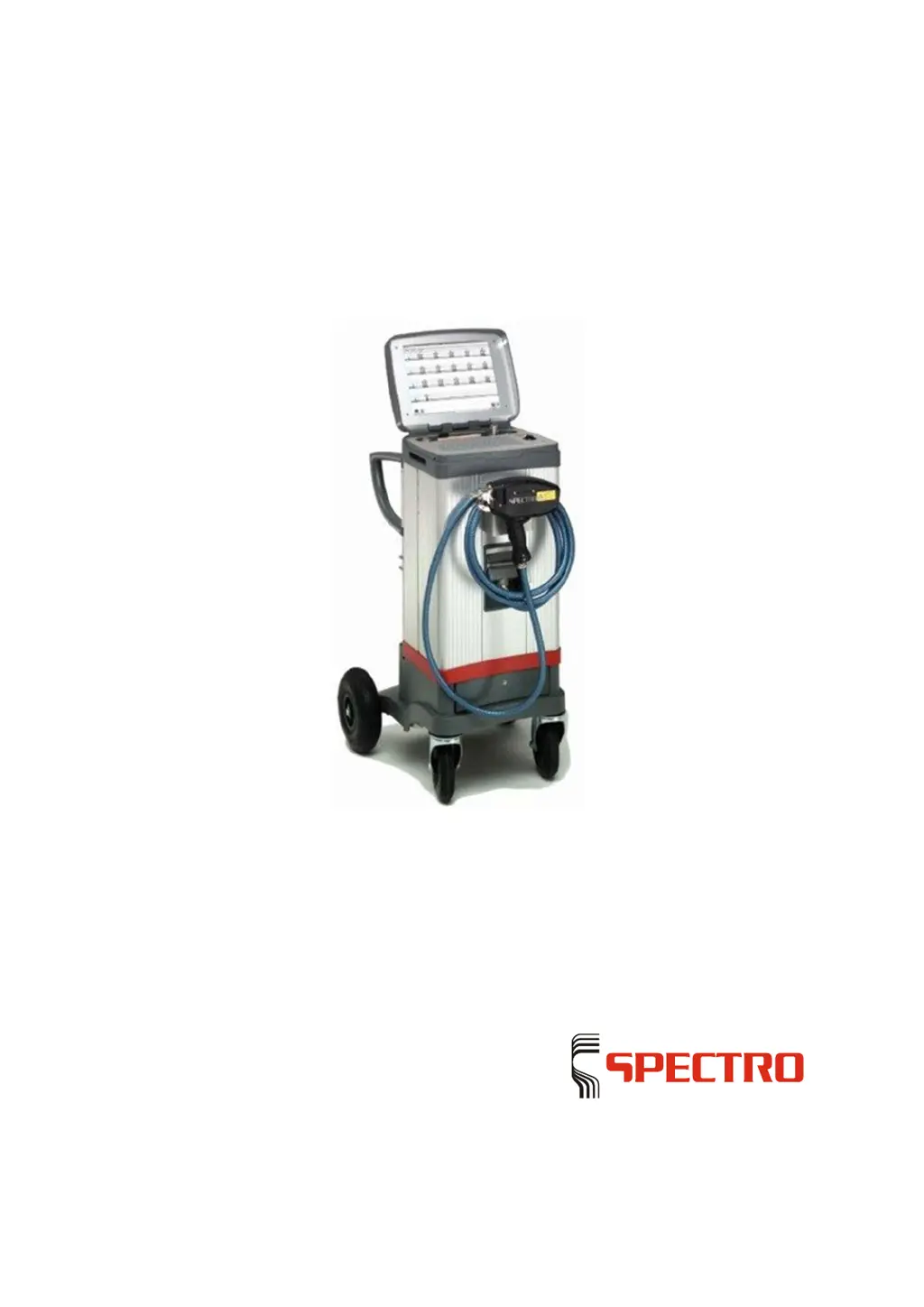
SPECTROTEST
Mobile Spectrometer for
Metal Analysis
Ori
ginal operating instructions

Questions and Answers

Summary

SPECTROTEST Description of Instrument

1.1 Instrument Description

Details the designation, model, and type of the SPECTROTEST.

1.2 Instrument Function

Explains how the sample probe evaporates material and emits radiation for analysis.

1.3 Instrument Overview

Provides a general overview of the instrument and its components.

1.3.1 Instrument Connections (Rear)

Illustrates and lists the rear connections of the instrument.

1.3.2 Instrument Components

Details the various components and parts of the SPECTROTEST instrument.

SPECTROTEST Safety

2.1 Symbols Used in Manual

Explains the warning symbols and their meanings used in the manual.

2.2 User Information and Responsibilities

Provides essential guidelines and responsibilities for instrument users.

2.3 Intended Use of Instrument

Defines the specific applications and limitations of the instrument.

2.4 Prohibited Operating Conditions

Lists conditions under which the instrument must not be operated.

2.5 Residual Risks

Highlights potential hazards that cannot be fully eliminated.

SPECTROTEST Technical Data

SPECTROTEST Transportation and Setting-up

4.1 Instrument Set-up

Provides instructions and warnings for safely setting up the instrument.

4.2 Dimensions and Weight

Details the physical size and weight of the SPECTROTEST instrument.

4.3 Gas Supply for Sparks Operating Mode

Explains the requirements and procedures for argon gas supply.

4.3.1 Argon Bottle Fastening

Details how to securely fasten argon bottles onto the transport trolley.

SPECTROTEST Operation

5.1 General Arrangement of Display and Buttons

Identifies and explains the main controls and display elements of the instrument.

5.1.1 Instrument Controls

Illustrates and lists the control elements on the instrument.

5.1.2 Display Brightness Adjustment

Describes how to adjust the display brightness.

5.1.3 Sample Probe Operation

Details the sample probe, including safety warnings and operational notes.

SPECTROTEST Initial Start-up

6.1 Preparing the Instrument for Use

Steps required to prepare the instrument before switching it on.

6.2 Switching on the Instrument

Procedure for powering on the instrument and initiating the startup sequence.

6.3 Standby Mode

Explains how to put the instrument into standby mode.

6.4 Switching off the Instrument

Procedure for safely shutting down and disconnecting the instrument.

6.5 Measuring Procedure

Details the steps involved in performing a measurement.

6.5.1 Preparing the Measuring Procedure

Steps to prepare the instrument and sample before measurement.

6.5.2 Proceed with the Measurement

Instructions for conducting sample measurement and analysis.

Sample Measurement and Analysis

Steps for performing a standard sample measurement and analysis.

Example Measurement: Sorting

Instructions for performing sample measurements for sorting purposes.

ICALization of the Measuring Instrument

Procedure for standardizing the measuring instrument using ICAL.

SPECTROTEST Maintenance

7.1 Maintenance Schedule

Provides a schedule of recommended maintenance tasks and intervals.

7.2 Cleaning the Adapter

Instructions for cleaning the instrument adapter.

7.3 Cleaning Light Inlet Windows

Procedure for cleaning optical windows on the sample probe and adapter.

7.4 Replacing the Air Filter

Steps for replacing the main air filter of the instrument.

7.5 Replacing Sample Probe Air Filter

Procedure for replacing the air filter specifically for the sample probe.

7.6 Replacing CO2 and Fine Dust Filter Unit

Instructions for replacing the CO2 and fine dust filter unit.

7.7 Cleaning and Sharpening Electrodes

Guidance on cleaning and resharpening the instrument's electrodes.

SPECTROTEST Troubleshooting

Unit Cannot Be Switched On

Troubleshooting steps for when the instrument fails to power on.

Unit Powers On, No Display Data

Steps to resolve issues with data display after power-on.

Slow Software Response

Troubleshooting for slow software performance and long measuring times.

Keyboard Unresponsive

Steps to fix issues with the keyboard not responding.

Trackball Movement Issues

Troubleshooting for trackball movement and response problems.

No Correct Focal Spot in Spark Mode

Diagnosing and fixing issues with focal spot in spark mode.

Unit Does Not Generate Sparks

Troubleshooting for the unit not generating sparks in arc or spark mode.

Actual Values Below Stored Limits

Resolving errors where actual values are below stored reference limits.

SPECTROTEST Spare Parts and Consumables

SPECTROTEST De-commissioning

SPECTROTEST Manufacturer Address

SPECTRO SPECTROTEST Specifications

General IconGeneral
BrandSPECTRO
ModelSPECTROTEST
CategoryMeasuring Instruments
LanguageEnglish

Related product manuals