18 SPECTROTEST —
5 Operation
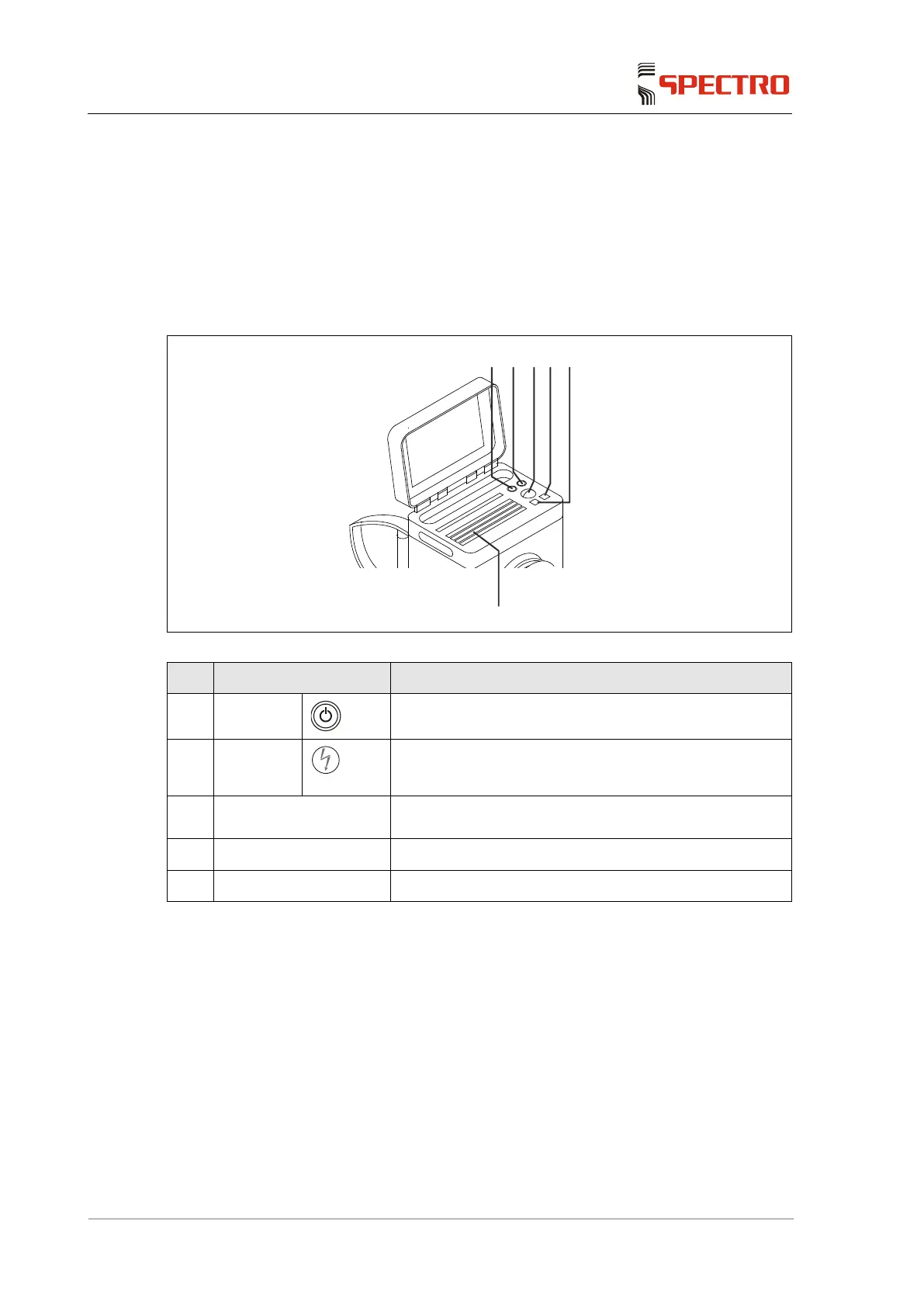
5.1 General arrangement of display and buttons
5.1.1 Instrument
Fig. 4
No. Control element Function
1
Switch
Switches the instrument on.
2
Switch
Sets the sample probe to stand-by mode
3 Track ball Same as mouse function on a PC
4+5 Mouse button function Same as mouse buttons on a PC
6 Standard keyboard Same as PC keyboard
5.1.2 Brightness adjustment
In order to adjust the brightness of the display, open the Tray Tool
"Powermanagement Pro Mobile" via the Windows taskbar.
The brightness adjustment screen opens.
Adjust the desired brightness.



 To Next Page