— 05.12.2017 —
Ensure that the filter is aligned correctly and that it is properly seated.
The recess in the filter mat must be above the connector in the base
plate.
7. Raise the base plate and use the knurled screws to secure it.
8. Place the instrument back on the transport carriage and use the locking
mechanism to secure it.
The air filter has been changed.
7.5 Replacing the sample probe air filter
To replace the filter, proceed as follows:
1. To switch the plasma generator off, press the following switch:
2. Separate the sample probe from the instrument.
Open the sample probe connector clamp.
Disconnect the connector from the sample probe.
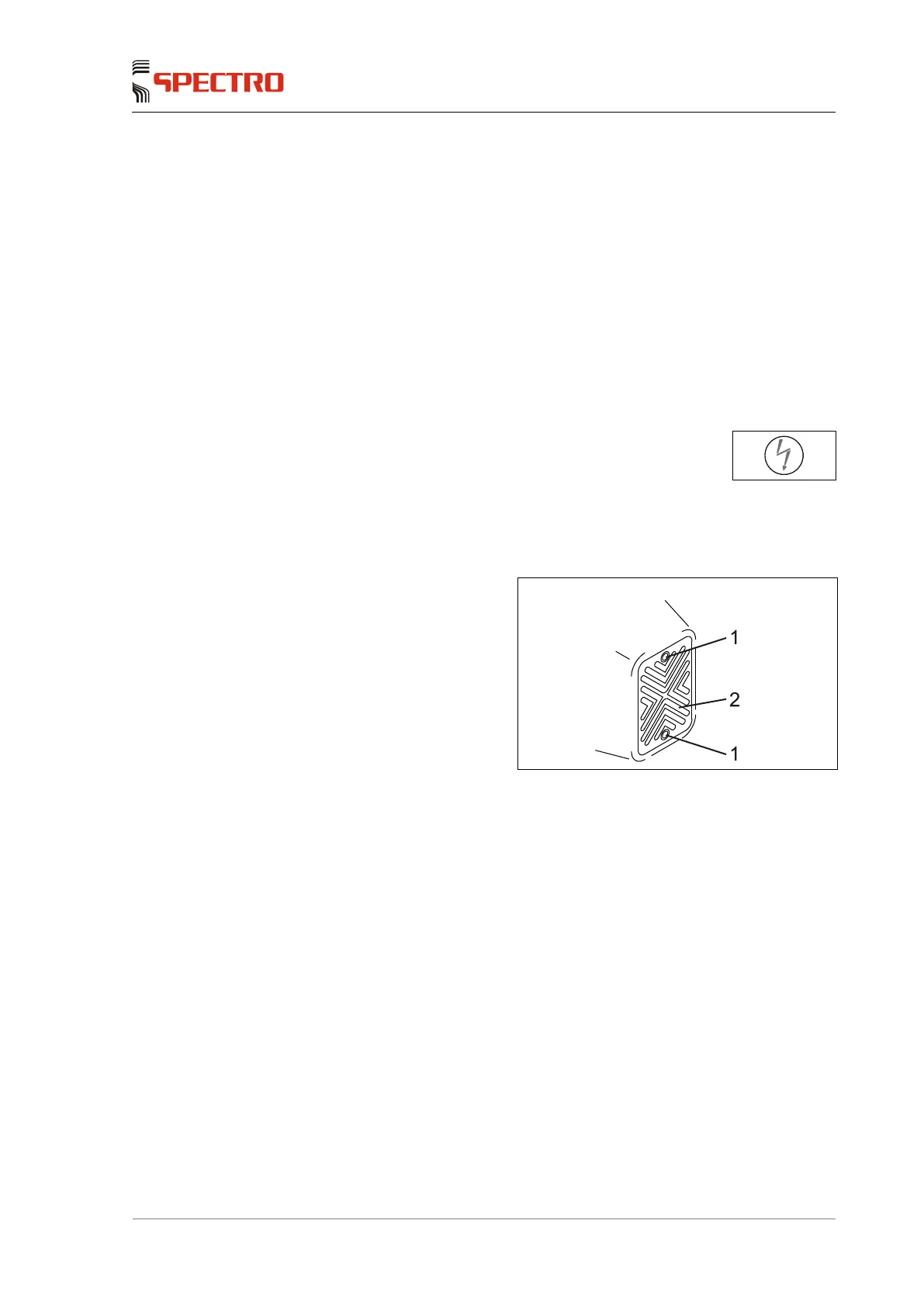
3. Loosen the screws (1).
4. Remove the cover (2).
5. Replace the filter.
6. Reinstall the cover (2).
7. Tighten the screws.
Fig. 14
The air filter has been changed.



 To Next Page