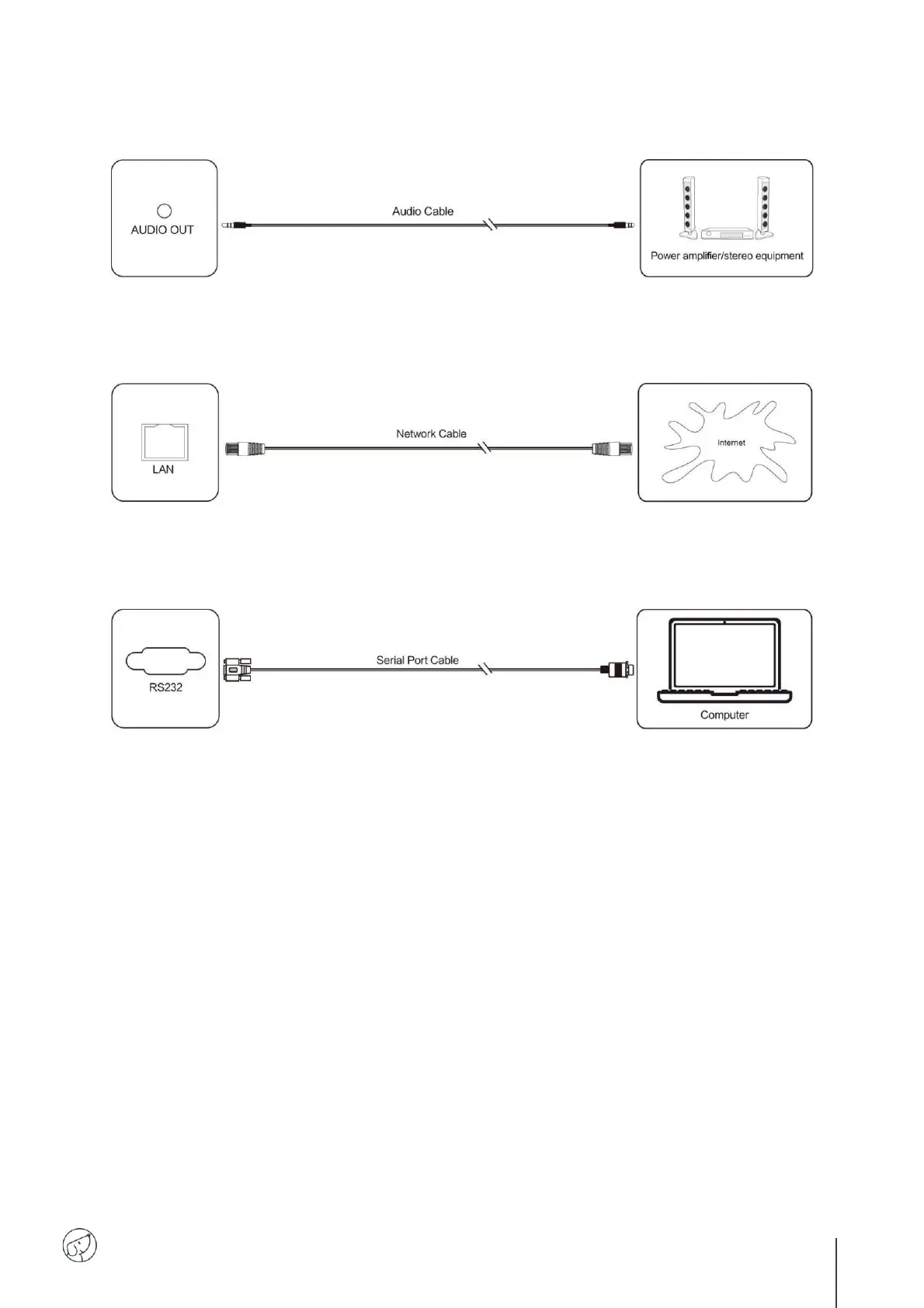
(5) AUDIO OUT Connection
(6) LAN Connection
Connect the Ethernet cable to the LAN ports on the display and on your Internet box (or other ISP).
(7) RS232 Connection
Connect the computer to the display's serial port (RS232) using the appropriate RS232 cable (not
supplied). After using serial port cable to connect central control equipment and machine, certain
function of the machine can be controlled via central control equipment, such as: machine ON/OFF, and
adjustment of sound volume, etc.



 To Next Page