User Manual l SpeechiTouch SuperGlass+ Interactive Display | HP-006(-C)
1. Check whether display is set correctly.
2. Check whether resolution is the best resolution
3. Adjust line and field synchronization in menu.
Background has
vertical lines or
streaks
1. Select automatic correction in menu.
2. Adjust clock and phase position in menu.
Image lack of
color, color is
incorrect
1. Check whether VGA is not well connected or has quality problem.
2. Adjust chromatic and brightness or contrast in menu.
Display format
that is not
supported
1. Select automatic correction in menu.
2. Adjust clock and phase position in menu.
9. Maintenance
Proper maintenance can avoid many early faults and regular careful cleaning can make machine brand
new. Please unplug power plug before cleaning and maintenance, to prevent electric shock.
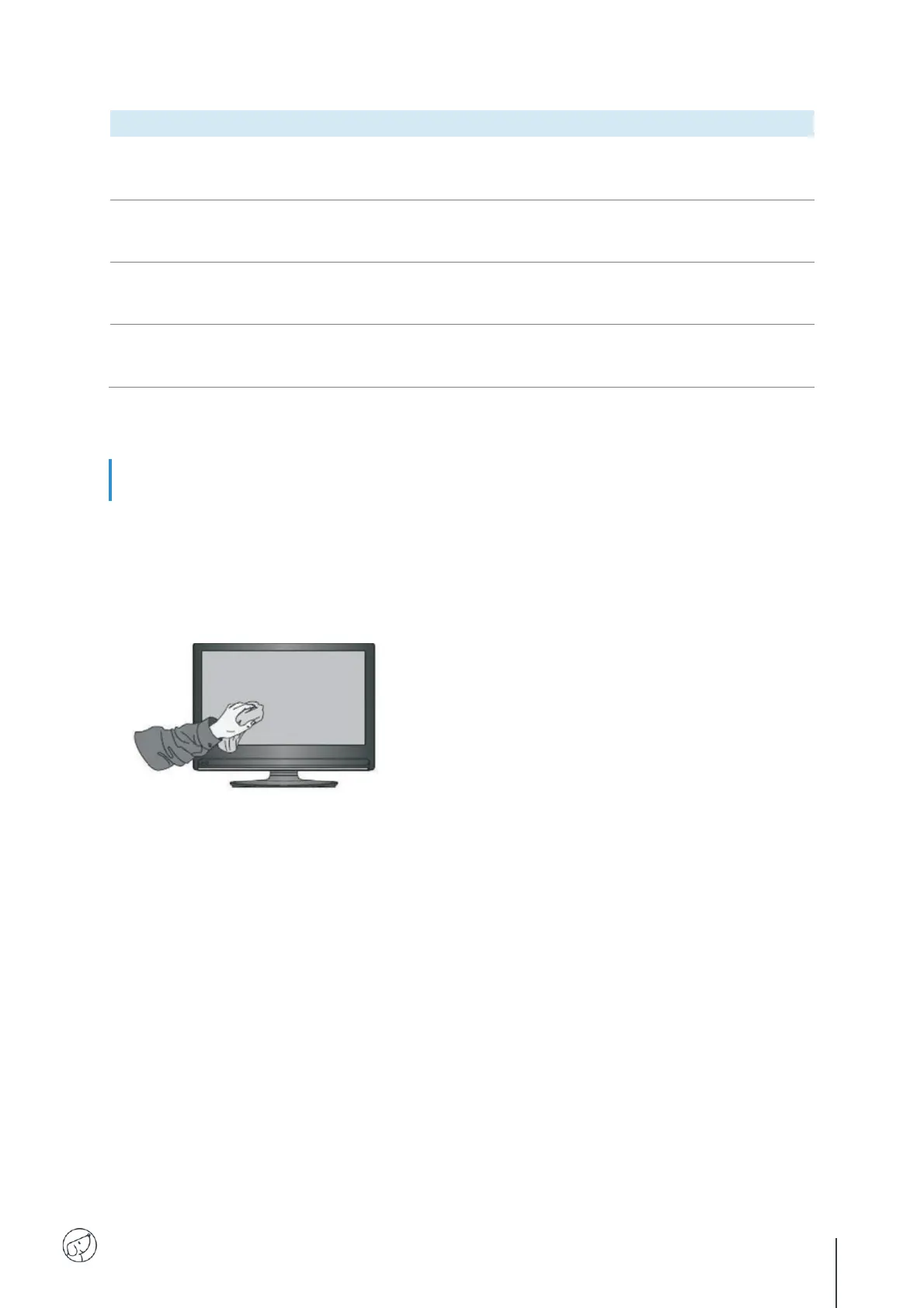
Clean screen
Clean face frame
Use dry, soft, lint-free cloth to wipe front frame.
No use of machine for a long time
In case of no use of machine for a long time, such as holiday, please make sure to unplug the plug to
prevent any possible dangers caused by power supply ripple from lightning.
Please mix and stir even a little fabric softener or
tableware detergent with alcohol.
Please use a soft cloth to be completely soaked
in the mixture.
Clean the screen meticulously, avoiding
excessive liquid spillage.
Please take out cloth and twist to half dry state to
wipe machine screen.
Repeat for several times, pay attention not to
squeeze water flow into machine when wiping
machine.



 To Next Page