EasyManua.ls Logo

Speechi SuperGlass+ - The Pen Tool in Detail; The Ruler Tool; The Preview Tool

Speechi SuperGlass+
37 pages
Print Icon
To Next Page IconTo Next Page
To Previous Page IconTo Previous Page
Loading...
© Speechi (08/29/2023)
User Manual l SpeechiTouch SuperGlass+ Interactive Display | HP-006(-C)
28
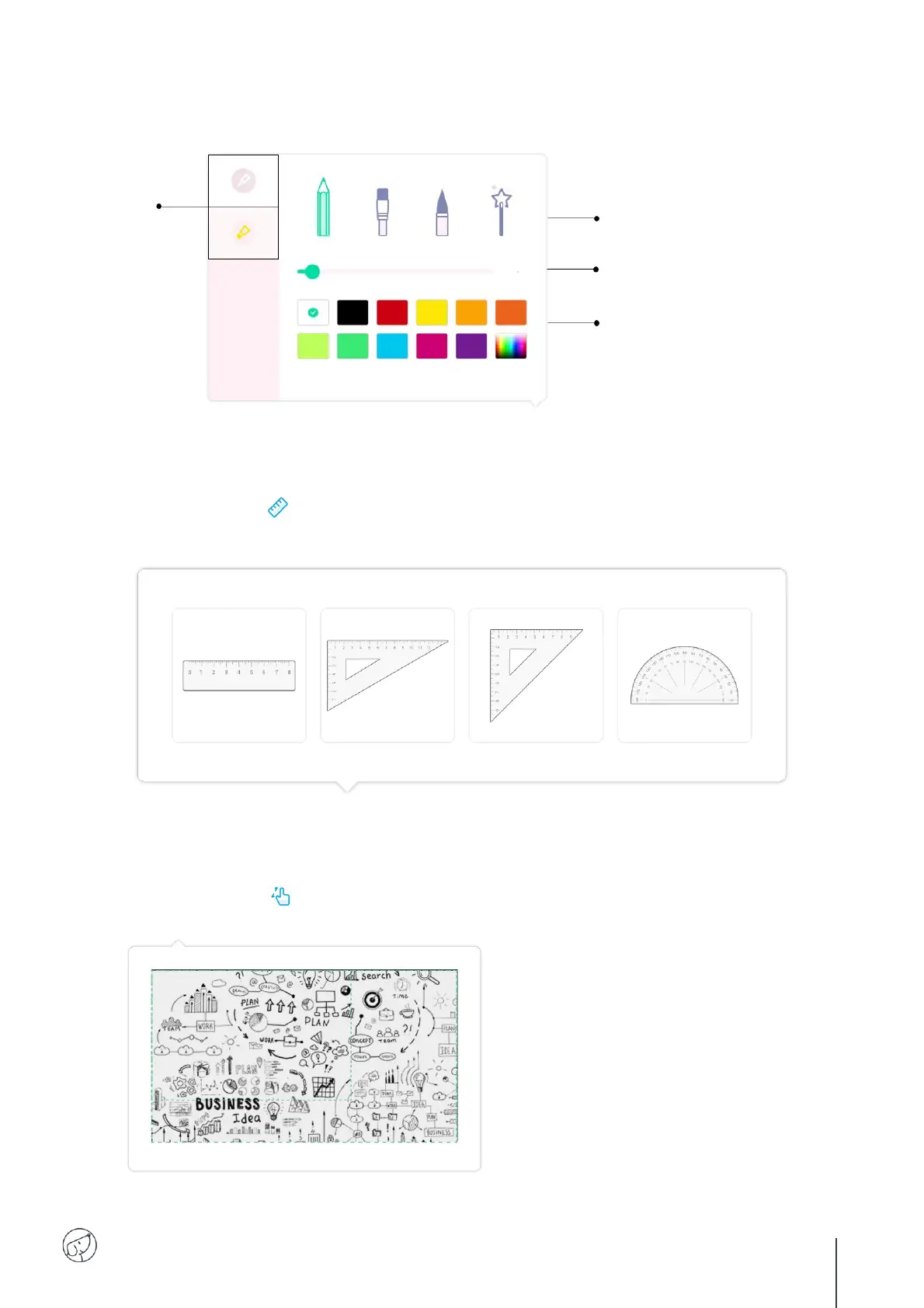
7.5. The pen tool in detail
7.6. The ruler tool
Long-press the button to display the tools. Select one of the tools, then slide your finger or stylus
along the ruler or square to draw a line.
7.7. The preview tool
Long-press the button to view your entire page. Slide your finger or stylus across the preview to
quickly navigate from one point to another on your page.

Select the
thin or thick stylus
lead to adjust the 3
parameters shown
opposite.
Select line thickness.
Drawing with pencil, brush or pen.
Choose your stroke color.

Related product manuals