6. Set screen – touch menu
6.1. Accessing the general screen settings menu
The touch screen general settings menu can be displayed in 2 different ways:
Press the "Menu" button on the remote control (button 12 on the remote control diagram).
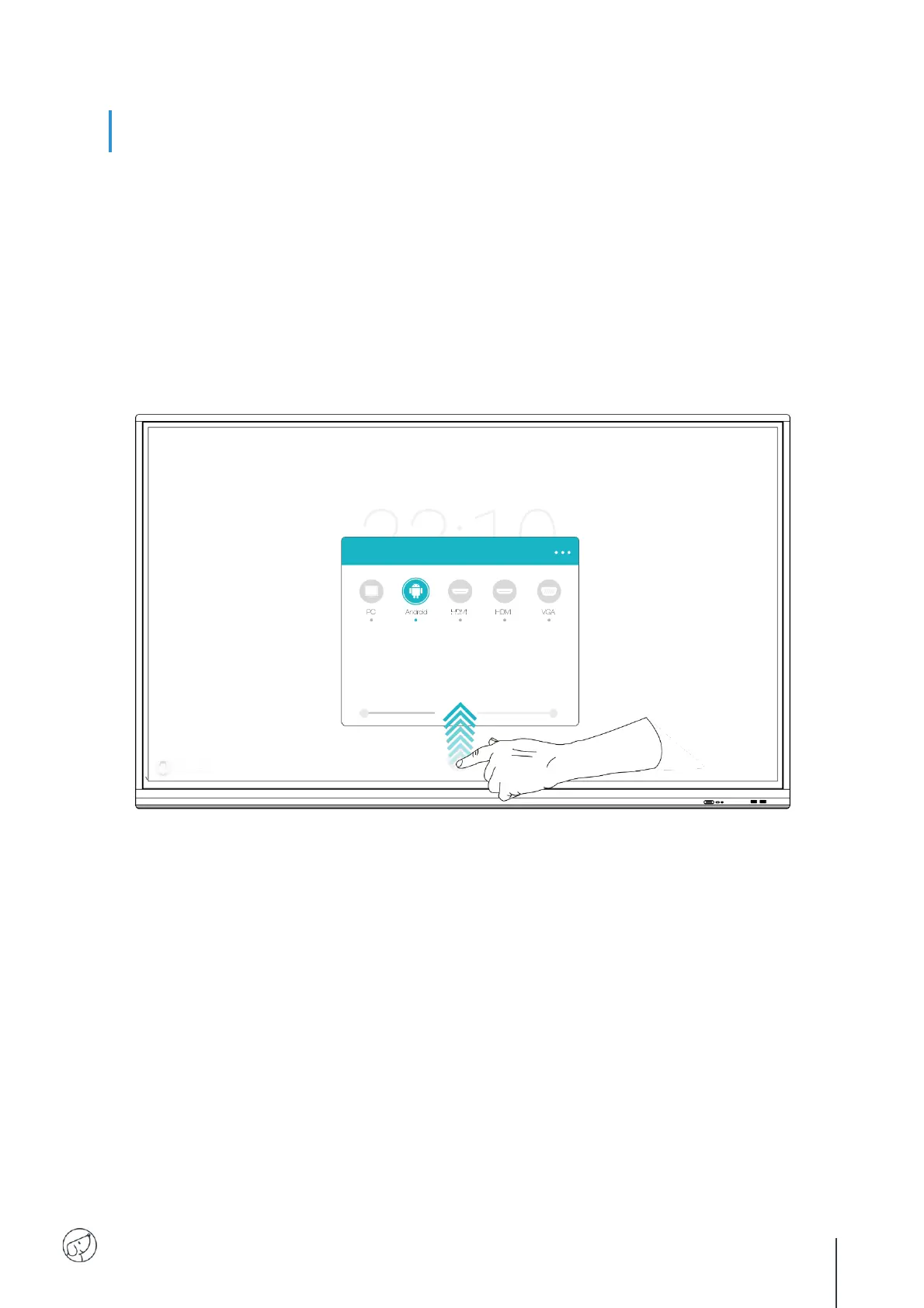
Make the gesture to bring up the screen settings menu (see diagram below).
For the last way, here’s how to do it:
1. Position your finger at the bottom center of the screen, on the black band.
2. Keeping your finger pressed down, slide your finger to the top of the screen.



 To Next Page