User Manual l SpeechiTouch SuperGlass+ Interactive Display | HP-006(-C)
7.12. Visualizer
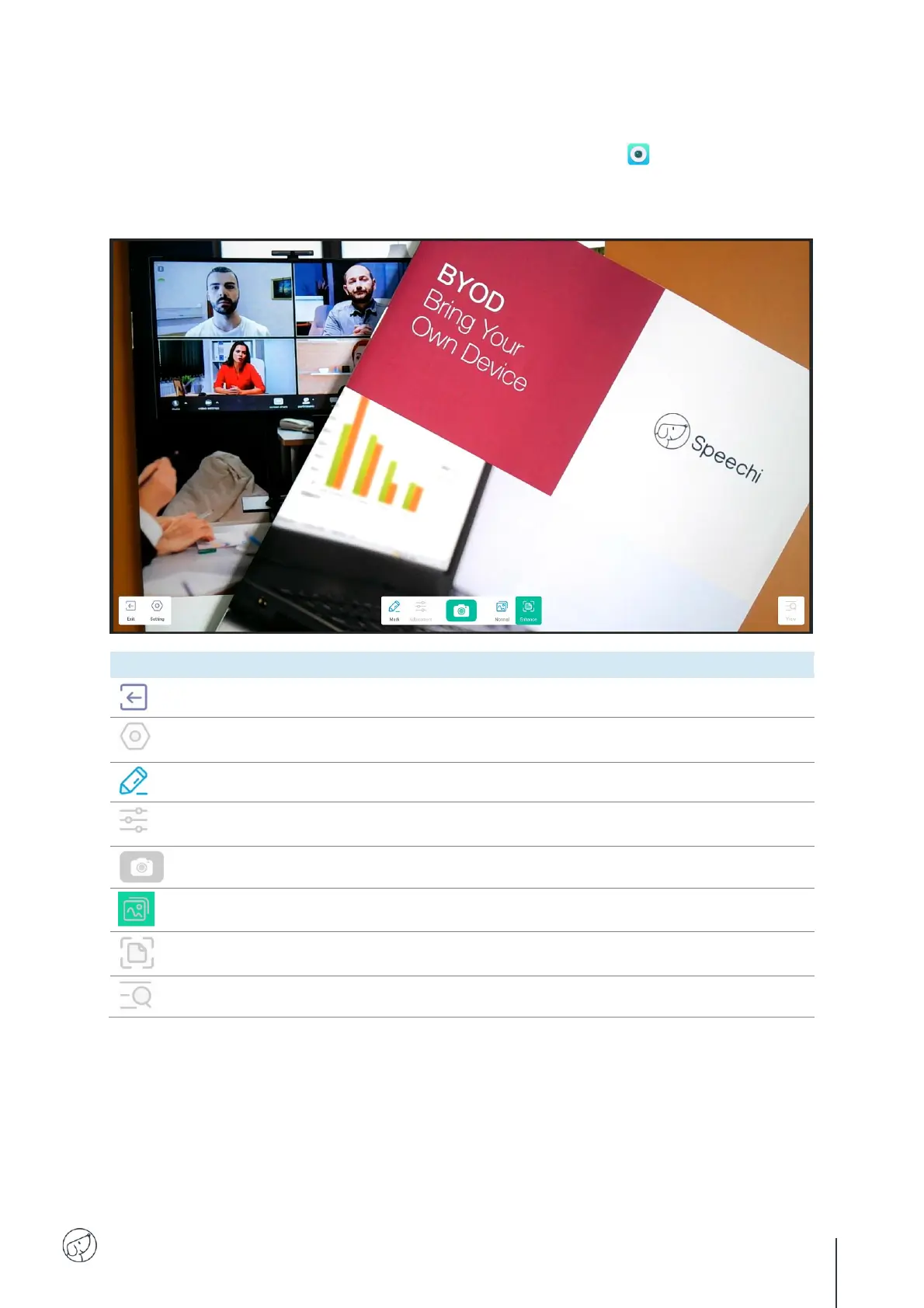
Among the applications installed on the screen is the Visualizer application , which gives you
access to the management interface for the camera or document viewer (not included). Before you
can use it, you need to connect an external webcam or videoconferencing camera, or a document
viewer with a standard interface (UVC) to the screen.
Define the various application settings (camera and
resolution).
Bring up the annotation bar in the screen sidebar.
Set image display size, scaling, rotation and advanced
parameters such as brightness, sharpness, etc.
Modify the displayed image.
Display image at full size and block modifications.
Display the various images recorded with the application.



 To Next Page