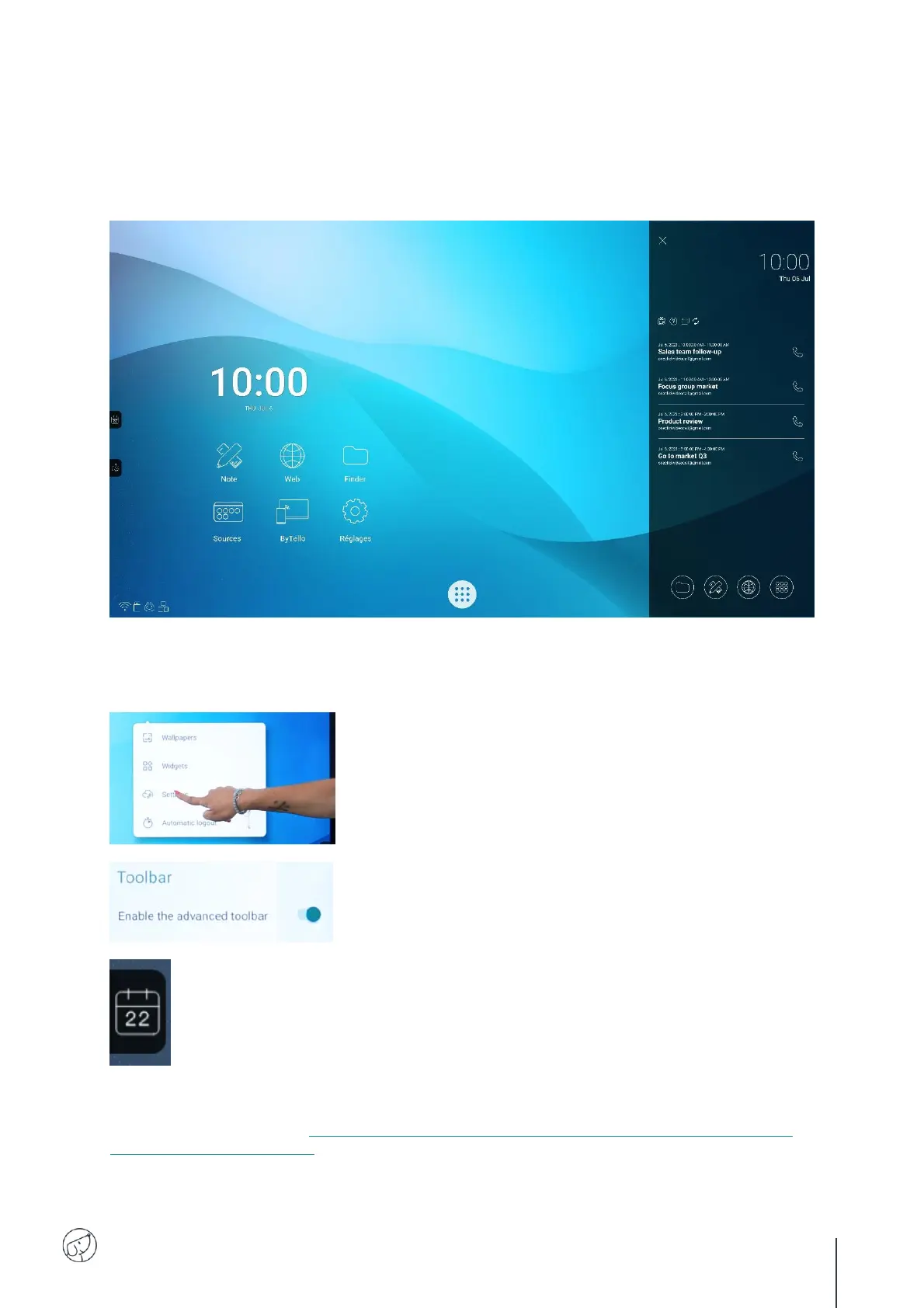
7.14. Videoconferencing interface
The visio interface lets you transform your interactive screen into a ready-to-use videoconferencing
tool: create your meeting schedule on the interactive screen and launch your videoconferences with a
single click.
Installing the visio interface on your SpeechiTouch interactive display
To find out more about installing the visio interface on your screen, its uses and features, please visit
the YouTube video tutorial « TUTORIAL : One-click video call on Android by Speechi – how to set it
up, main uses, smart features ».
3. Back on the screen’s home page, a new calendar button has appeared on the side
of the screen.
4. Click on the button to bring up the meeting calendar screen.



 To Next Page