2.2. Installing the display
To install the screen, you first need a support: fixed or mobile, tiltable, motorized or not... Find out
about the different models on offer.
Remember to check that the mount is compatible with your screen.
We strongly advise you to call on a qualified professional installer for this type of maneuver.
Incorrect installation can cause the screen to fall or malfunction.
Leave a gap of at least 15mm at the back of the screen for proper ventilation.
2.3. Connect power supply
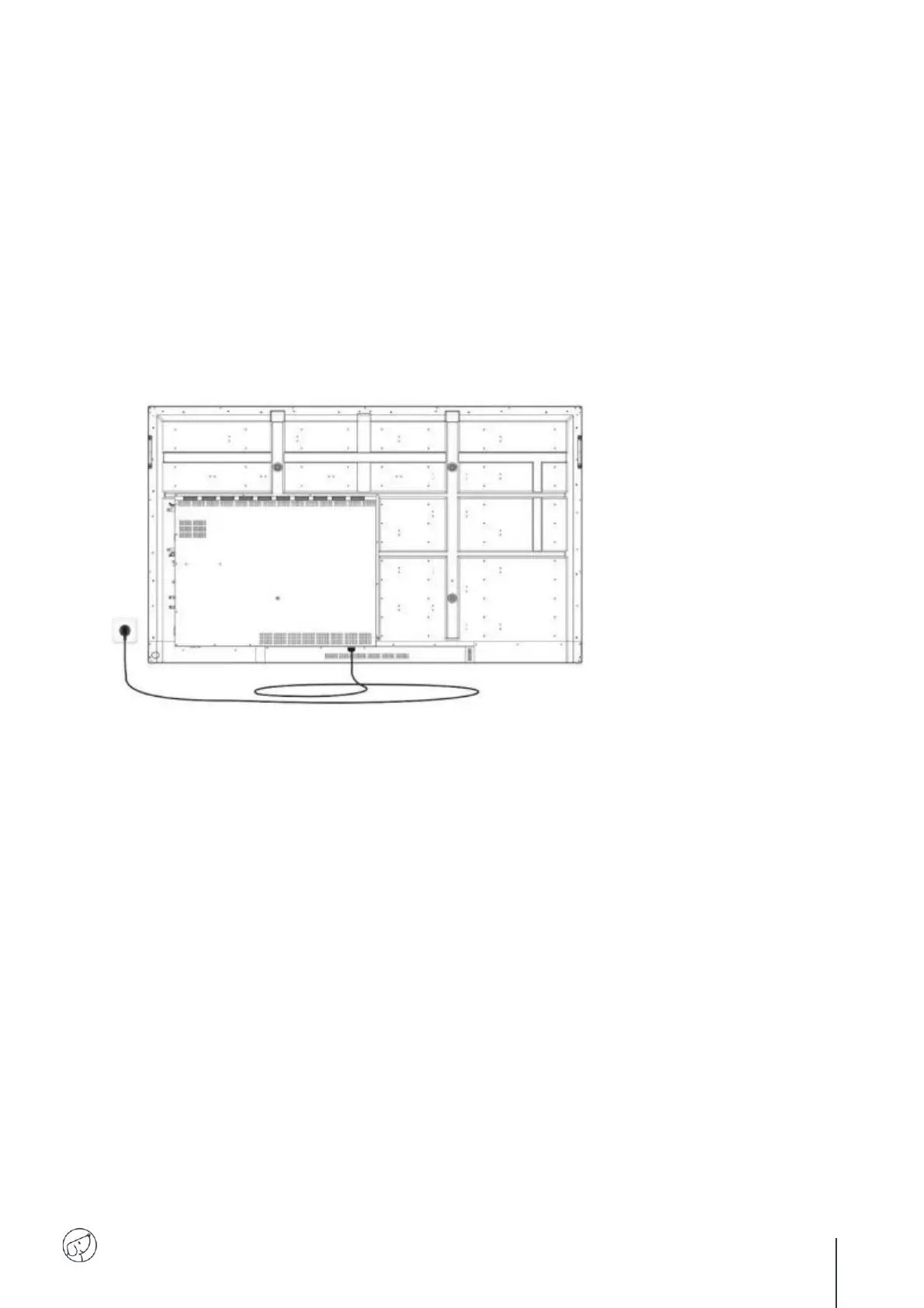
Plug one end into the display's power port and the other (with the power plug) into a compatible mains
socket.



 To Next Page