5. Using the display – main operations
5.1. Switching the display on and off
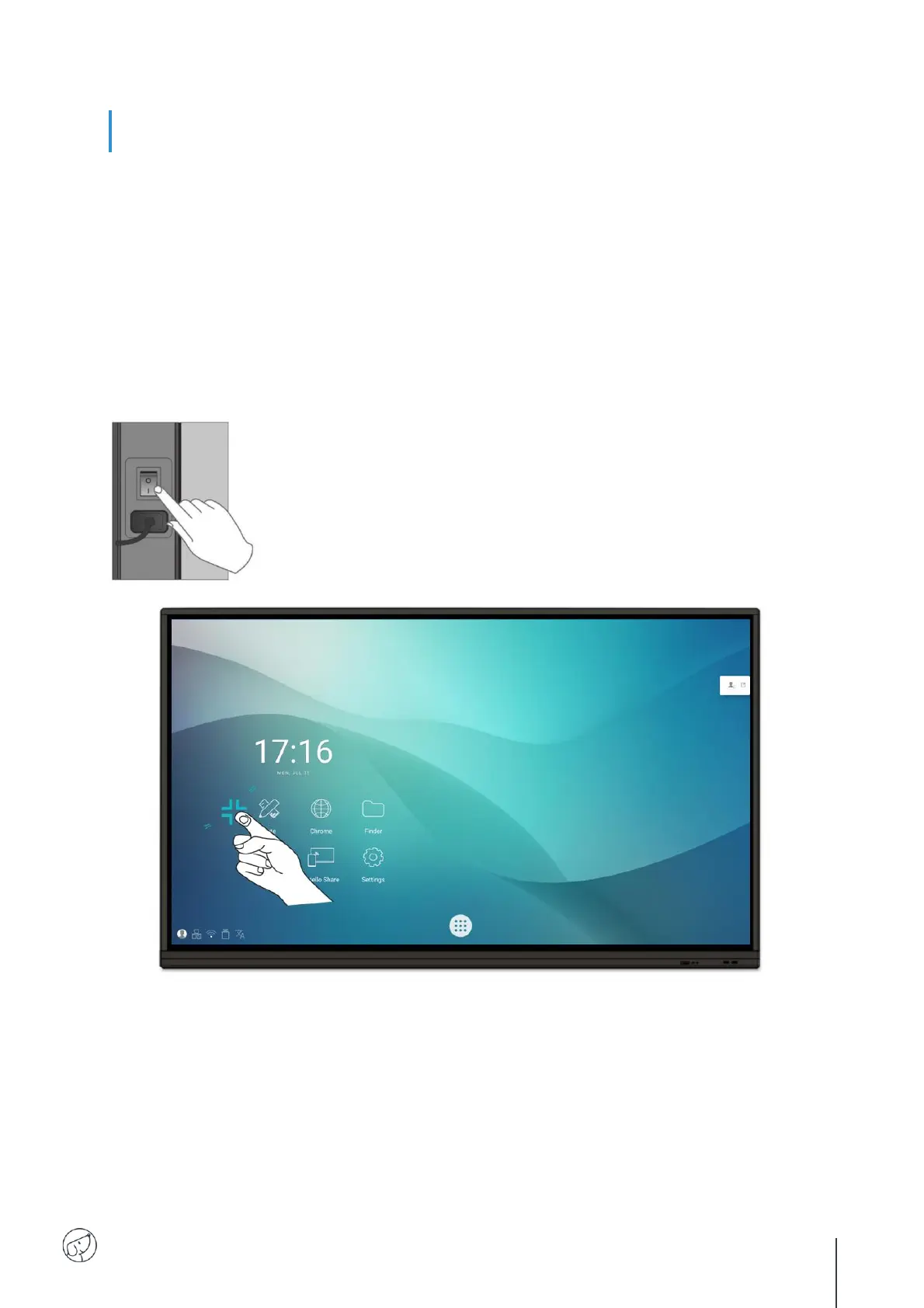
1. First of all, check that the display is properly powered (see diagram in Installing the display).
2. Set the power switch to ON (I). The display switches to standby mode.
3. There are several ways to turn it on:
a. Press the power button on the display control panel (see diagram).
b. Press the ON/OFF button on the remote control.
c. Tap twice on the touch screen with your finger.
4. To switch it off, repeat points a and b above. The screen returns to stand-by mode.
5. To switch it off completely, set the power switch to OFF (O).
Wake-up



 To Next Page