User Manual l SpeechiTouch SuperGlass+ Interactive Display | HP-006(-C)
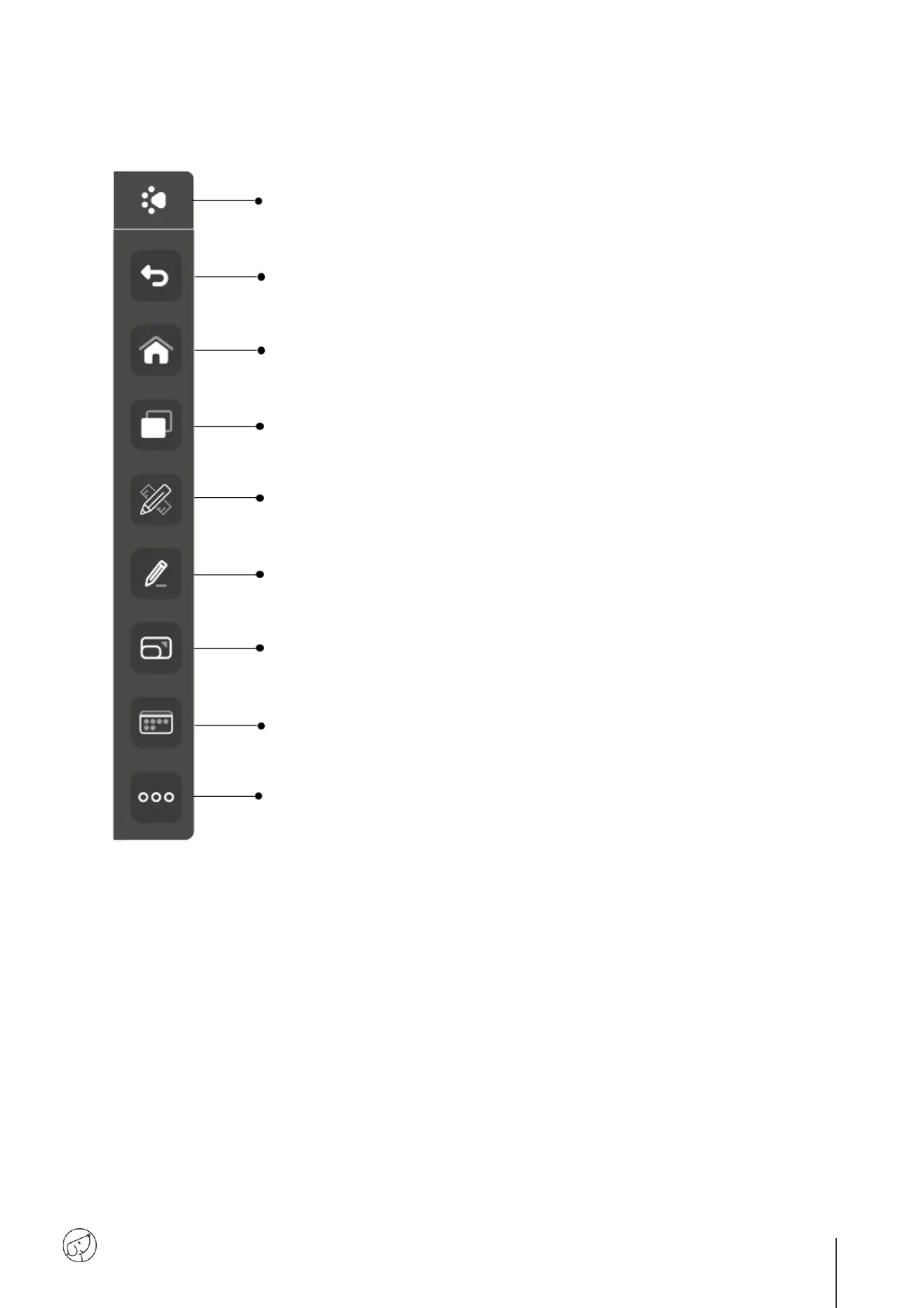
Back: Go back to the previous window or application.
Home: Access the Android home screen.
View: View current applications.
Note: Access the Note whiteboard application.
Annotation : Annotate screen (see description of Annotation bar)
Zoom: Zoom in, zoom out and return to default view.
Sources: Access available sources (Android, OPS, HDMI, VGA, etc.).
Tools: Access other tools (see description of Tools bar)
Click this button on the left and right of the screen to display the toolbar.



 To Next Page